This month, we are introducing a significant improvement to the Collaborative Tracking functionality, enabling a more detailed way of tracking interactions within the PIM.
What has changed
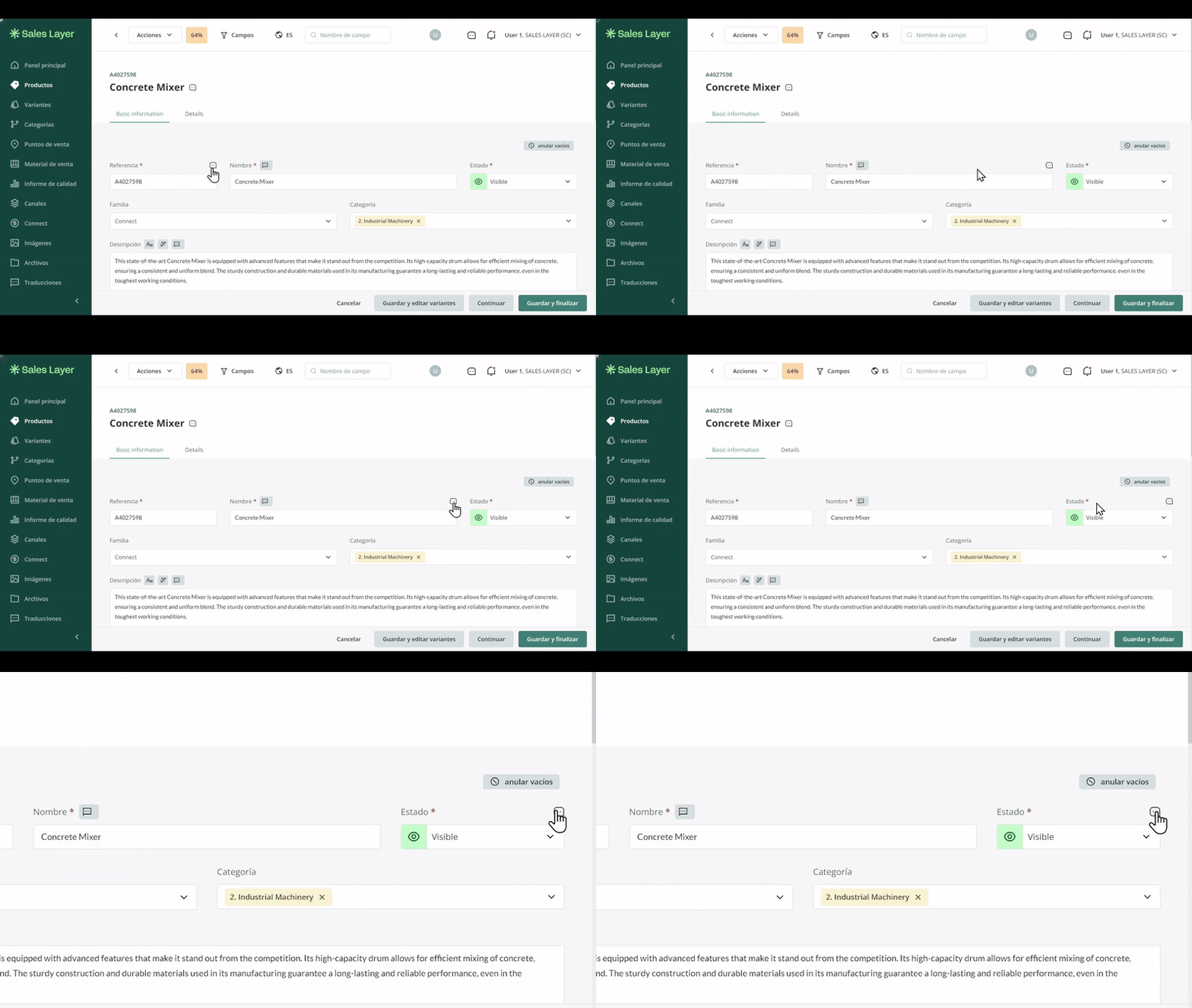
Users can now access a record of actions, making it easier to review comments and references with a single click. Whenever someone leaves a comment on an item, you can see who made it and navigate directly to the referenced element of the item.
You will also have a history of all related interactions, helping you stay up to date with conversations about a product or any of its fields.
How to access the activity log
You can access this activity log quickly from the Comments icon in the top-right corner of the screen. From there, you can check both your mentions and the interactions between other users.
If there are new comments, a red dot will appear on the icon to indicate that there have been recent interactions that need to be checked. Once you click the icon and the sidebar opens, the comments will automatically be marked as seen.
Comments in items and fields
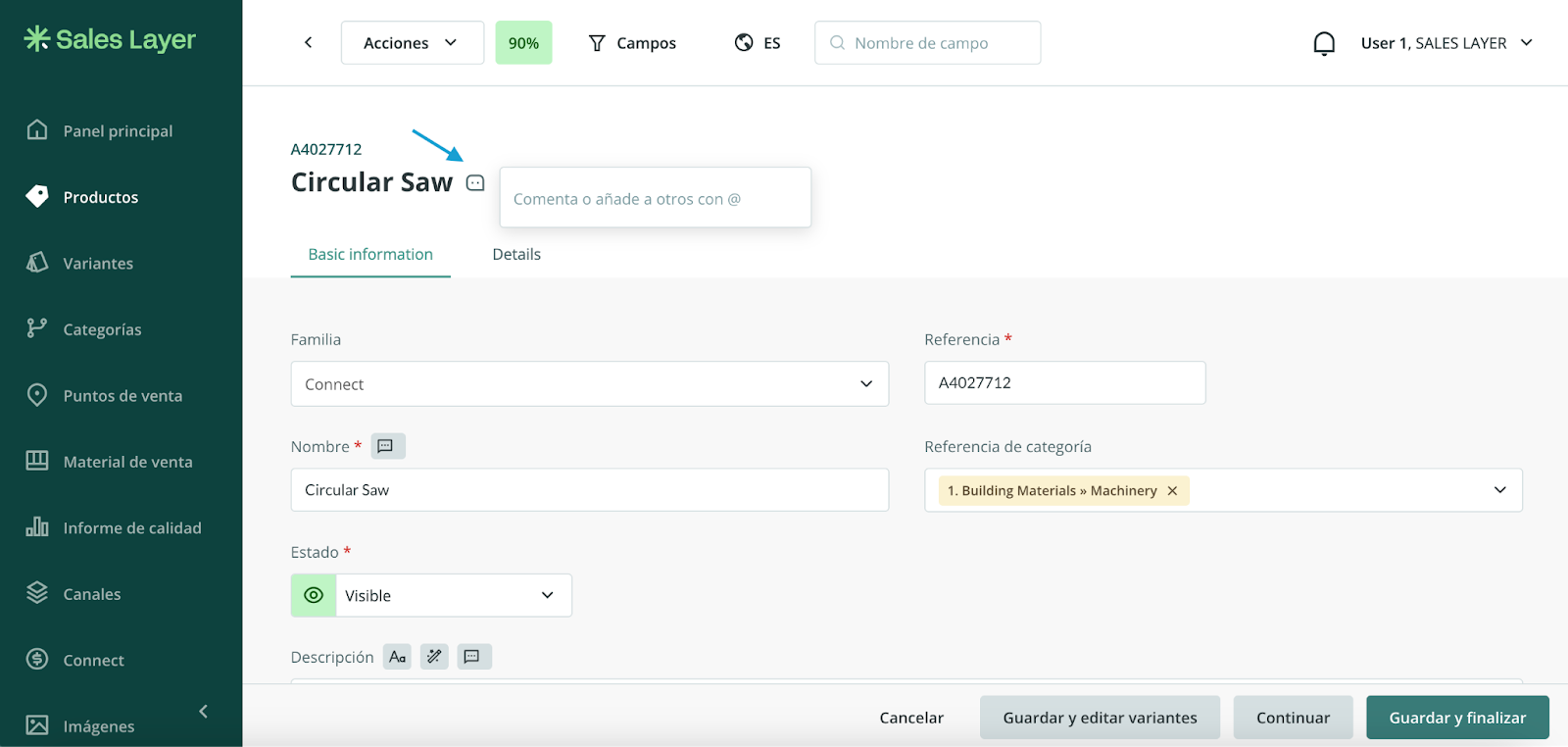
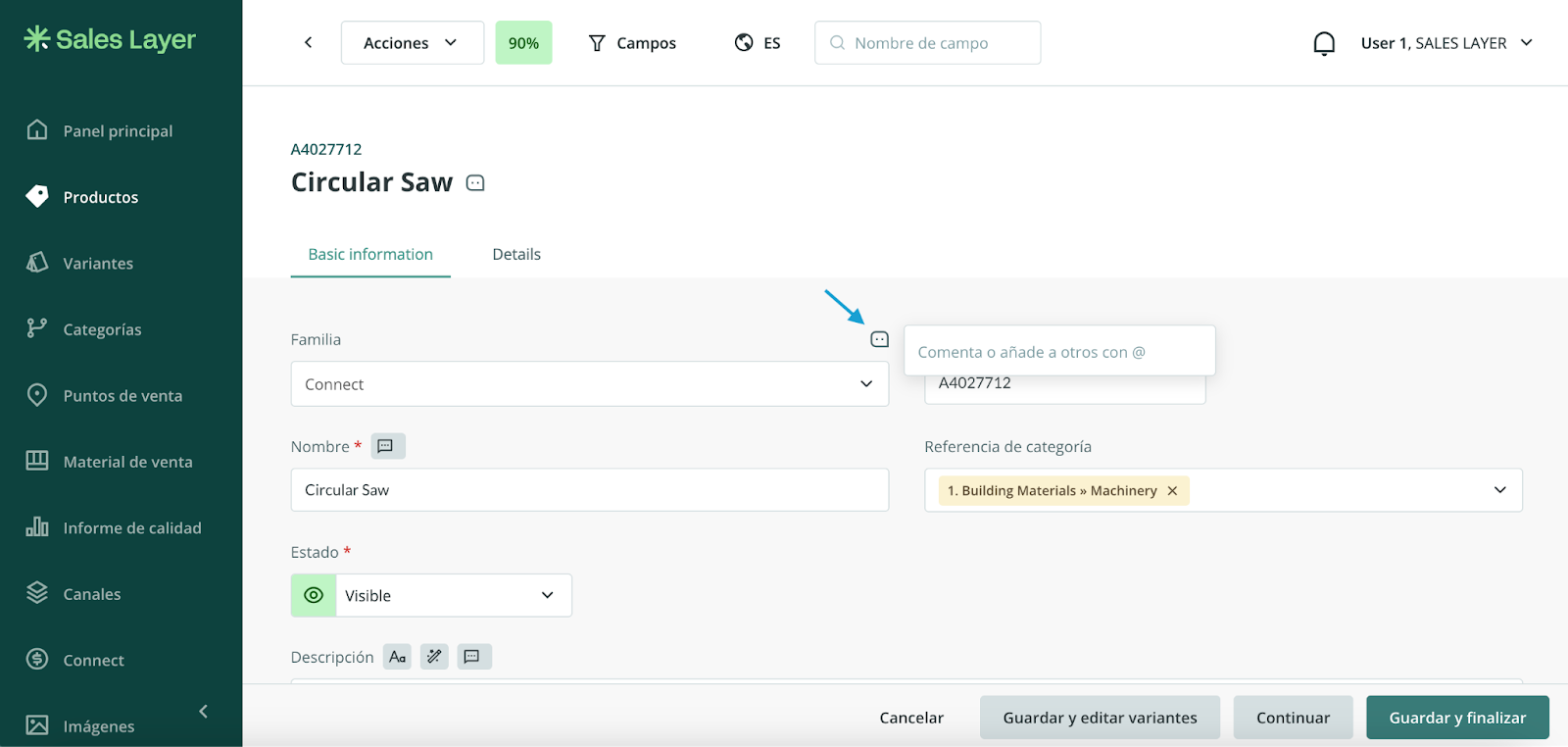
Remember that this functionality allows users to leave comments both at the general item level and on specific fields within its form. This improves internal communication within the PIM and makes it easier to exchange information between users in an efficient and organized way.
Availability
This feature is included by default in Enterprise and Enterprise+ accounts, but it can also be purchased separately. To explore all its capabilities, you can check the full article on this functionality by clicking here .
Note: If you are interested in this feature or need more information, contact us through the usual support channels.
Was this article helpful?
That’s Great!
Thank you for your feedback
Sorry! We couldn't be helpful
Thank you for your feedback
Feedback sent
We appreciate your effort and will try to fix the article