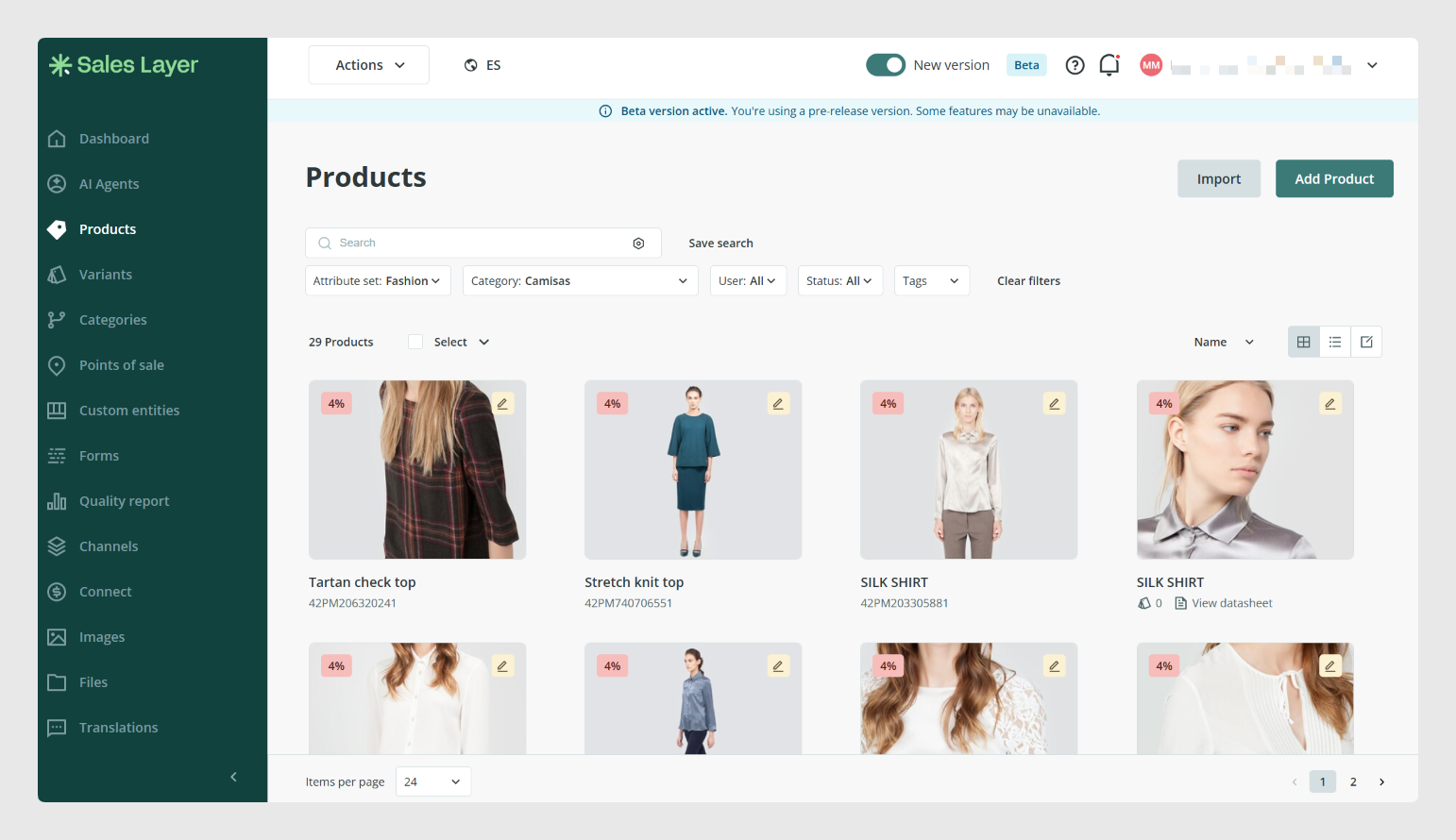
We have redesigned the Catalog experience in Sales Layer to make managing product information faster, smoother, and more intuitive. You can switch between the current and redesigned Catalog at any time using the New version toggle in the upper-right corner of the interface.
The new experience is built on a modern technological foundation, with a cleaner interface designed to simplify everyday catalog management. This is the first stage of the new Catalog experience, with the essential tools already available and additional functionality being added progressively.
What's available
The following table gives you a quick overview of the functionality currently available in the redesigned Catalog and the features that are still being incorporated.
| Area | ✓ Included | ✗ Coming soon |
|---|---|---|
| Main areas | Dashboard, Products, Variants, Categories, Points of Sale, Custom Entities, Forms, Translations, Recent Activity, DAM Libraries, and Company List. | Channels and creation of new Custom Entity types. |
| Catalog views | Tile, list, edit, and item detail views for Products, Variants, Categories, Points of Sale, and Custom Entities. | |
| Item management | Create, edit, remove, and duplicate items; view editors and recover previous values; improve text with AI and use the translation service. | Recover previous values for multilingual fields. |
| Selection and navigation | Individual item and page selection, pagination, and item ordering. | Select all items for bulk operations. |
| Search and filters | Filters by Attribute Set, category, user, status, and tags; advanced search using attributes and operators; default and saved searches. | |
| Bulk editing | Update statuses, tags, categories, and Attribute Sets; edit field values, search and replace content, and apply formulas. | Extending bulk value editing, search and replace, and formulas to attribute lists, tags, images, and related items. |
| Quality management | View Quality Score information in read-only mode. | Quality Report, Quality Score calculation during editing, and validations. |
| Import and export | Manual import and standard and CSV exports for Products, Variants, Categories, Points of Sale, and Custom Entities; PDF export for Products and image and file downloads. | |
| Forms and structure | Create, edit, and delete Attribute Sets; design and edit forms. | Create, edit, and delete attributes. |
| DAM Libraries | View images and files in list and detail views, upload individual files, download images, and use distribution lists. | Library editing, tag filtering, file removal, information downloads, and external synchronization. |
| Additional functionality | Recent Activity with Time Layer, user management, personal information, Company List, and translations. | Edition Teams, notifications, and Collaborative Tracking. |
Important: Some available features have limitations in this first version. Bulk value editing, search and replace, and formulas do not yet support attribute lists, tags, images, or related items. Additionally, DAM Libraries support individual file uploads, but ZIP uploads are not yet available.
What's coming next?
The redesigned Catalog maintains the main product information management tools while providing a faster and more modern foundation for future improvements.
The new experience already allows you to work with the main Catalog entities, manage information individually or in bulk, review recent activity, and access image and file libraries.
The remaining functionality shown in the table will be incorporated progressively as the redesigned Catalog continues to evolve. Until then, you can continue accessing these features from the current Catalog by disabling the New version toggle.
Was this article helpful?
That’s Great!
Thank you for your feedback
Sorry! We couldn't be helpful
Thank you for your feedback
Feedback sent
We appreciate your effort and will try to fix the article