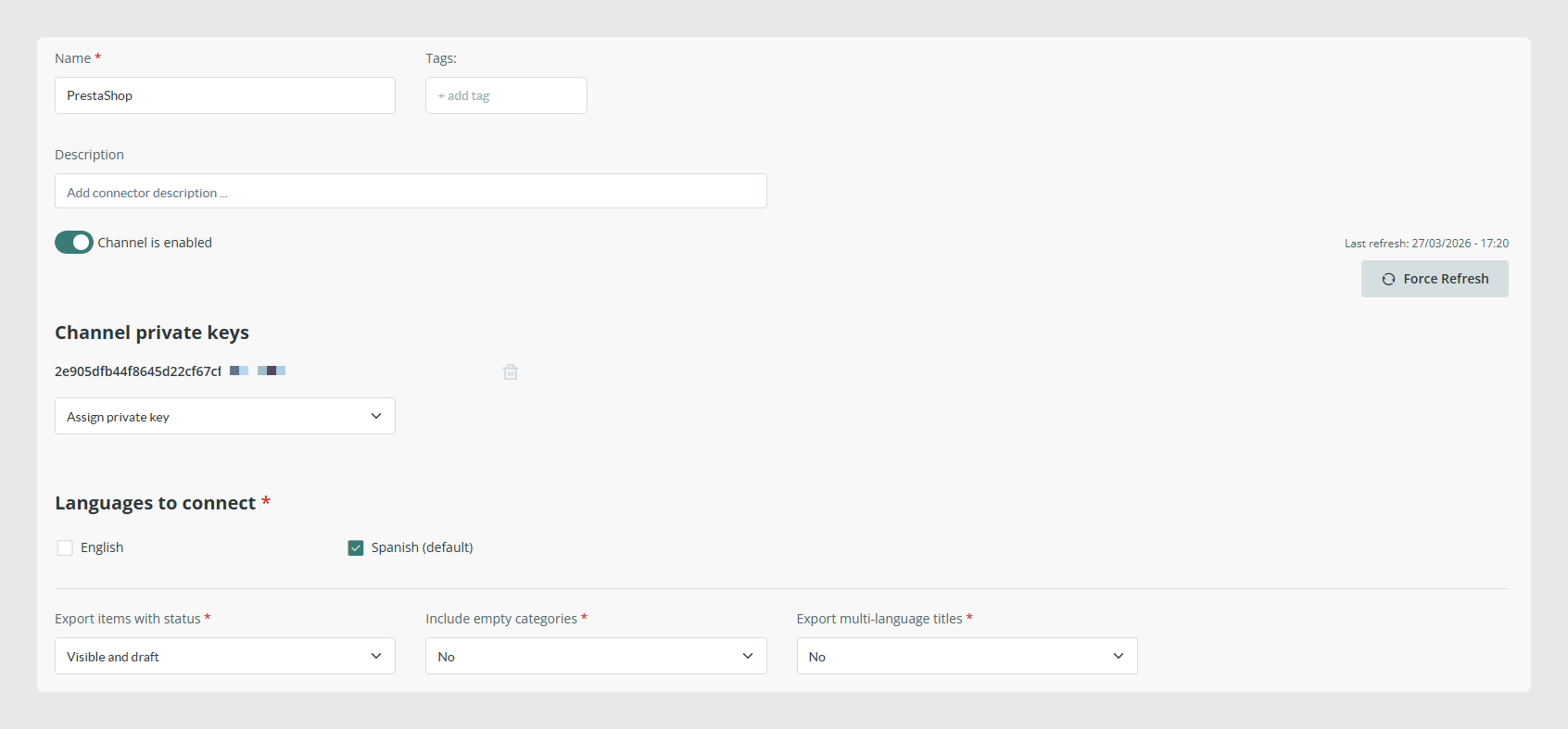
Force Refresh: This operation makes the connector export all items in the next synchronization. Forcing the connector does not ensure immediate synchronization. It depends on the existing process queue and sends the complete catalog, images, formulas, and related data. This increases the synchronization duration in relation to the scheduled sync duration.
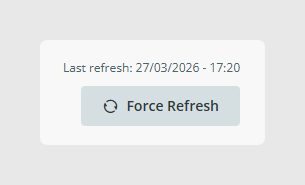
Channel private keys: The key, together with the connector identifier, is used to link the connector to the store in PrestaShop. See the configuration in the PrestaShop section.
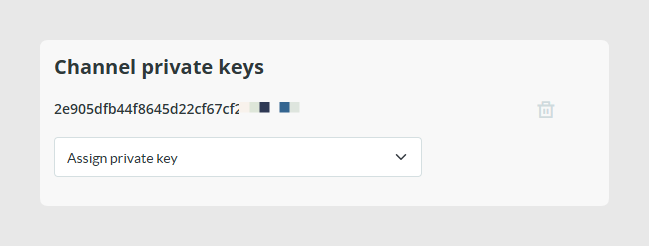
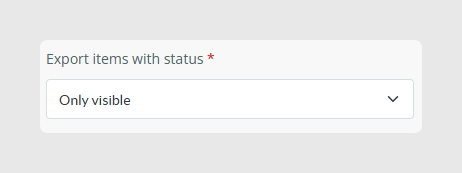
Export items with status: This option allows clients to define which item status filter is applied during synchronizations.
Options:
- Only visible: Creates or modifies only items in this status. If a group of items changes from visible to another status, the connector changes those items to “disabled”.
- All: Creates or modifies all items. No item is disabled in PrestaShop based on its Sales Layer status. To disable them, use the boolean enabled field for products or the active field for categories.
- Visible and invisible: Creates or modifies only items in these statuses. If items change from visible or invisible to draft, the connector changes their status to “disabled”.
- Visible and draft: Creates or modifies only items in these statuses. If items change from visible or draft to invisible, the connector changes their status to “disabled”.
Best practices
- If more than one connector synchronizes an item in a store, changes that disable the item are applied once all connectors have synchronized.
- For variants, variants or combinations are not deactivated. They are removed from the PrestaShop store because variants do not have the status field in PrestaShop.
Was this article helpful?
That’s Great!
Thank you for your feedback
Sorry! We couldn't be helpful
Thank you for your feedback
Feedback sent
We appreciate your effort and will try to fix the article