It is possible to export multi-language fields. To do this, you need to:
- Have multi-field languages active in Sales Layer.
- Configure that option in the Sales Layer channel.
In the PrestaShop channel, the option Export multi-language titles should be available:
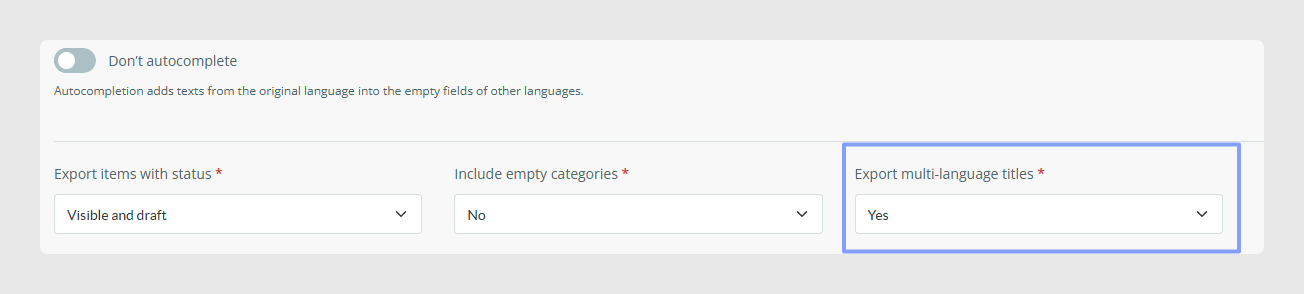
If this functionality does not appear, contact Sales Layer support to ask for its activation.
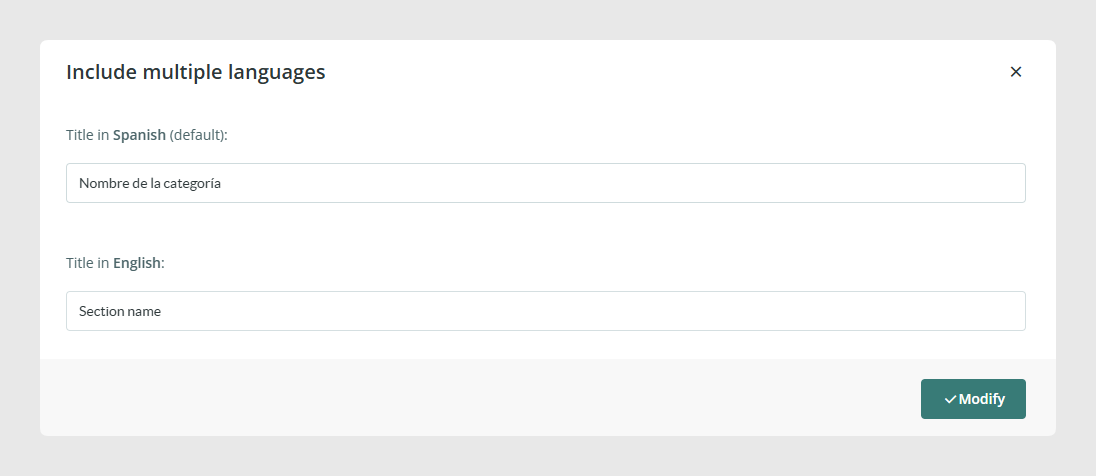
Once Export multilanguage titles is active, go to the Output data tab and check that every field has a title in many languages. From there, you can edit the different titles:

After clicking the button, you can edit the titles for each language:
During synchronization, these fields are assigned to the attribute or characteristic they belong to. After synchronization, you can check the values created in PrestaShop:

Was this article helpful?
That’s Great!
Thank you for your feedback
Sorry! We couldn't be helpful
Thank you for your feedback
Feedback sent
We appreciate your effort and will try to fix the article