The Add Table option allows exporting additional Custom Entities.
This is useful when your account contains extra tables that are not part of the standard Categories, Products, Variants, or Points of Sale structure.
For example, you may use a Custom Entity to store reusable product-related information.
How it works
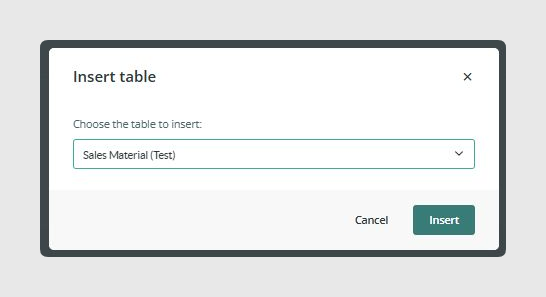
- Click Add table
- Select the PIM Custom Entity you want to export
- Configure its fields in the same way as Products or Variants
- A new independent CSV export link is created in the Download section
Each added table can be configured with its own fields and output behavior.
Was this article helpful?
That’s Great!
Thank you for your feedback
Sorry! We couldn't be helpful
Thank you for your feedback
Feedback sent
We appreciate your effort and will try to fix the article