Some parameters and configurations are common to all tables in the Output Data section.
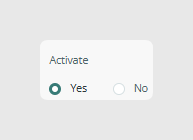
Activation
Enable or disable table rows in the CSV export. Use this when you want to include or exclude a complete table from the final output.
Tags
Items can be filtered by tags to restrict the export to specific content.
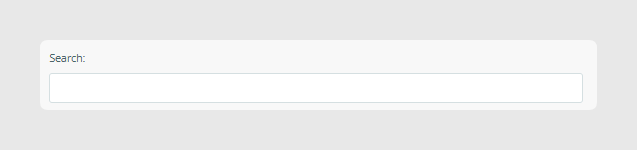
Search and filtering options
A search bar is available to quickly filter content. It works in the same way as the advanced search used in Sales Layer.
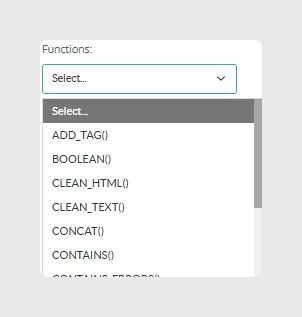
Using formulas
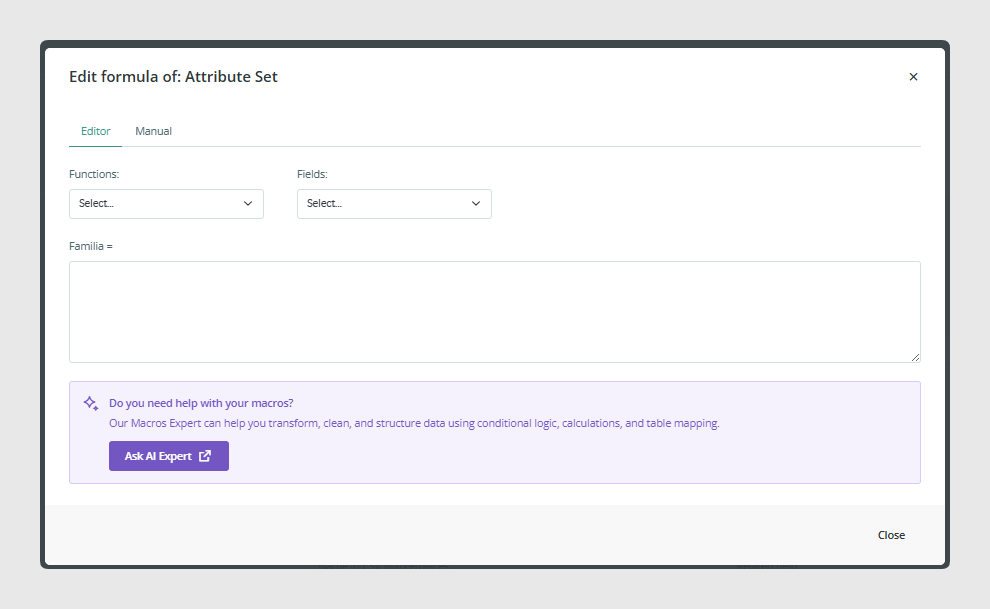
You can use formulas to build custom values, transform content, concatenate fields, apply conditions, or prepare data for external systems.
You also have access to the AI Macros Expert Assistance from the formula editor.
The Macros Expert can help transform, clean, and structure data using conditional logic, calculations, and table mapping.
Adding new fields
You can click Add new field to create additional output columns.
Options include:
- Normal fields
- Image fields
- File fields
- Formula fields
Was this article helpful?
That’s Great!
Thank you for your feedback
Sorry! We couldn't be helpful
Thank you for your feedback
Feedback sent
We appreciate your effort and will try to fix the article