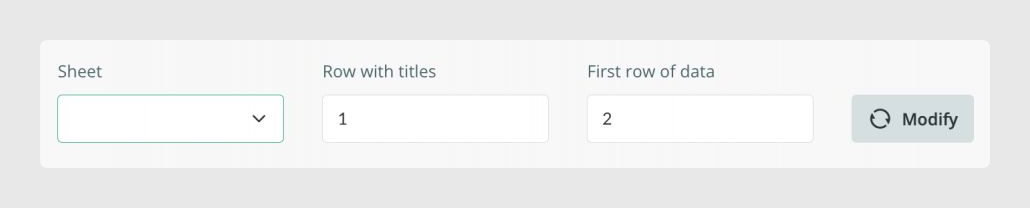
Before clicking Modify, define where the titles and data start inside the selected Excel sheet.
Row with titles
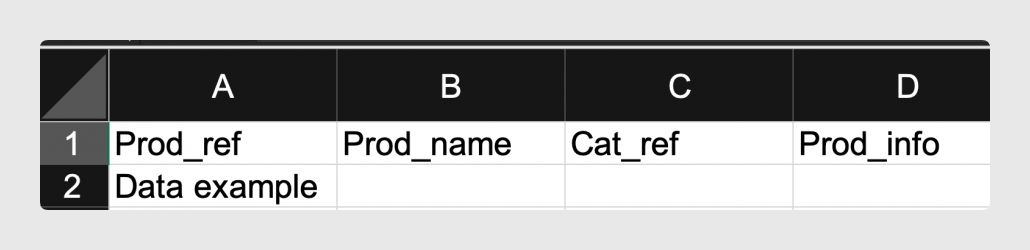
Row with titles indicates the row where the field titles are located in your Excel template.

First row of data
First row of data indicates the first row where exported data should be inserted.
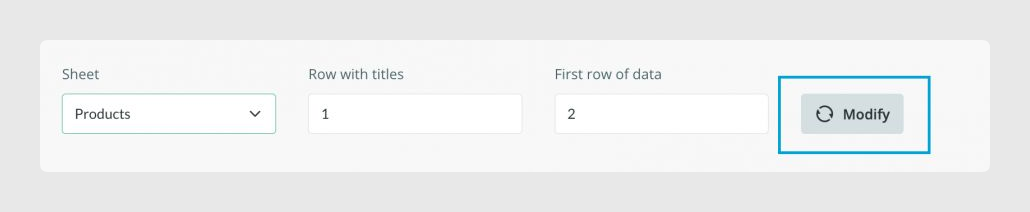
Select the sheet and modify
For example, to map fields in the Products tab, go to Output data > Products, select the equivalent sheet, confirm the row values, and click Modify.
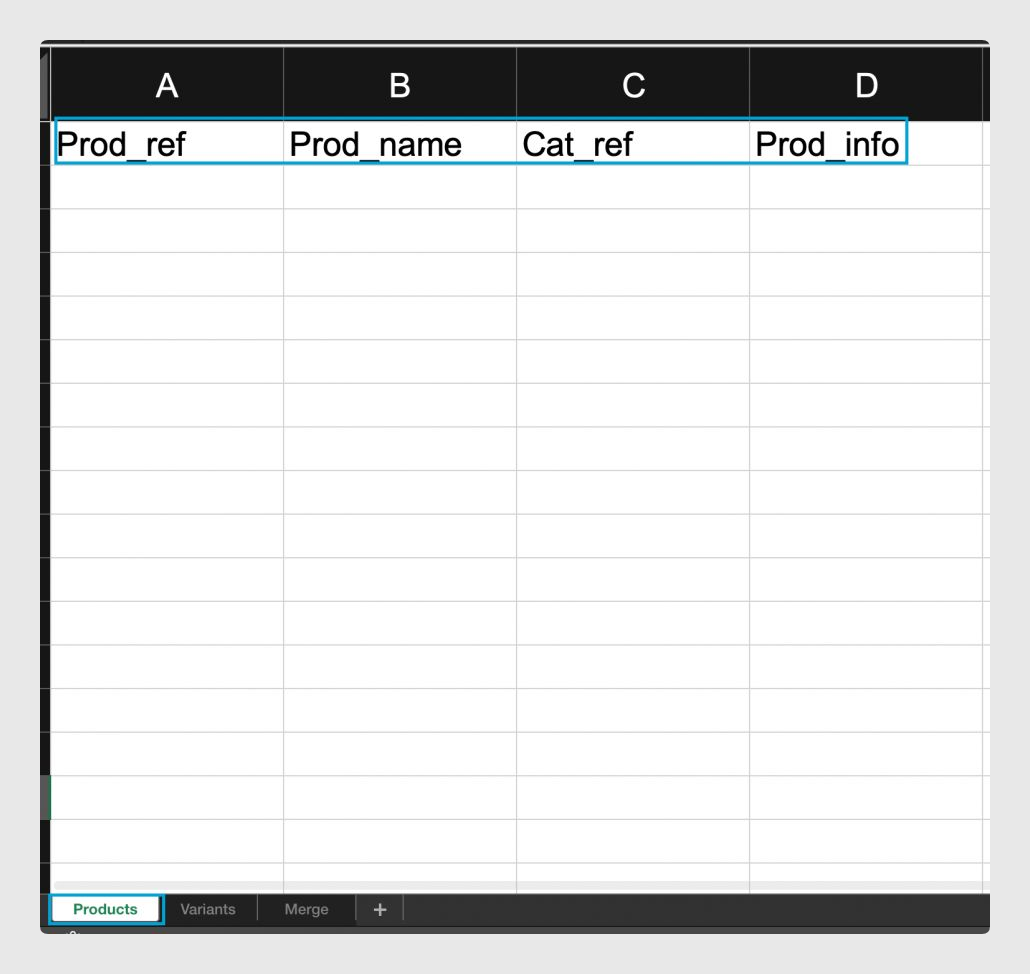
Template structure example
The mapping shown in Sales Layer should match the structure of the Excel template. Each mapped field is connected to the matching title in the sheet.
Was this article helpful?
That’s Great!
Thank you for your feedback
Sorry! We couldn't be helpful
Thank you for your feedback
Feedback sent
We appreciate your effort and will try to fix the article