This article series explains how to configure and use the Excel Templates export connector in Sales Layer.
Excel Templates lets you export Sales Layer information into an Excel template so that the exported data follows the structure you need and is easy to review.
The guide covers:
- Where to find the Excel Templates connector
- How to upload the Excel template file
- How to configure the connector parameters
- How to map Sales Layer fields to the Excel template
- How filters work when tables are merged or not merged
- How to download the completed Excel file
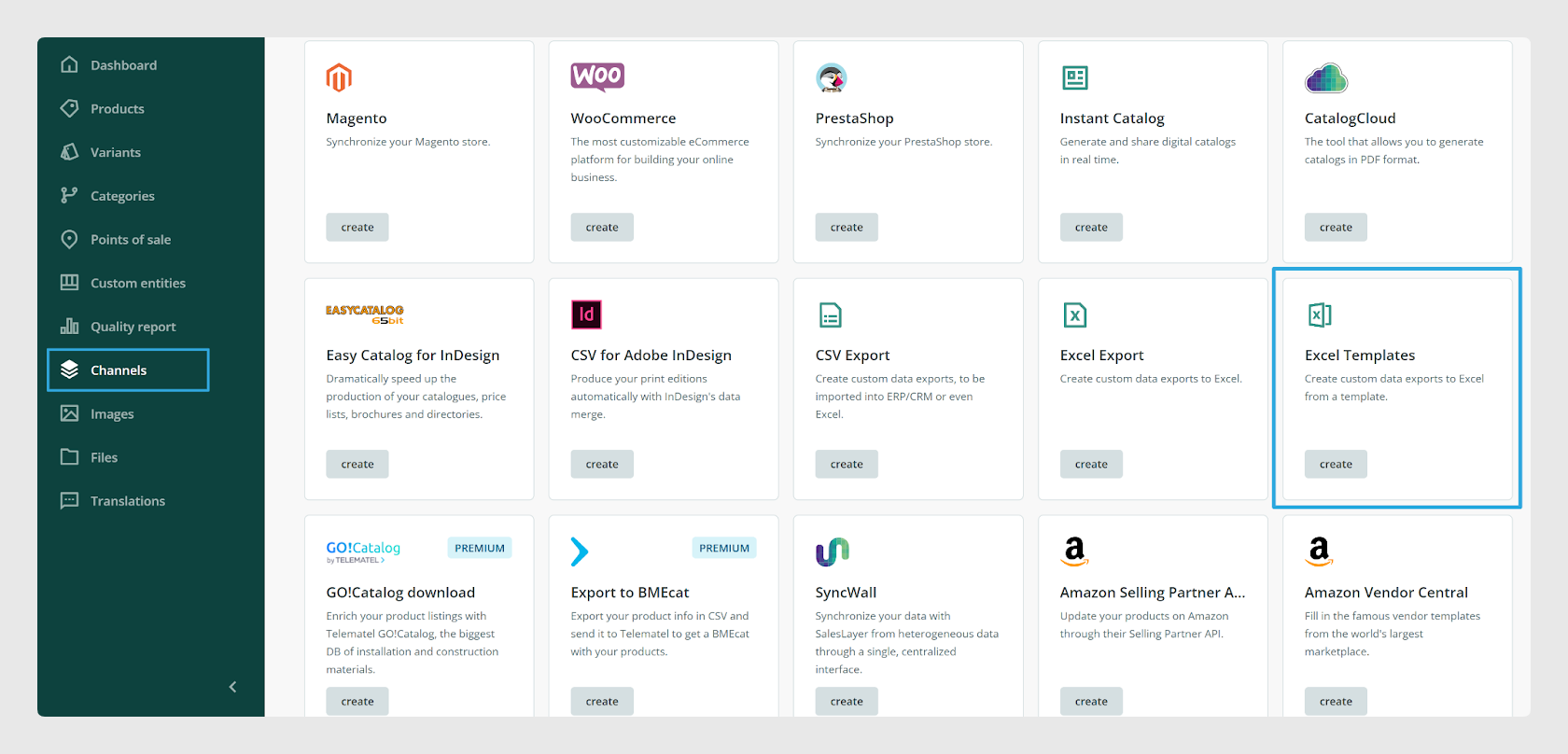
The connector is available from Channels > Channel Marketplace.
Was this article helpful?
That’s Great!
Thank you for your feedback
Sorry! We couldn't be helpful
Thank you for your feedback
Feedback sent
We appreciate your effort and will try to fix the article