Before using the connector, you must create the Excel template that Sales Layer will complete during the export.
Go to Parameters > Template options > Select file and upload the template in XLSX or XLSM format.
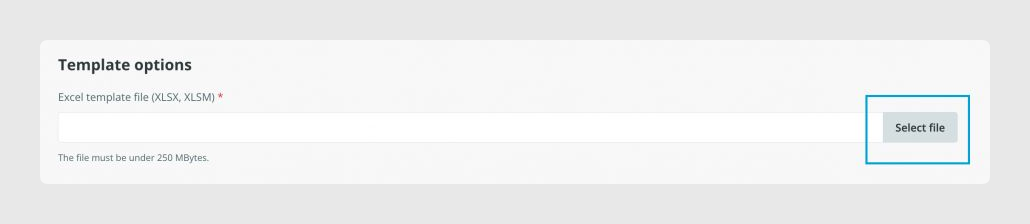
Template name rules
Important: Template names uploaded from Parameters should not contain accents or special characters. This helps ensure that the exported file is generated correctly.
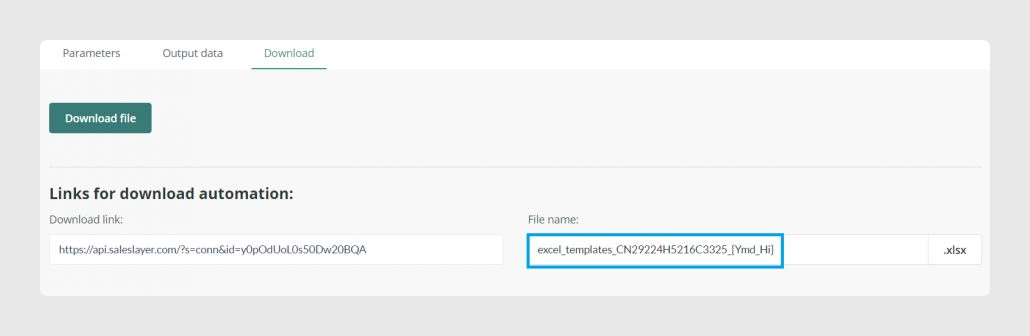
If the final downloaded file needs accents or special characters in its name, customize the file name from the Download tab instead.
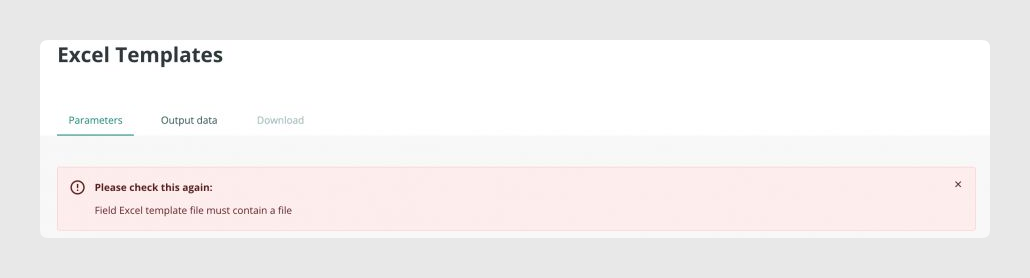
Missing template error
If you do not upload a template file, the connector will show an error asking you to check the configuration again.
Was this article helpful?
That’s Great!
Thank you for your feedback
Sorry! We couldn't be helpful
Thank you for your feedback
Feedback sent
We appreciate your effort and will try to fix the article