The Parameters tab is the first step when configuring the Excel Templates connector.
From this tab, you upload the Excel template and configure options that apply to the entire connector.
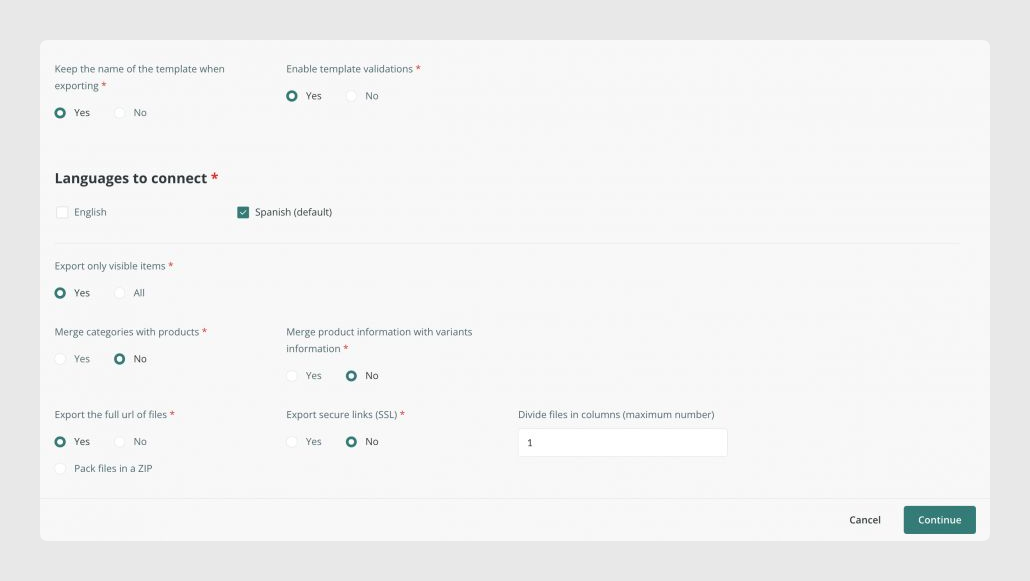
Main actions in Parameters
- Upload the Excel template file from Template options > Select file
- Choose whether variants should be merged with products
- Choose how image and file values should be separated into columns
- Use Force refresh to reprocess all connector modifications
The options in this tab affect the whole connector, so they should be reviewed before configuring the field mapping in Output data.
Was this article helpful?
That’s Great!
Thank you for your feedback
Sorry! We couldn't be helpful
Thank you for your feedback
Feedback sent
We appreciate your effort and will try to fix the article