Content Creation Agent
The Content Creation Agent generates content automatically in a selected field using information from other fields in the same item.
This is useful when you want to create new descriptions or other text content based on existing catalog data.
How to add a Content Creation Agent
To create this agent:
- Open Agents from the left-hand menu.
- Create a new agent.
- Go to the Actions tab.
- Click Add action.
- Select Content Creation Agent.
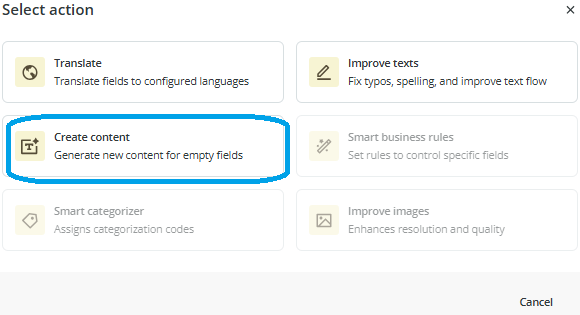
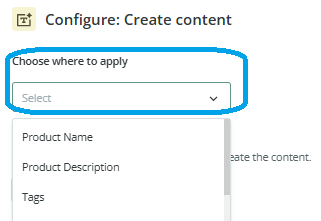
Configure the destination field
First, choose the field where the generated content will be saved.
This is the field the agent will fill with the newly generated text.
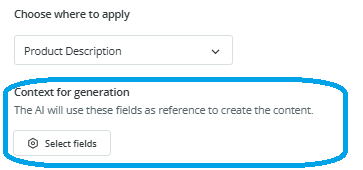
Choose the reference fields
Next, choose the fields that will be used as context for the content generation.
You can select up to 25 text and number fields.
These fields help the agent understand what information to use when generating the content.
You can even select the destination field itself as part of the context if it already contains information that should be considered.
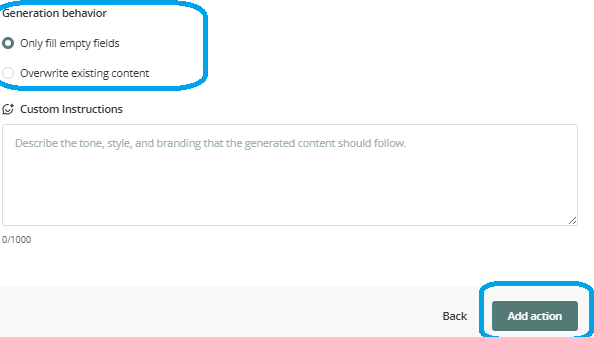
Choose how existing content should be handled
Then choose one of the two available options:
- generate content only in empty fields
- overwrite existing values
This allows you to decide whether the agent should only complete missing content or replace content that is already there.
Add optional instructions
You can also add a prompt with specific instructions.
This can help define the style, tone, or format of the generated content.
For example, you may want the content to sound more technical, more commercial, or more concise.
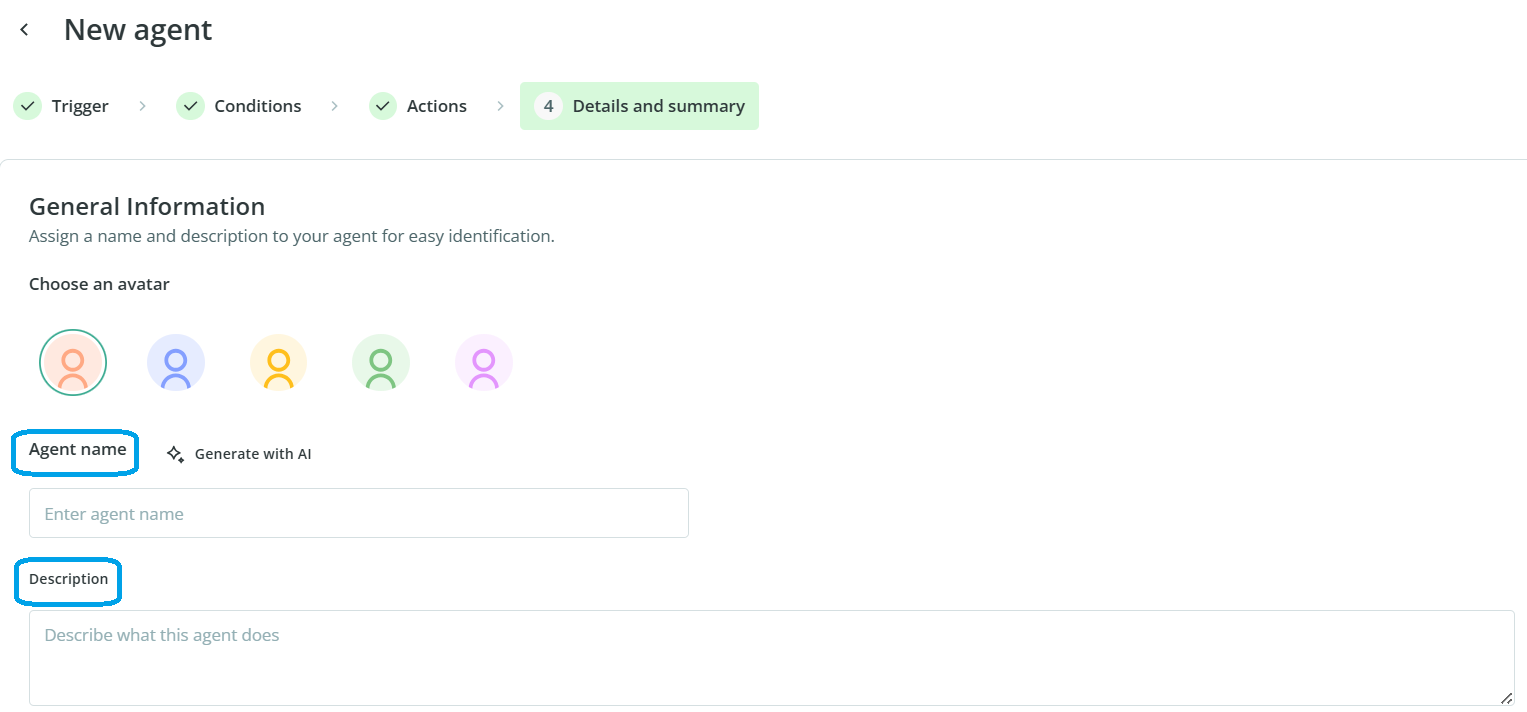
Finish the setup
Once the action is configured:
- Click Add action.
- Continue to the final setup step.
- Enter a name and description for the agent.
- Review the summary.
- Click Create Agent.
If you enable review, you will be able to check the generated results before applying them.
Common Use Cases
The Content Creation Agent is useful when you need to:
- generate product descriptions from structured product data
- create content automatically for empty fields
- enrich catalog content using existing attributes
- create more consistent text across large groups of items
Best practices
Choose your reference fields carefully so the agent receives useful and relevant context. If the selected fields contain incomplete or inconsistent information, the generated content may also be less accurate. For your first tests, enable review and use a clear prompt so you can confirm the output matches the style you need.

