Categories
As mentioned earlier, the category list is displayed on the left-hand side of the catalog.
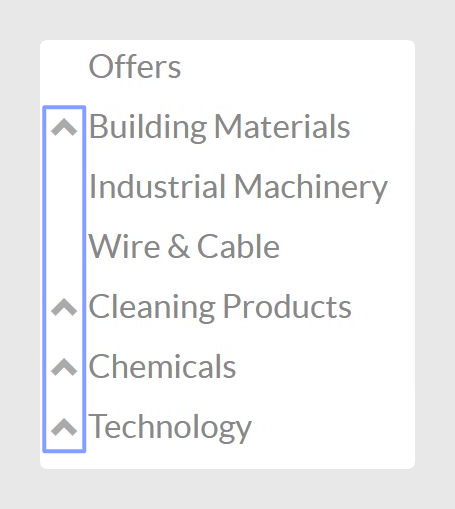
If a category contains subcategories, users can open them by clicking the arrow icon next to the category name.
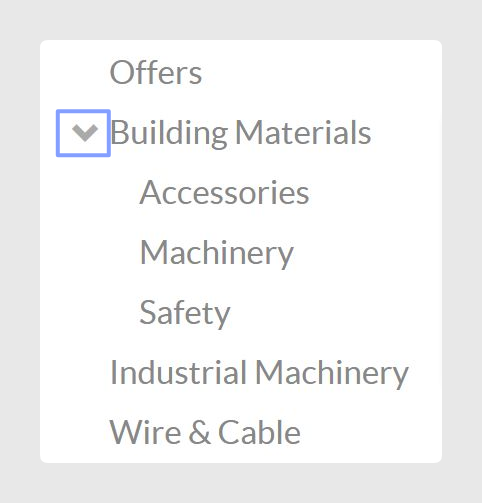
Clicking the arrow icon expands the category and displays the subcategories inside it.
Products
When users click on a product, the product page opens with its general information.
At the bottom of the product page, the other products from the same category are also displayed. This allows users to continue browsing products in that category without having to go back to the previous page.
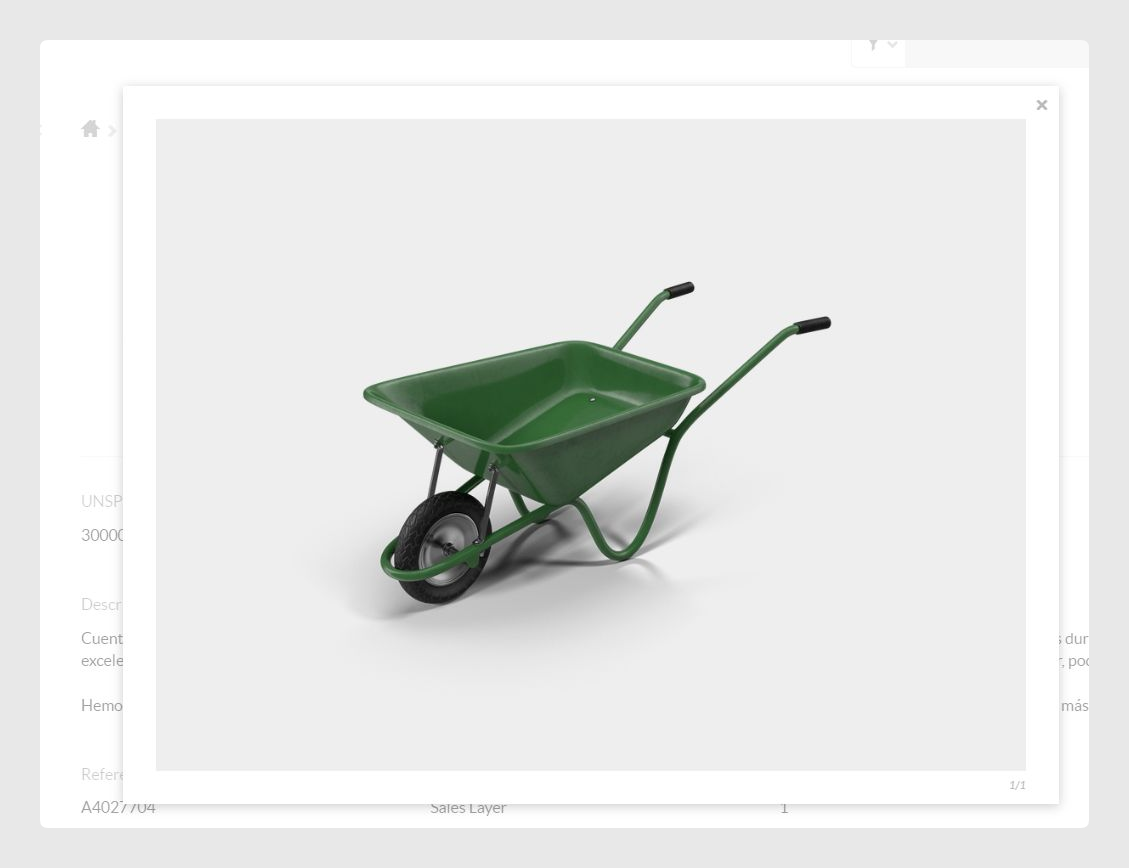
Users can click on the product image to enlarge it and view it in more detail. The image quality depends on the original image uploaded to the catalog. If needed, users can also save the image.
Product formats
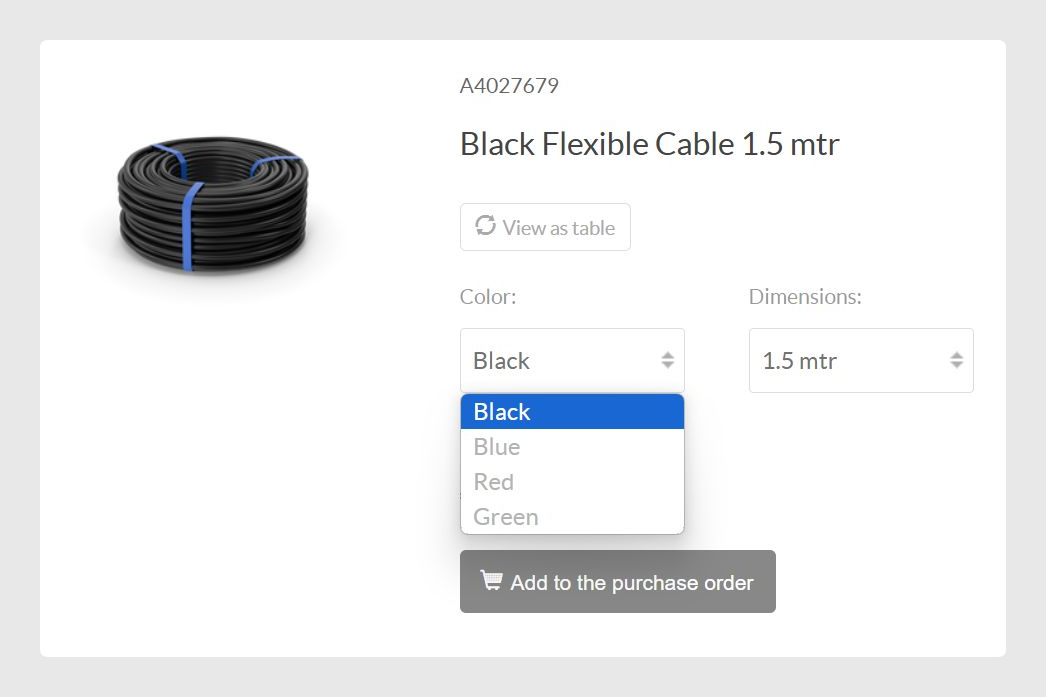
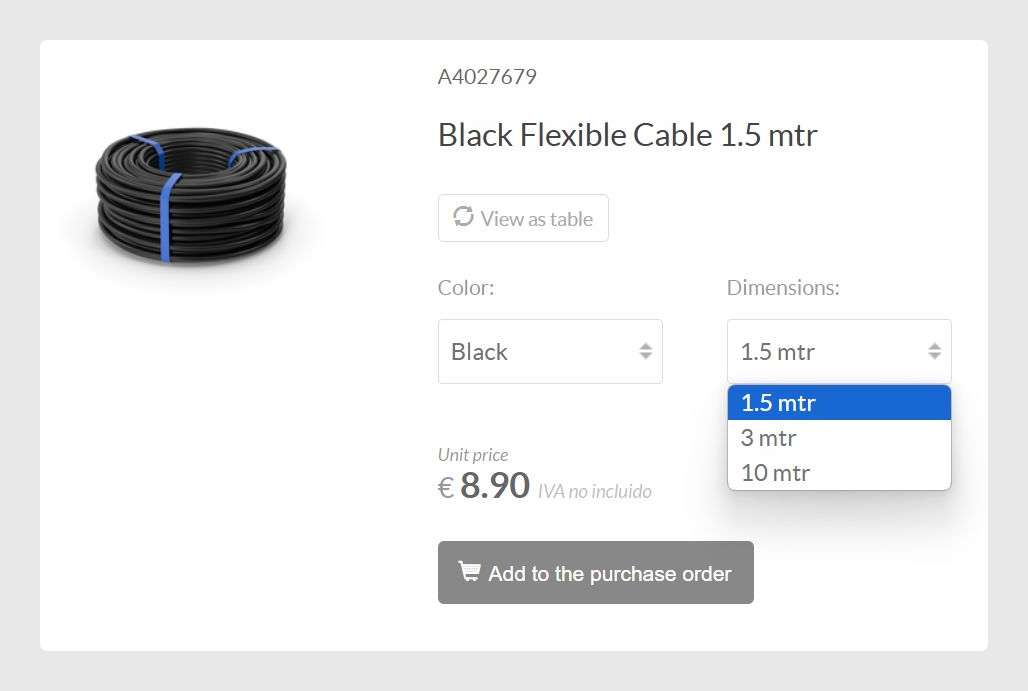
If a product has different formats, such as size, color, or dimensions, the available options are shown on the product page.
Users can choose the specific format they need using the available selectors before adding the product to the cart.
Was this article helpful?
That’s Great!
Thank you for your feedback
Sorry! We couldn't be helpful
Thank you for your feedback
Feedback sent
We appreciate your effort and will try to fix the article