The catalog homepage gives users an overview of the product categories available for each supplier.
On the left-hand side, users can see the category tree. In the center of the page, the main category icons are displayed, making it easier to access the products.
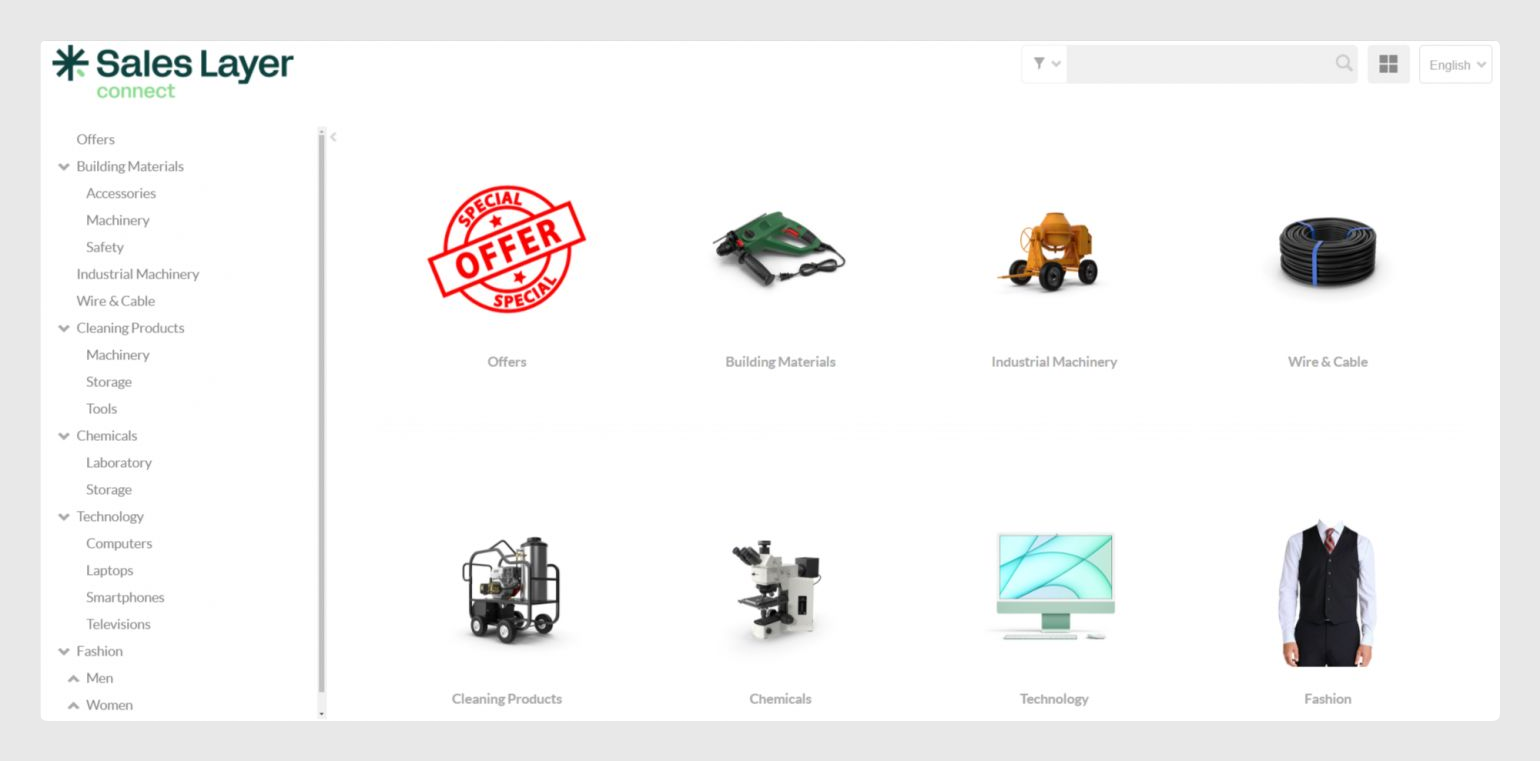
Hide or show the category tree
Users can hide the category and subcategory tree by clicking the arrow icon next to it.
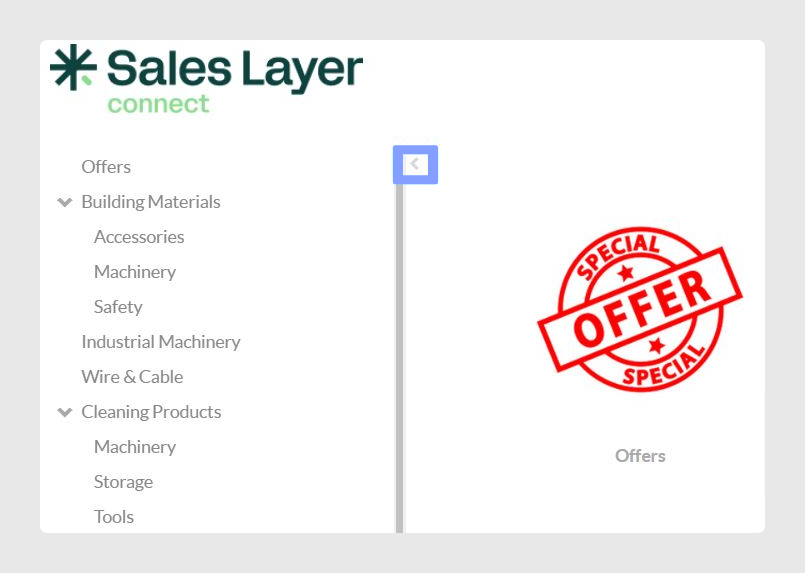
To show the category tree again, users can click the same arrow icon.
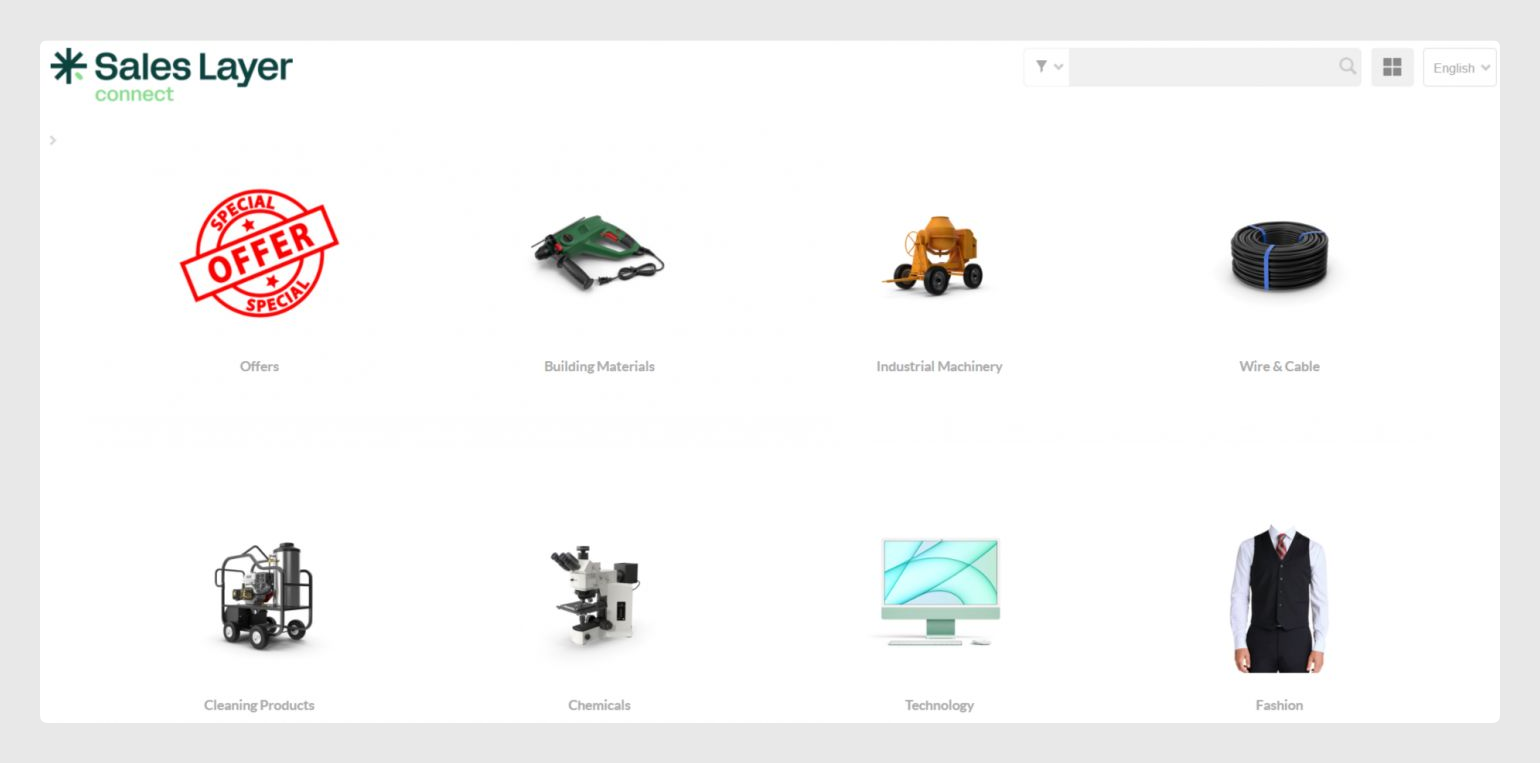
Main homepage options
The main icons on the homepage give users quick access to the most important catalog actions. Depending on the configuration, users can:
- Search for products.
- Change the catalog view type.
- Access saved purchase templates.
- View the supplier’s contact details, if configured.
- Access the shopping cart.
- Open the documentation from the help button.

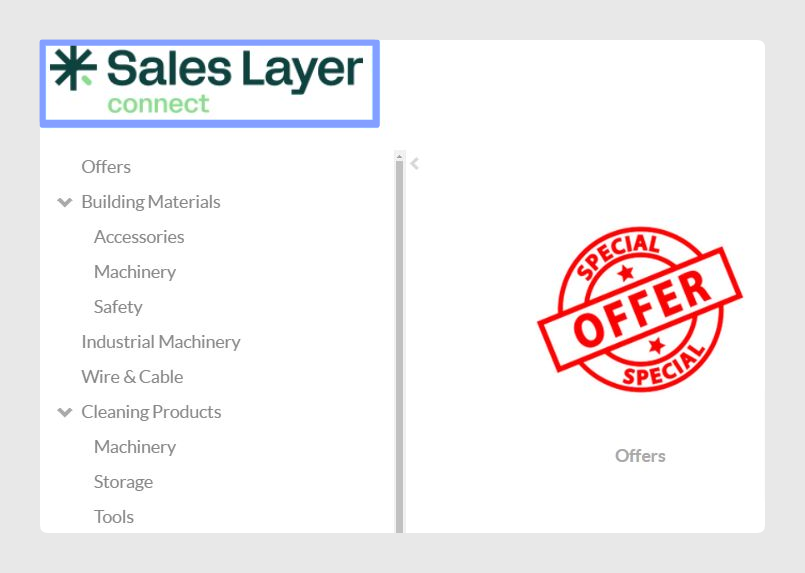
Return to the homepage
Users can return to the catalog homepage at any time by clicking the supplier’s logo while browsing the catalog.
Was this article helpful?
That’s Great!
Thank you for your feedback
Sorry! We couldn't be helpful
Thank you for your feedback
Feedback sent
We appreciate your effort and will try to fix the article