Here, you will find some of the parameters mentioned before, except the Fields for items in table mode. Select and match the corresponding fields and activate the parameter to allow purchase orders if desired.
Note that if you do not have a variant name, you will have to leave the title field empty and, by default, the product title will be sent.
Show fields as selectors
If you meet the conditions explained in the variants output data section, you can choose the option to view the variant fields using selectors. To do this, click "Yes" in the Show fields as selectors field.
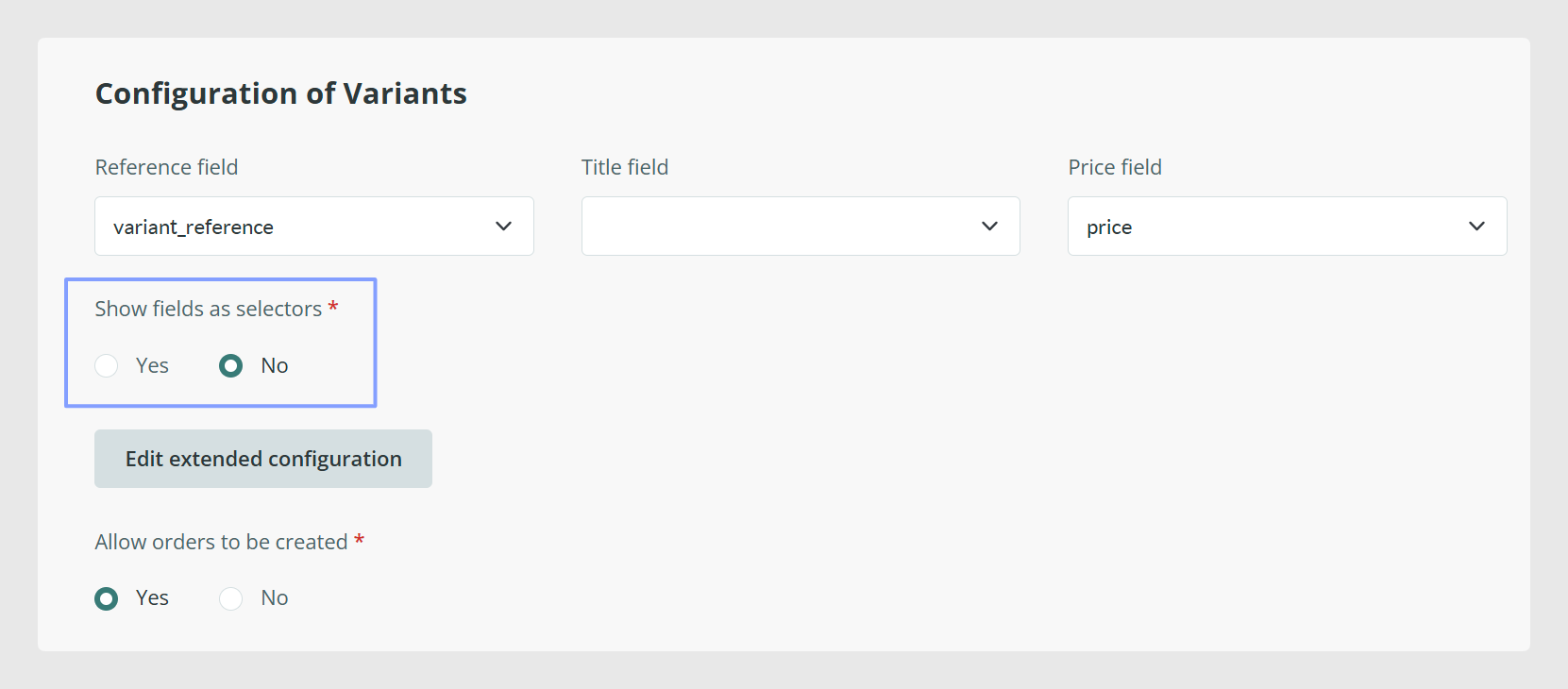
Warning: Selectors are available only with less than 10 configurable attributes, without counting the base attributes: reference, title, image, and price. Selectors are not available when there are long text fields, file fields, or image fields. If this option is configured as “No”, the legacy table mode will be used to display product variants.
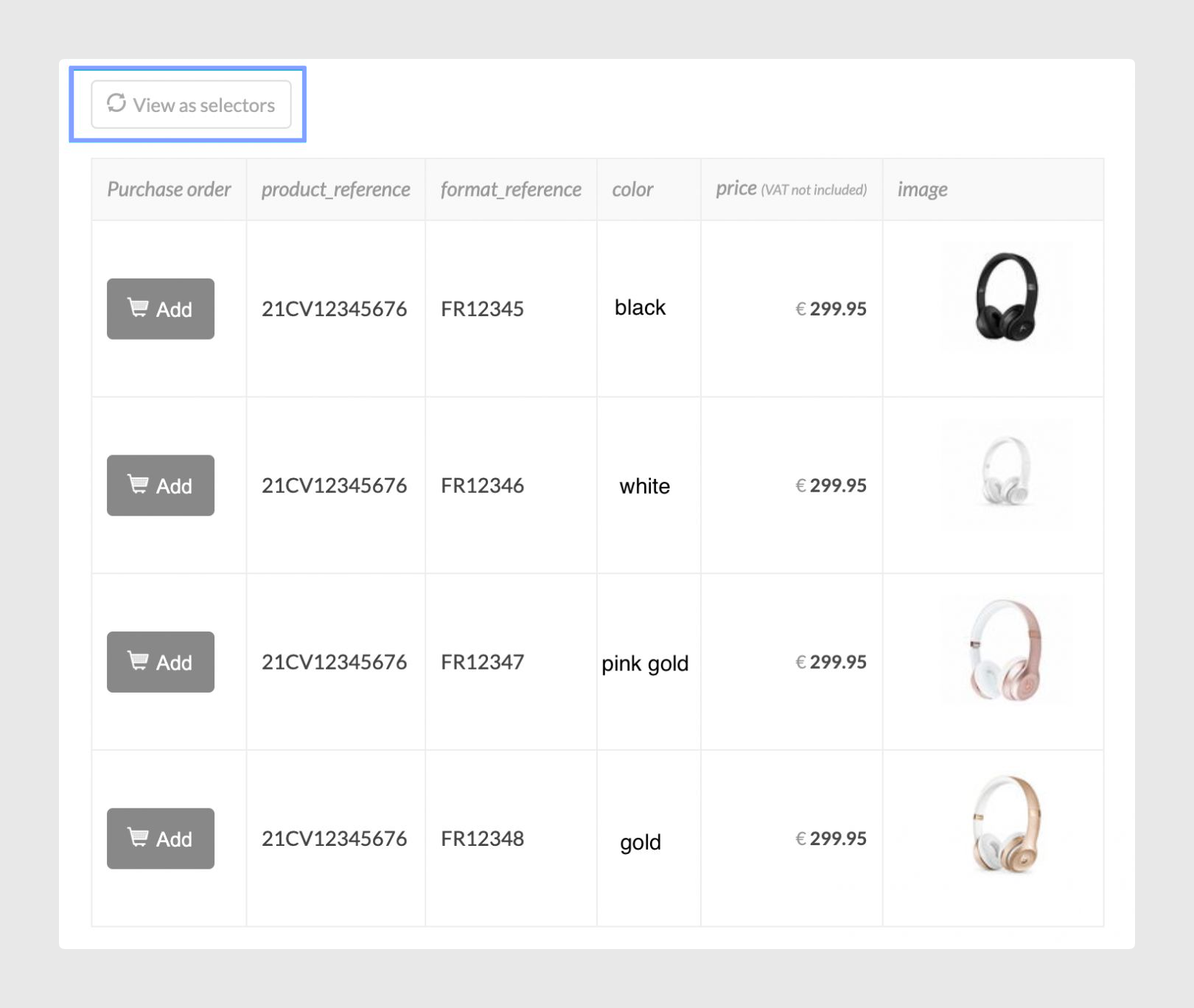
This option allows users to view fields with selectors or switch to Table mode if preferred.
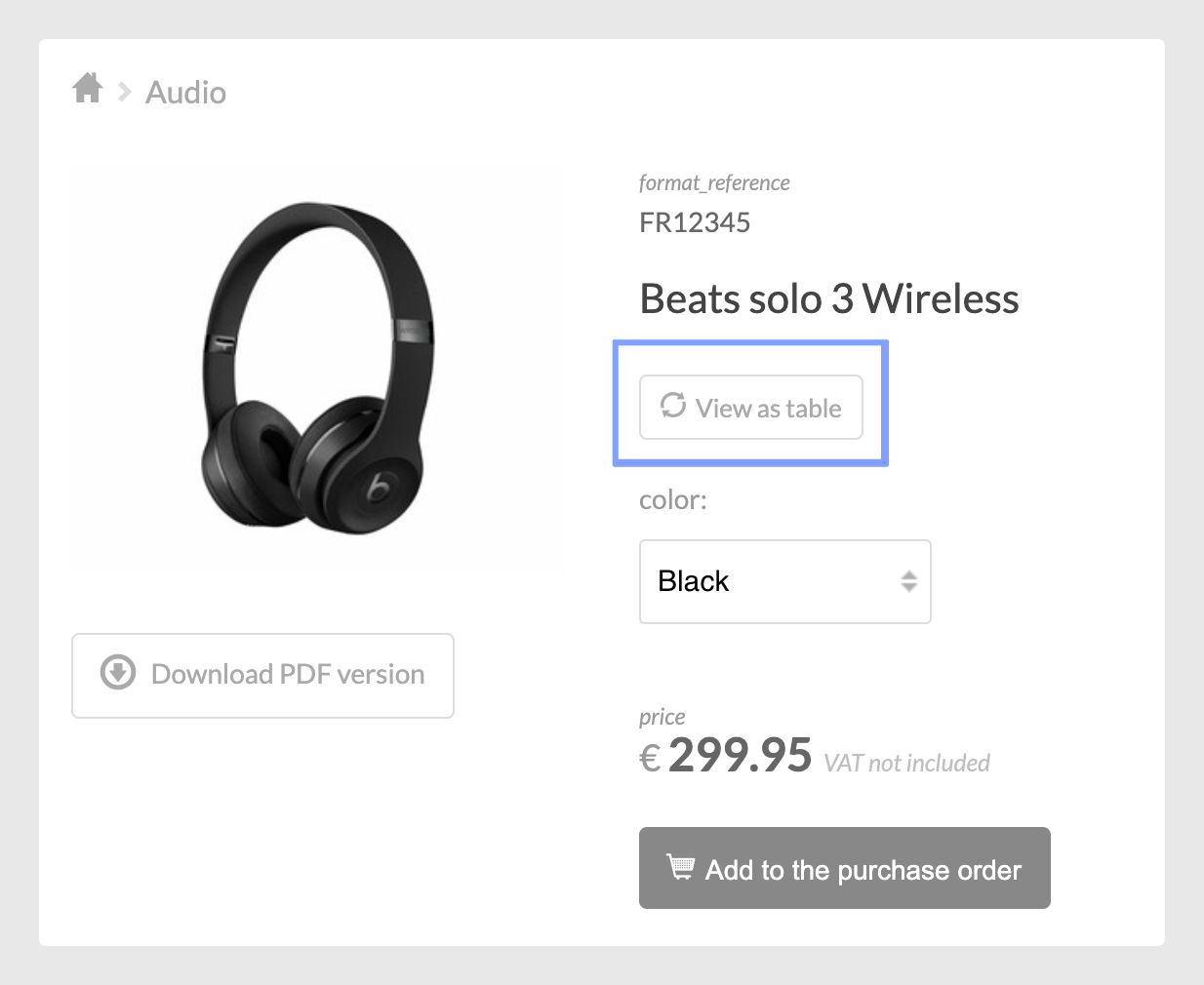
Users can revert that view by clicking View as selectors again.
Extended configuration
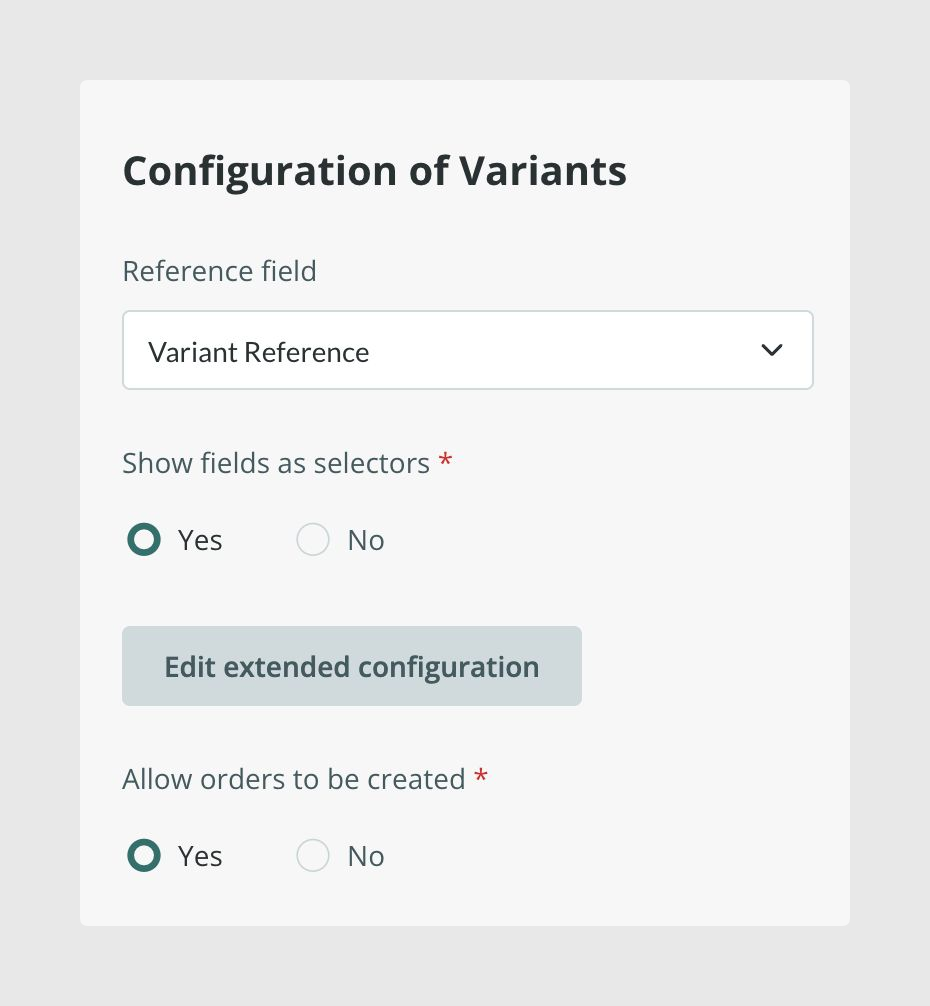
To finish configuring this section, click on Edit extended configuration.
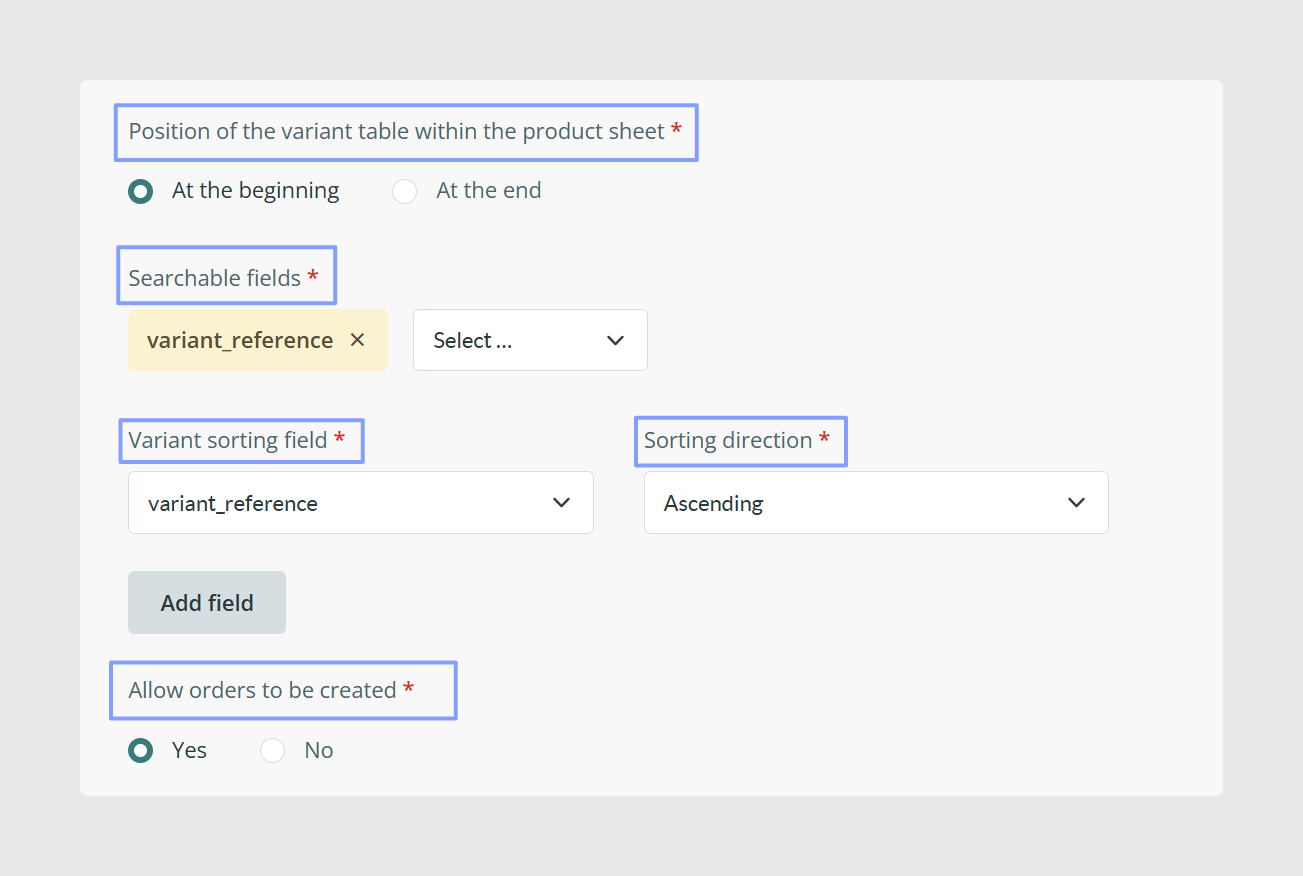
Searchable fields
Here you can select the fields that you want the search engine to take into account for the searches.
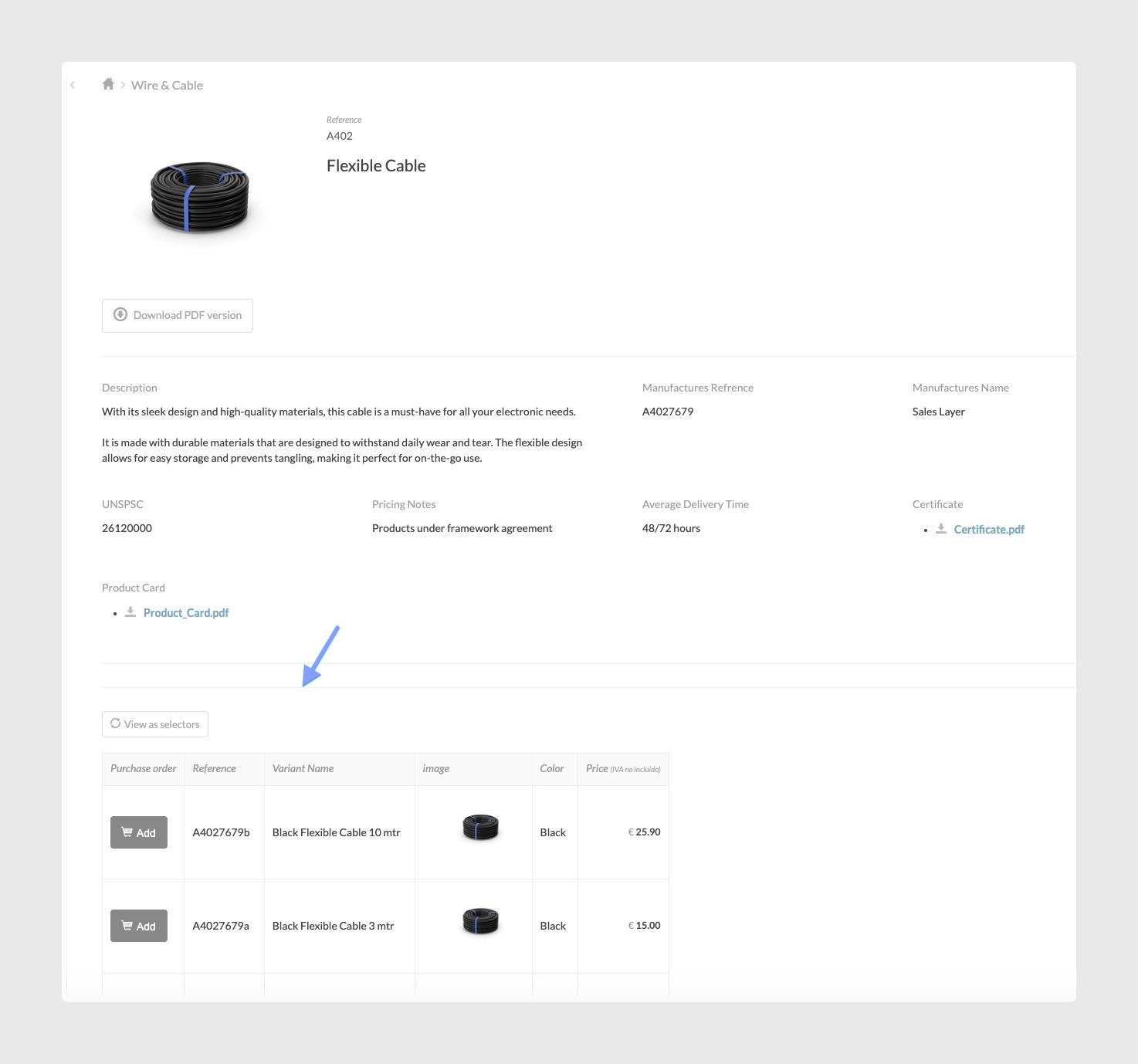
Position of the variant table within the product sheet
With this parameter, you can decide where you want to display the variants in table mode. You can display the table above the general product information or after the general product information.
The table before the product information.
Variant sorting field
This parameter allows you to choose how to sort your variants. You can choose the field and decide whether you want the sorting to be ascending or descending.
Note: The option to order variants will be available only if variants are not merged with products.
Allow orders to be created
To finish the variants section in the Details tab, configure the Allow orders to be created parameter. If you have this functionality and you want to activate the possibility of purchase, set the parameter to "Yes".
Once this is ready, you can configure the parameters related to the currency and the form to be completed by the user when placing the purchase order.
Was this article helpful?
That’s Great!
Thank you for your feedback
Sorry! We couldn't be helpful
Thank you for your feedback
Feedback sent
We appreciate your effort and will try to fix the article