In this section, you can define which fields correspond to the preconfigured layout of the categories.
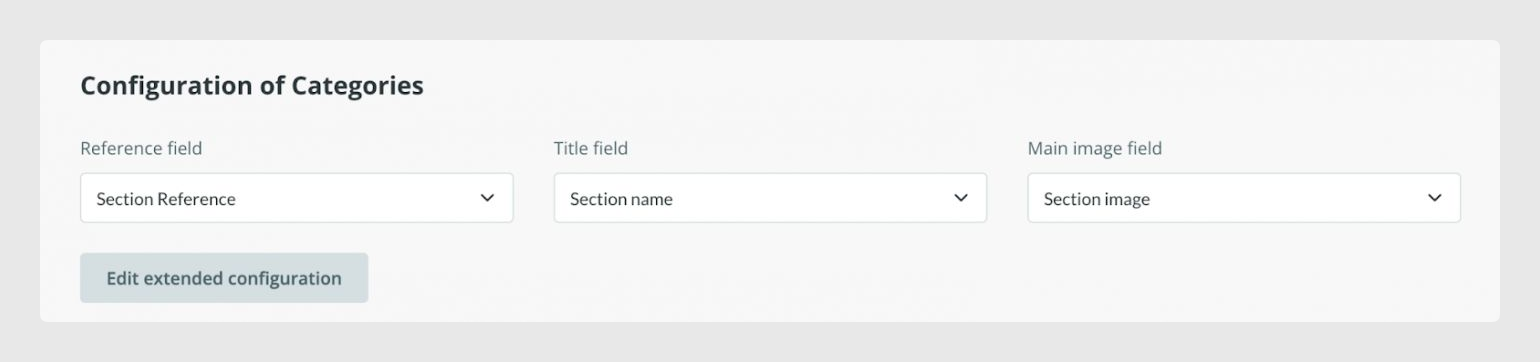
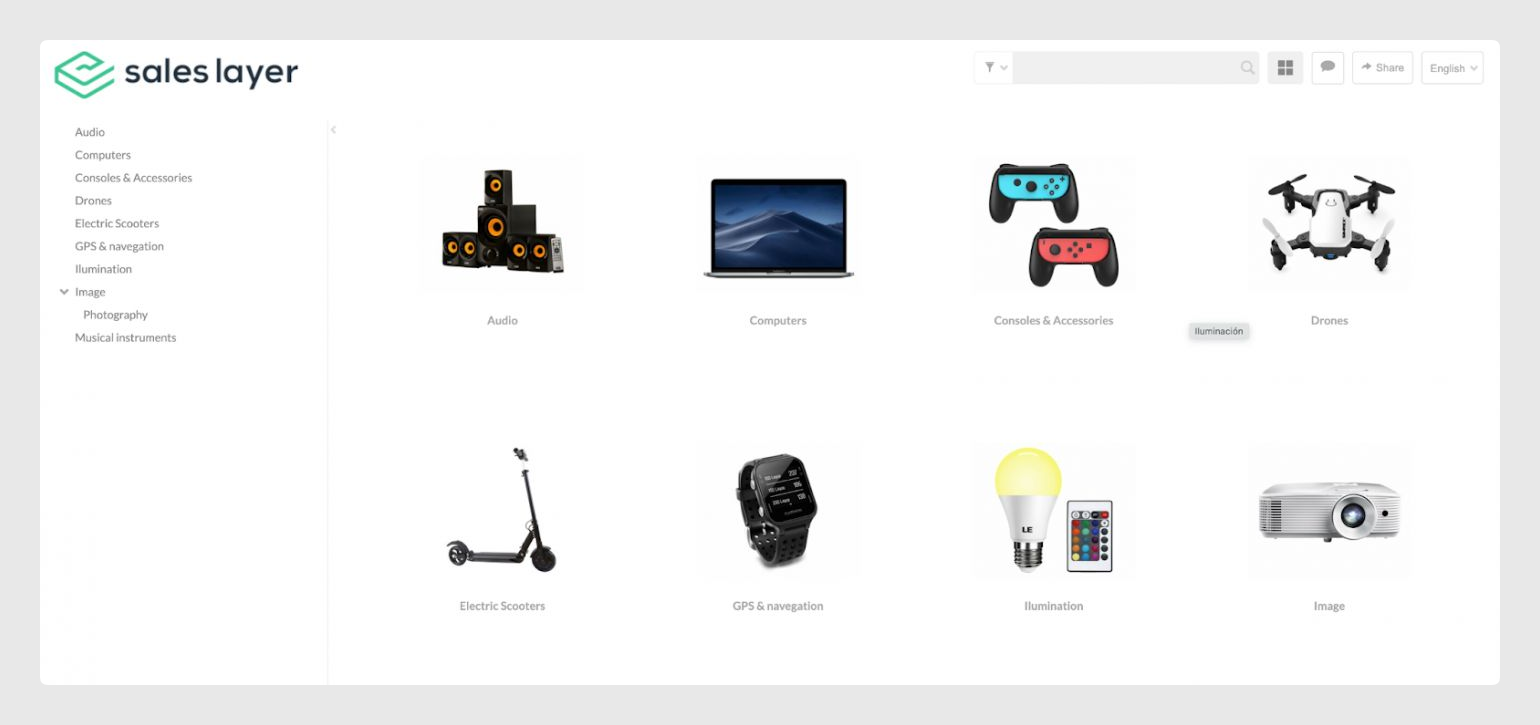
You will need to map the main fields to their corresponding fields that were previously configured in the category output data tab. If you don’t want to show the category reference, you can leave it blank and the categories will show just the name and their image.
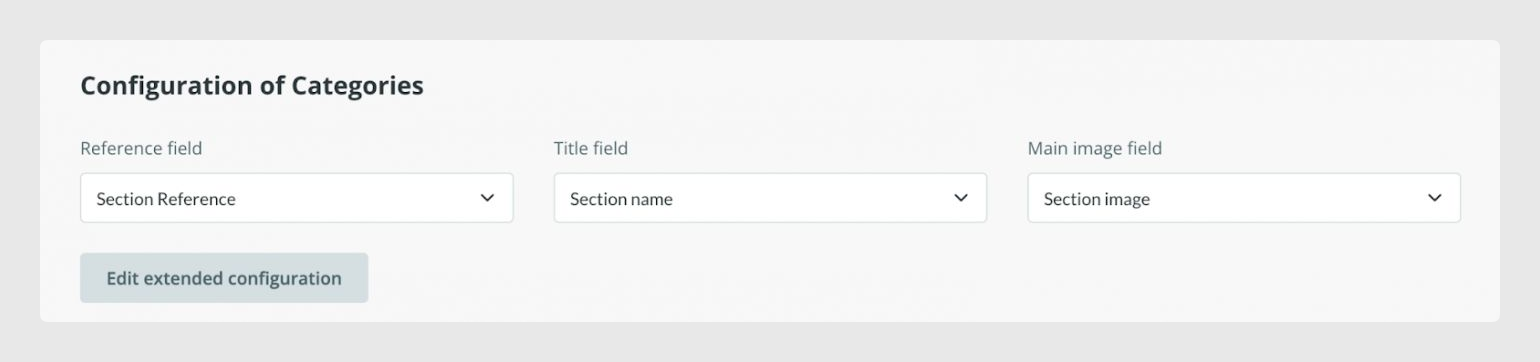
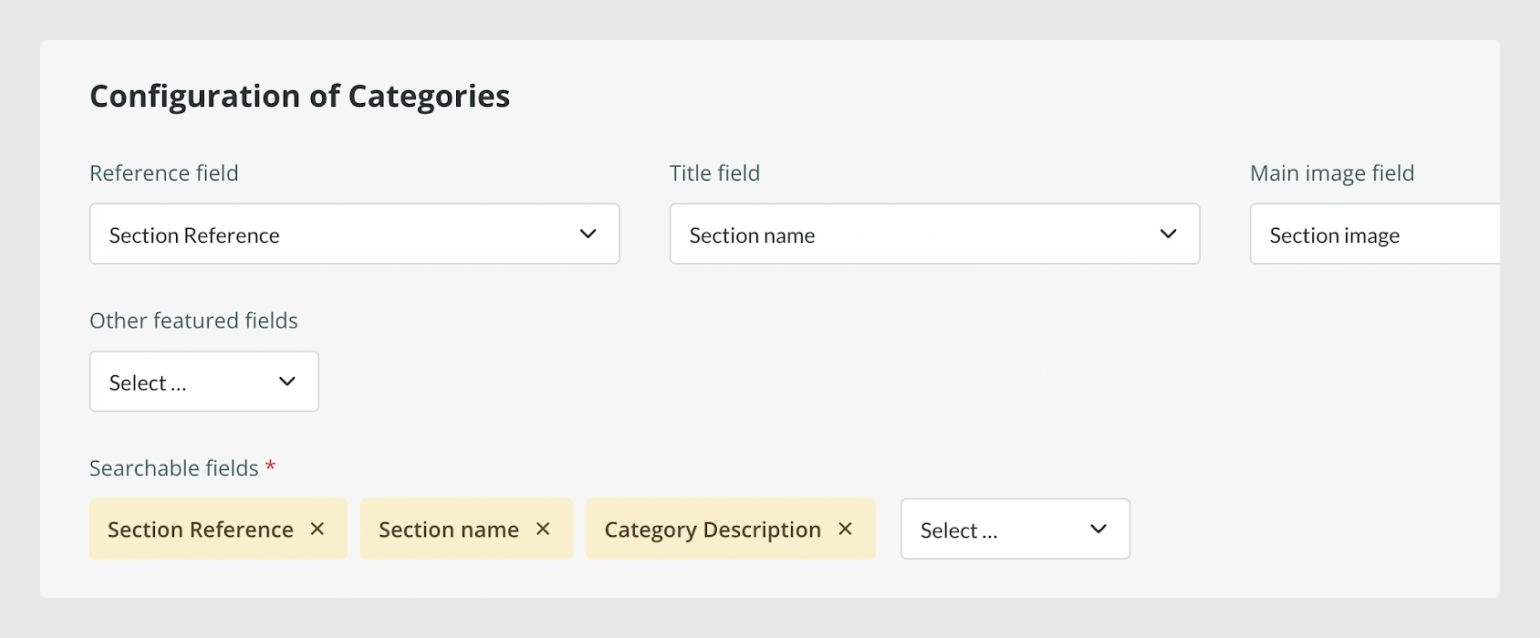
By clicking on Edit extended configuration you can define which fields you want to include in the catalog search engine.
Note: Remember that the search engine is only available in the Extended catalog version.This option will only appear in the catalog if you have the data filled in. Only the fields you have completed will be shown.
Was this article helpful?
That’s Great!
Thank you for your feedback
Sorry! We couldn't be helpful
Thank you for your feedback
Feedback sent
We appreciate your effort and will try to fix the article