- Force refresh: This operation makes the connector export all items in the next synchronization. Forcing the connector does not ensure immediate synchronization. This action means sending the complete catalog, images, formulas, and more. It will affect how long the synchronization takes and depends on the existing process queue.
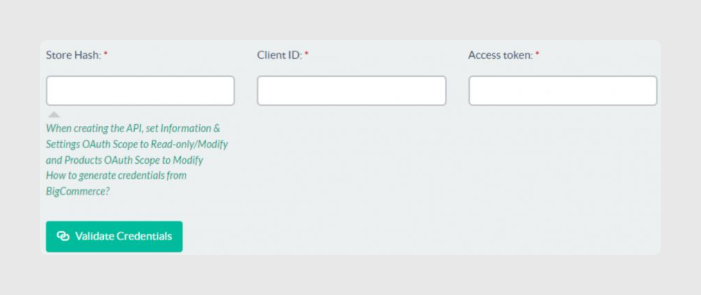
- Store Hash, Client ID, and Access Token: The connector user interface includes support links to help get the credentials: OAuth scopes and Obtaining store API credentials.
- Validate Credentials: This operation allows you to check that the credentials are correct so clients can be sure that synchronizations will work.
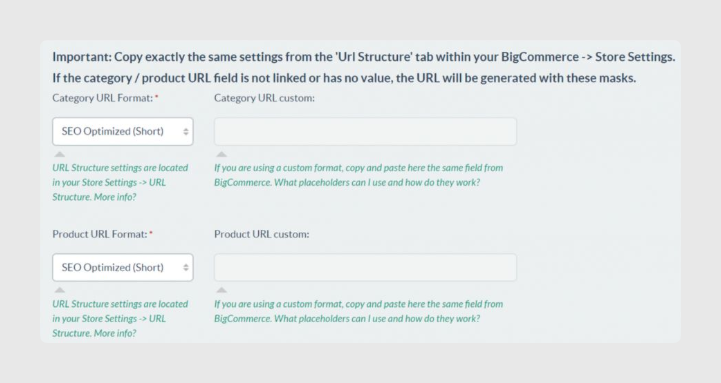
- The connector is capable of generating SEO-friendly category and product URLs from the item data.
- Four fields help to achieve this purpose: Category URL Format, Category URL custom, Product URL Format, and Product URL custom. These fields establish the criteria and format in which the URLs will be created during the synchronization.
- The criteria for constructing these URLs must be the same as those in BigCommerce. Clients must copy these formats directly from BigCommerce, since this information cannot be obtained through version v3 of the BigCommerce API.
- The connector user interface includes support links to help with these SEO URL fields: URL Structure and Placeholders.
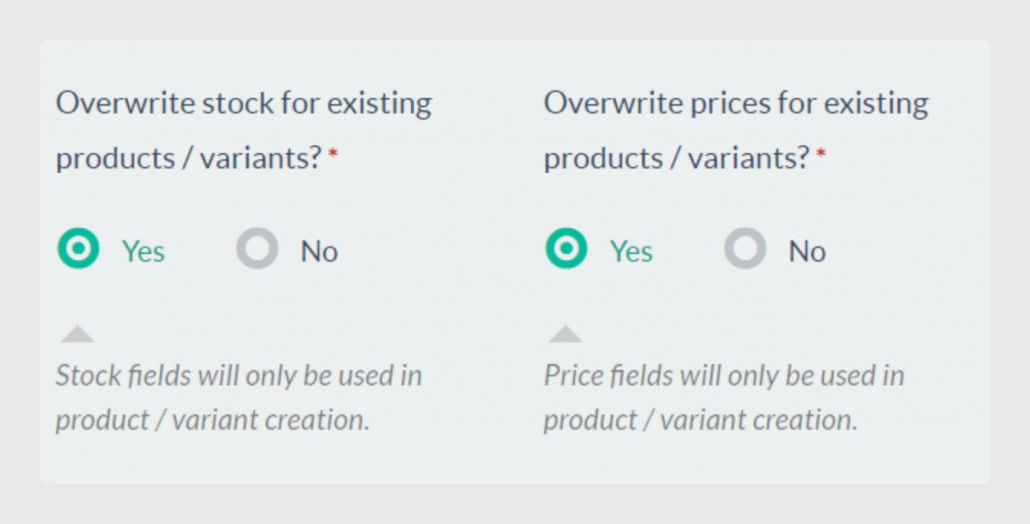
- Overwrite stock for existing products/variants: Selecting Yes means that the stock will be overwritten in the synchronizations. Selecting No indicates that stock will be sent to BigCommerce in the creation of new products because stock is a required field to create a product in BigCommerce.
- Overwrite prices for existing products/variants: Selecting Yes means that the price fields will be overwritten in the synchronizations. Selecting No indicates that price fields will be sent to BigCommerce in the creation of new products because these fields are required to create a product in BigCommerce.
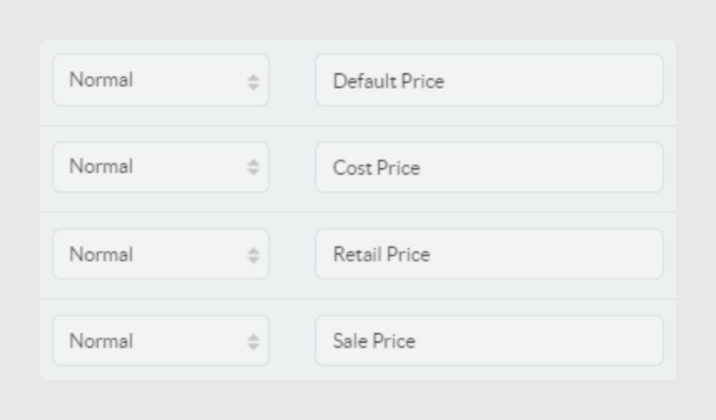
Fields Affected in Output Data > Products
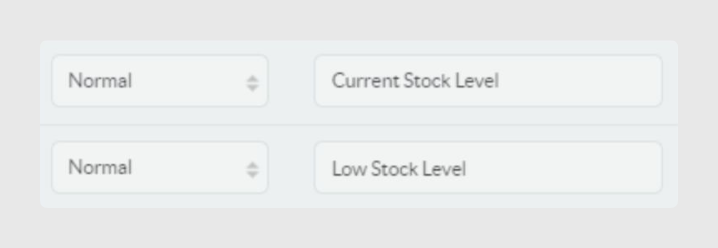
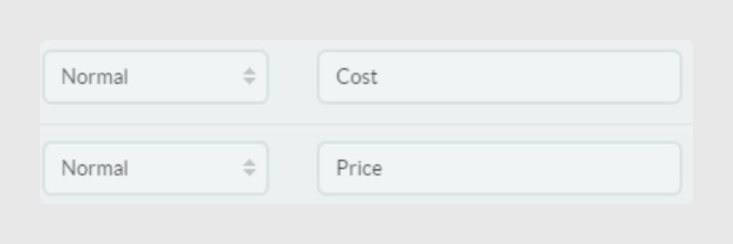
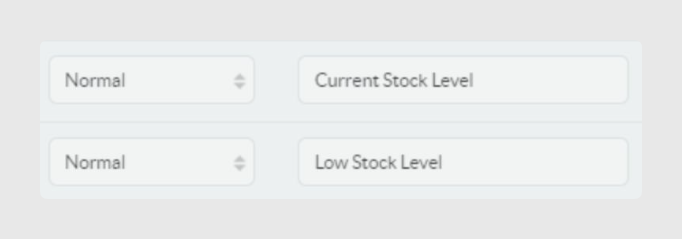
Fields affected in Output Data > Variants
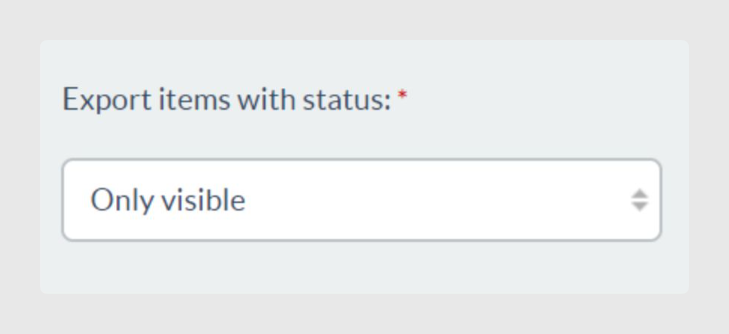
- Export items with status: This option allows clients to establish what item status filter will be applied during synchronizations.
- Only visible: Allows you to create or modify items only in this status. If you have changed the status on a group of items from visible to another status, the connector will change these items status to disabled.
- All: Allows you to create or modify all items. No item will be disabled in BigCommerce depending on its Sales Layer status.
- Visible and invisible: Allows you to create or modify items only in these statuses. If you change a group of items from visible or invisible to draft, the connector will change their status to disabled.
- Visible and draft: Allows you to create or modify items only in these statuses. If you change a group of items from visible or draft to invisible, the connector will change their status to disabled.
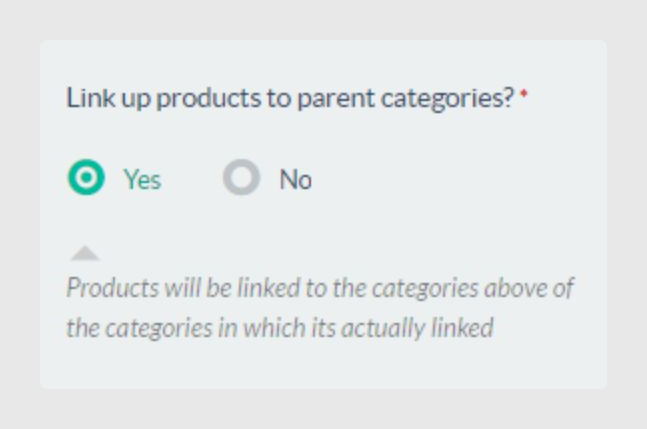
- Link up products to parent categories: Products will be linked to the categories above the categories in which they are linked. For example, if the item TABLE-347 is linked to the category Wood Tables, which is within Furniture > Table > Wood Tables, selecting Yes will automatically link the item to Table and Furniture. Selecting No links the item only to Wood Tables.
- Language to connect: BigCommerce stores are not multi-language. As a consequence, the connector exports data in only one language.
Was this article helpful?
That’s Great!
Thank you for your feedback
Sorry! We couldn't be helpful
Thank you for your feedback
Feedback sent
We appreciate your effort and will try to fix the article