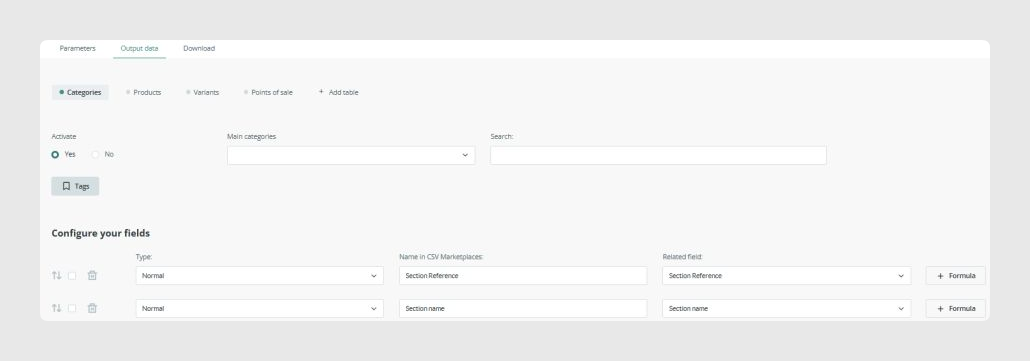
The Categories tab defines which category fields appear in the export.
Main category selection
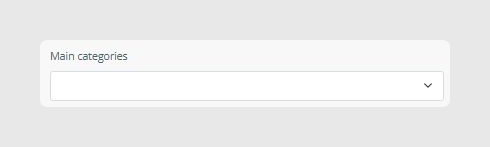
This allows you to select the root category, or multiple root categories, to be exported. This is useful when the PIM contains several category trees.
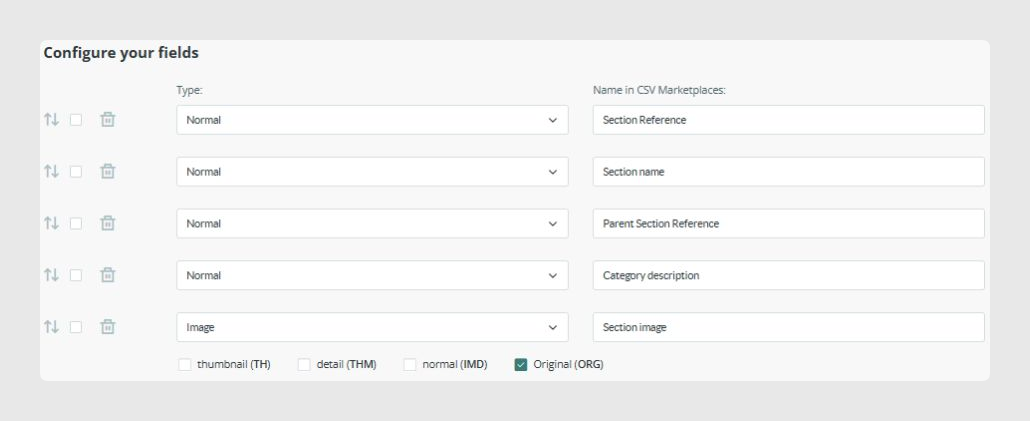
Available fields
The fields shown depend entirely on the PIM configuration.
They typically include:
- Category Reference
- Category Name
- Parent Category
- Category Description
- Category Image, with available cuts such as TH, THM, IMD, and ORG
Was this article helpful?
That’s Great!
Thank you for your feedback
Sorry! We couldn't be helpful
Thank you for your feedback
Feedback sent
We appreciate your effort and will try to fix the article