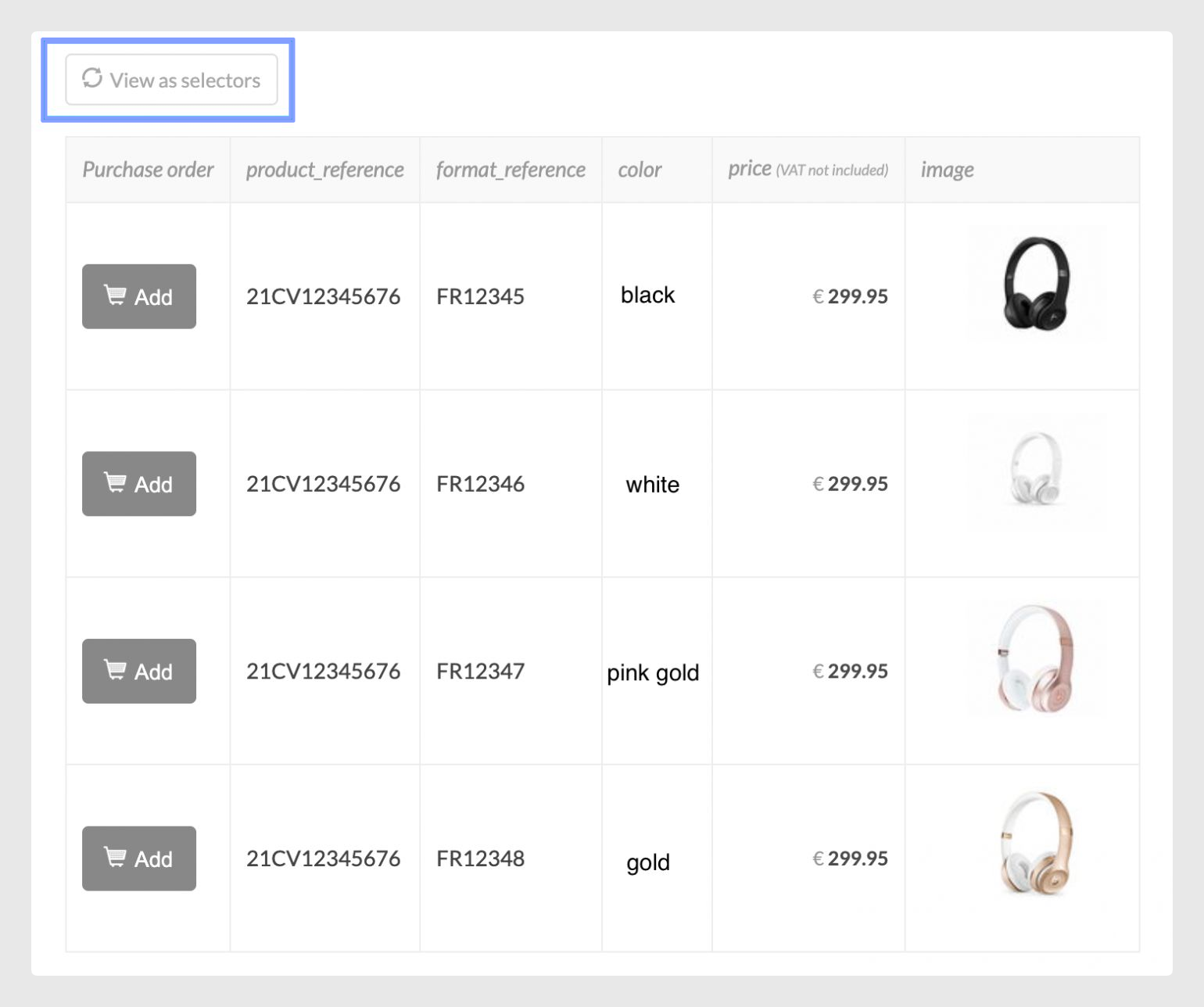
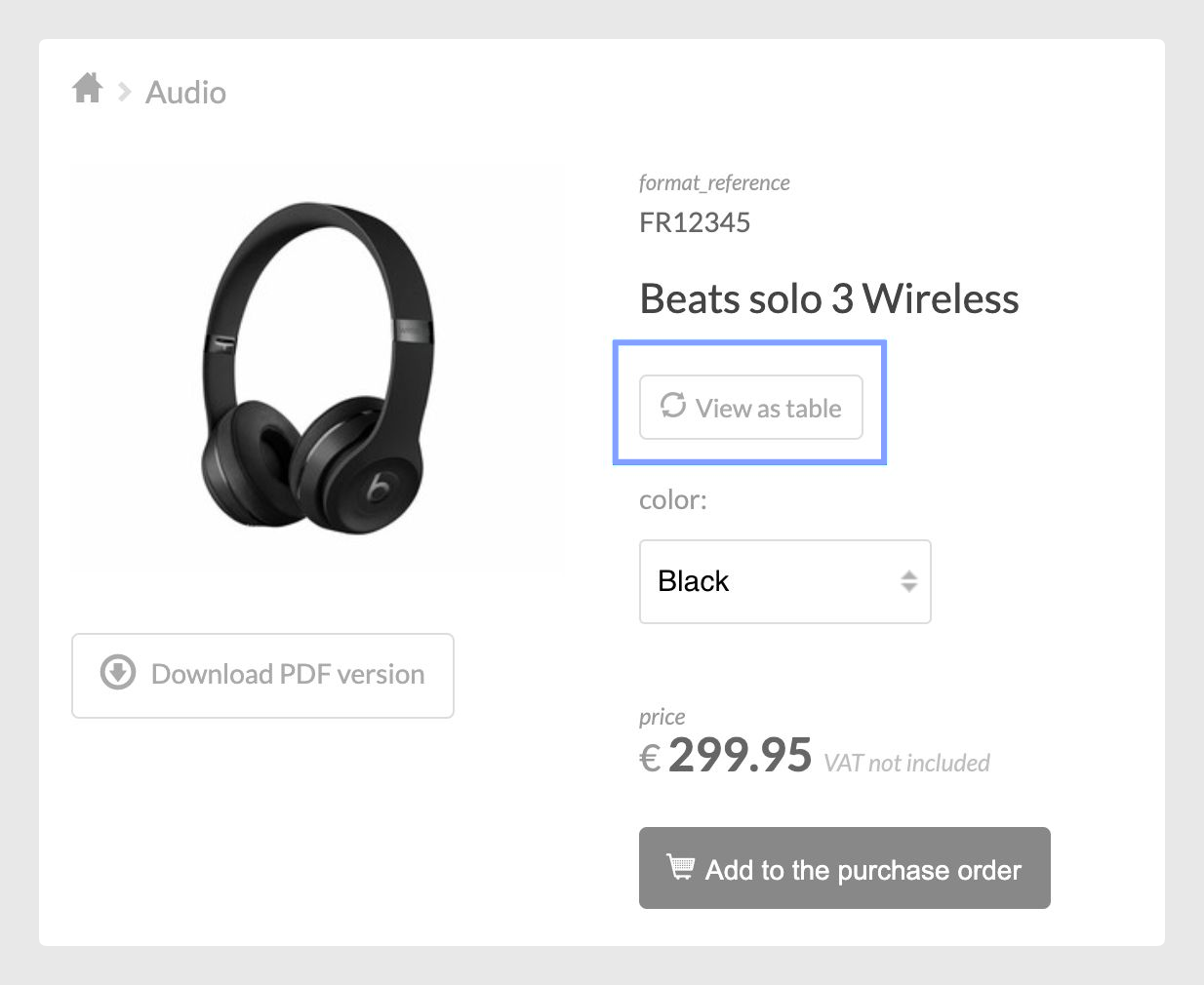
The Instant Catalog connector allows you to display the variants as a drop-down menu or in a table and even switch from one mode to another in a single click.
The choice will depend on your product type and whether or not it has many variable attributes.
As explained in the Details tab, where you can choose if you want to have the option to view it in both formats, the most notable difference between both views is that to also have the option to view the attributes in drop-down mode, a series of conditions must be taken into account:
- The option will appear under Details if you have 15 or fewer fields in the Variants tab. This count does not include the main fields such as product reference, name, main image, and price.
- If the drop-down option is enabled, you should note that table, date, image, file, or long text type fields will only be displayed if you switch to table mode as it is intended for specific attributes and data.
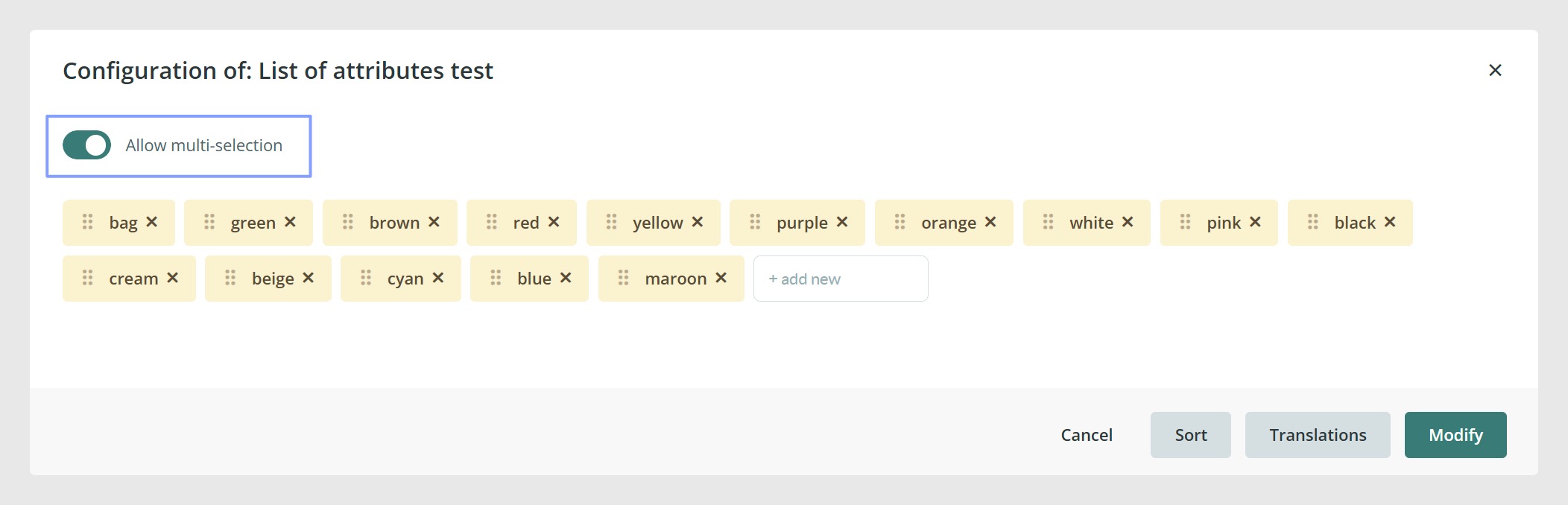
- If you send a list type field, but the parameter Allow multi-selection is enabled, it will not let you activate the selectors mode. The list type field must be configured without Allow multi-selection.
This functionality allows you to switch from the drop-down view to the table mode with just a single click. If there are fields such as field types that are not displayed in the drop-down view due to the reasons mentioned above, they can be shown in table mode.
Was this article helpful?
That’s Great!
Thank you for your feedback
Sorry! We couldn't be helpful
Thank you for your feedback
Feedback sent
We appreciate your effort and will try to fix the article