AI Agents now include new options for adding context, combining actions and managing catalog workflows more efficiently.
These updates introduce the AI Agents Knowledge Base, chained actions, a simplified review experience and improved navigation between Sales Layer applications.
Use files as context with the Knowledge Base
The new Knowledge Base lets you upload and manage files that AI Agents can use as additional context when processing catalog information.
From the Knowledge Base tab, you can add supported files, check the available storage and review information about the files already uploaded.
The file list includes information such as:
- File name
- Which agents or actions use the file
- Last modification date
- File size
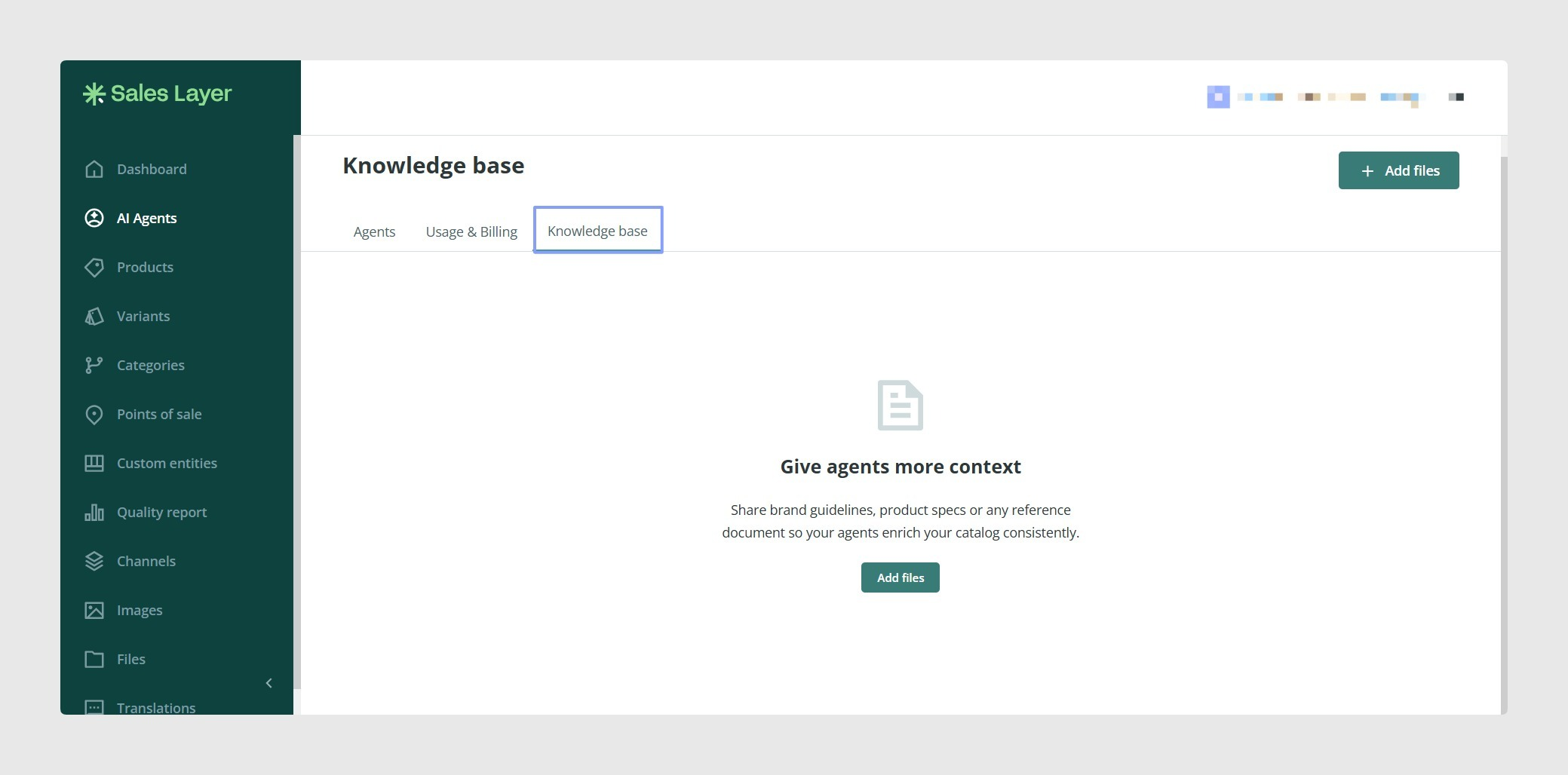
When configuring a compatible action, use the Knowledge context section to select the files the agent should consider. The selected files will be used as supporting information when that action runs.
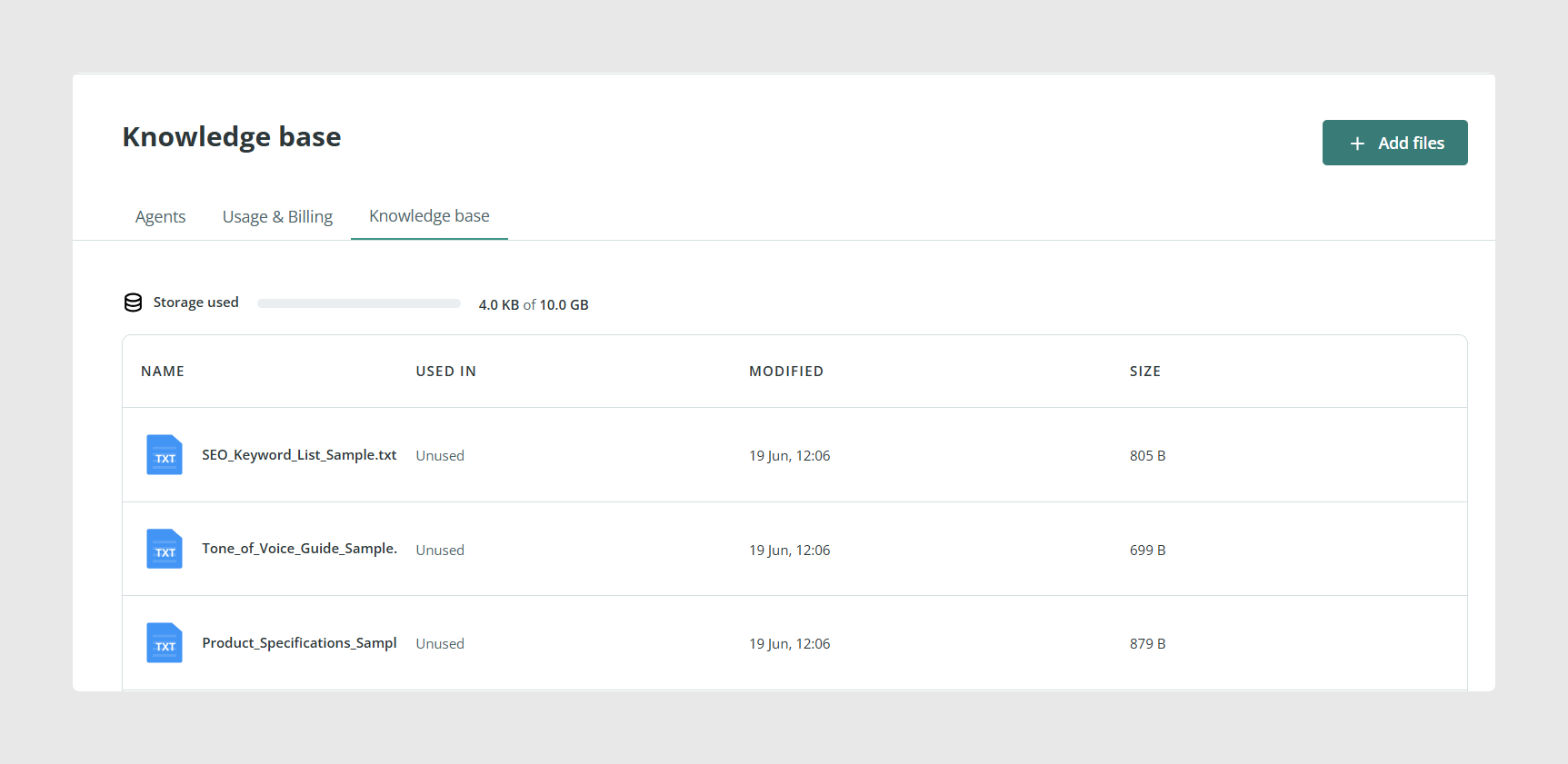
This can help agents follow information contained in brand guidelines, terminology documents, product documentation, mapping files or SEO references.
Combine actions with chained actions
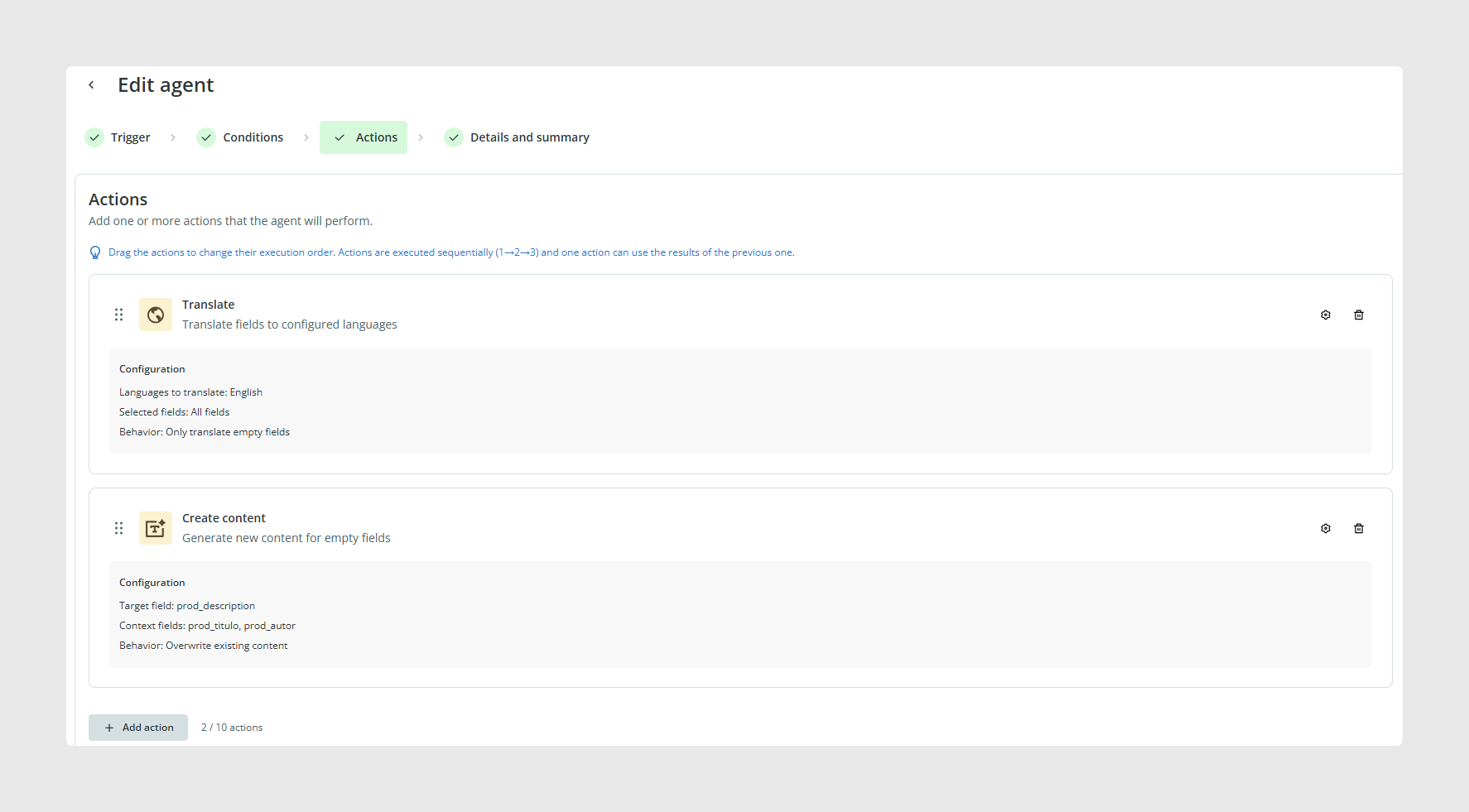
You can now configure several actions inside the same AI Agent. This functionality is known as chained actions.
An agent can contain up to 10 actions. The actions are executed one after another for each item, following the order shown in the agent configuration.
You can combine the available action types in the same agent:
- Translation
- Text Improvement
- Content Creation
- Smart Business Rules
To change the execution order, drag and drop the configured actions into the required position.
Simplified review experience
The Review changes screen has been simplified. The previous Quality button has been removed from the review interface.
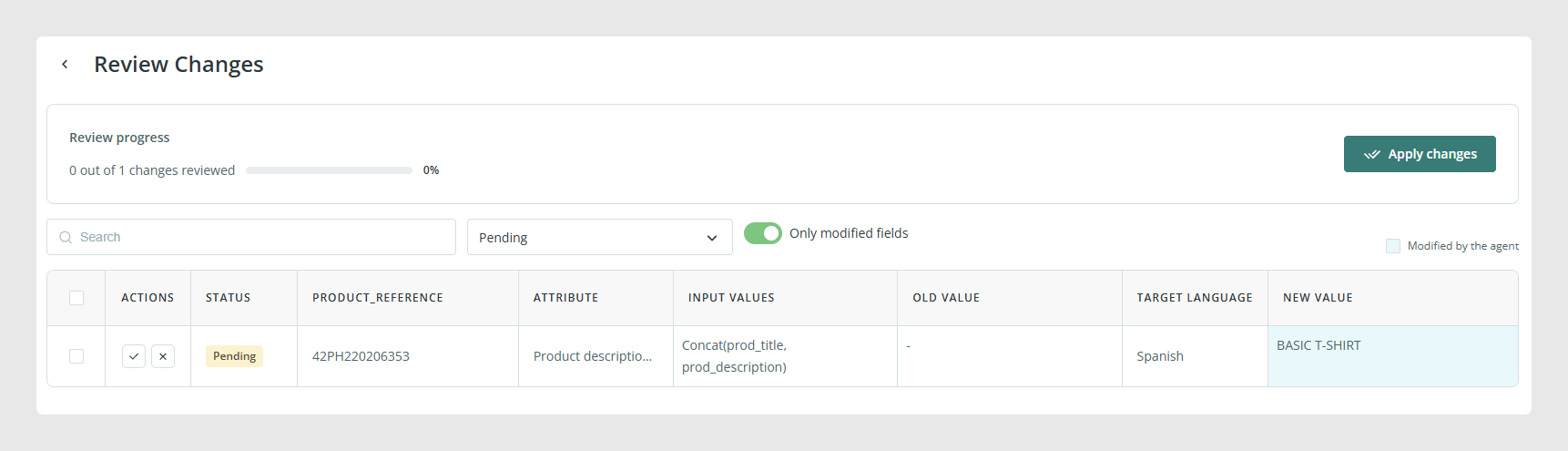
You can continue reviewing the results generated by an agent and use the available controls to:
- Approve proposed changes
- Discard proposed changes
- Edit a proposed value manually
- Apply the reviewed changes to the catalog
Improved navigation between applications
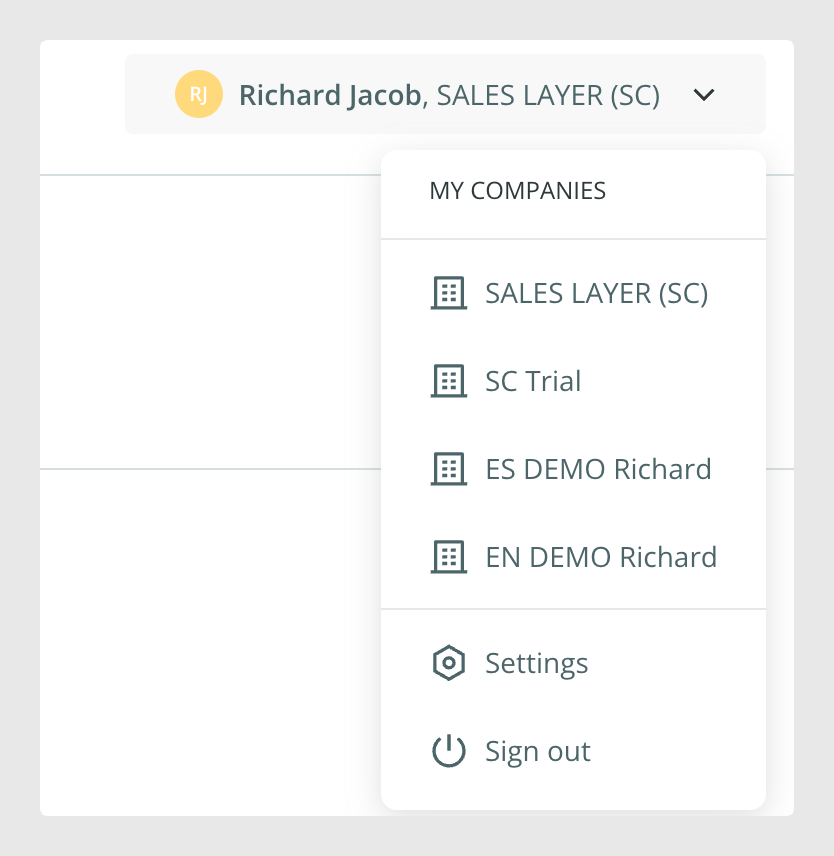
When moving between Sales Layer Cloud, the catalog application and AI Agents, the company you are currently working with remains selected.
This improves navigation for users who have access to several companies and helps them continue working in the correct company when switching between applications.
Was this article helpful?
That’s Great!
Thank you for your feedback
Sorry! We couldn't be helpful
Thank you for your feedback
Feedback sent
We appreciate your effort and will try to fix the article