If the supplier has enabled the minimum order amount option from the Purchasing Center, and two or more minimum amounts have been defined, users will be able to select the Delivery Center.
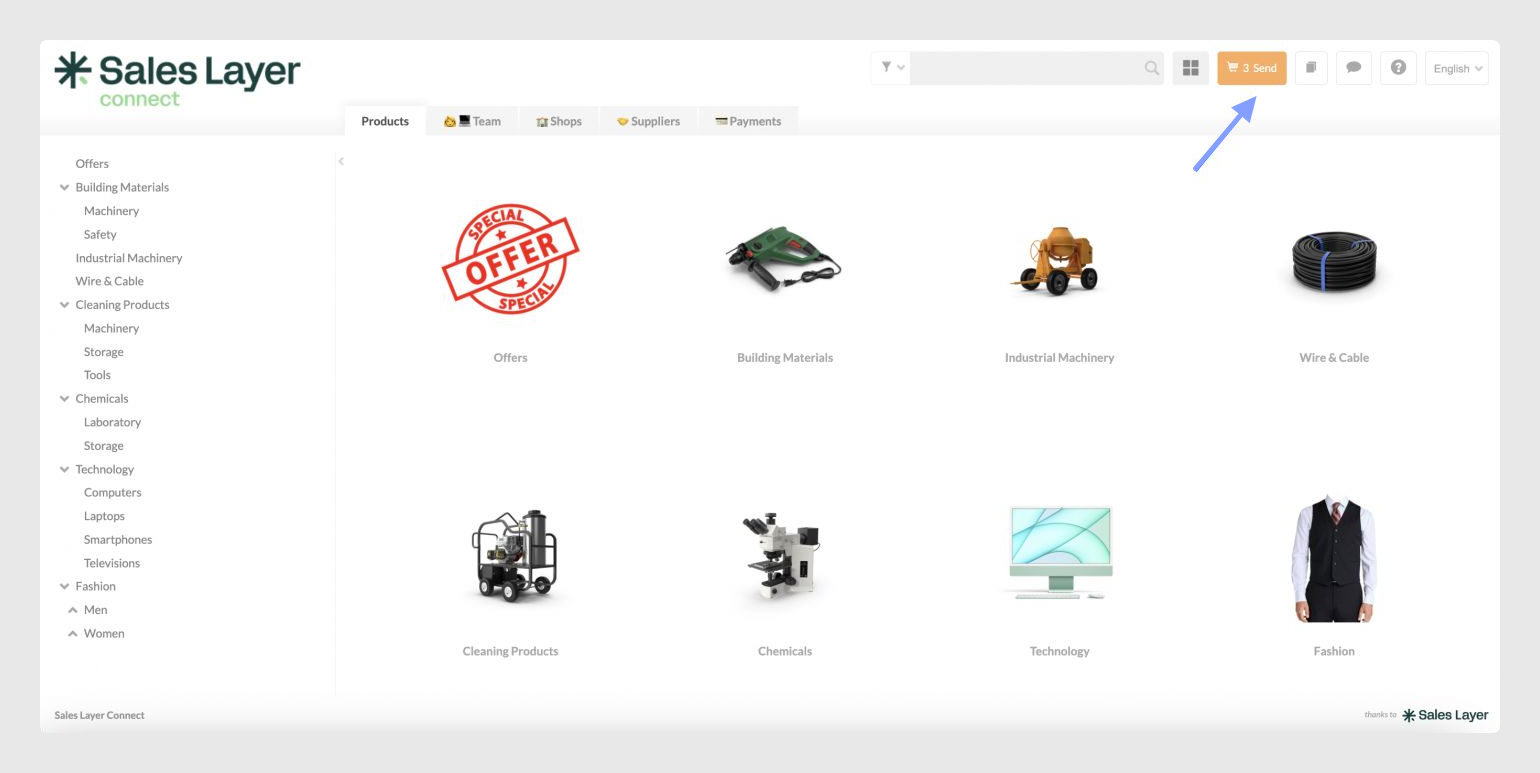
From this selector, users can choose the destination for the order. This is useful when the buyer manages different delivery locations with different minimum order amounts or costs.
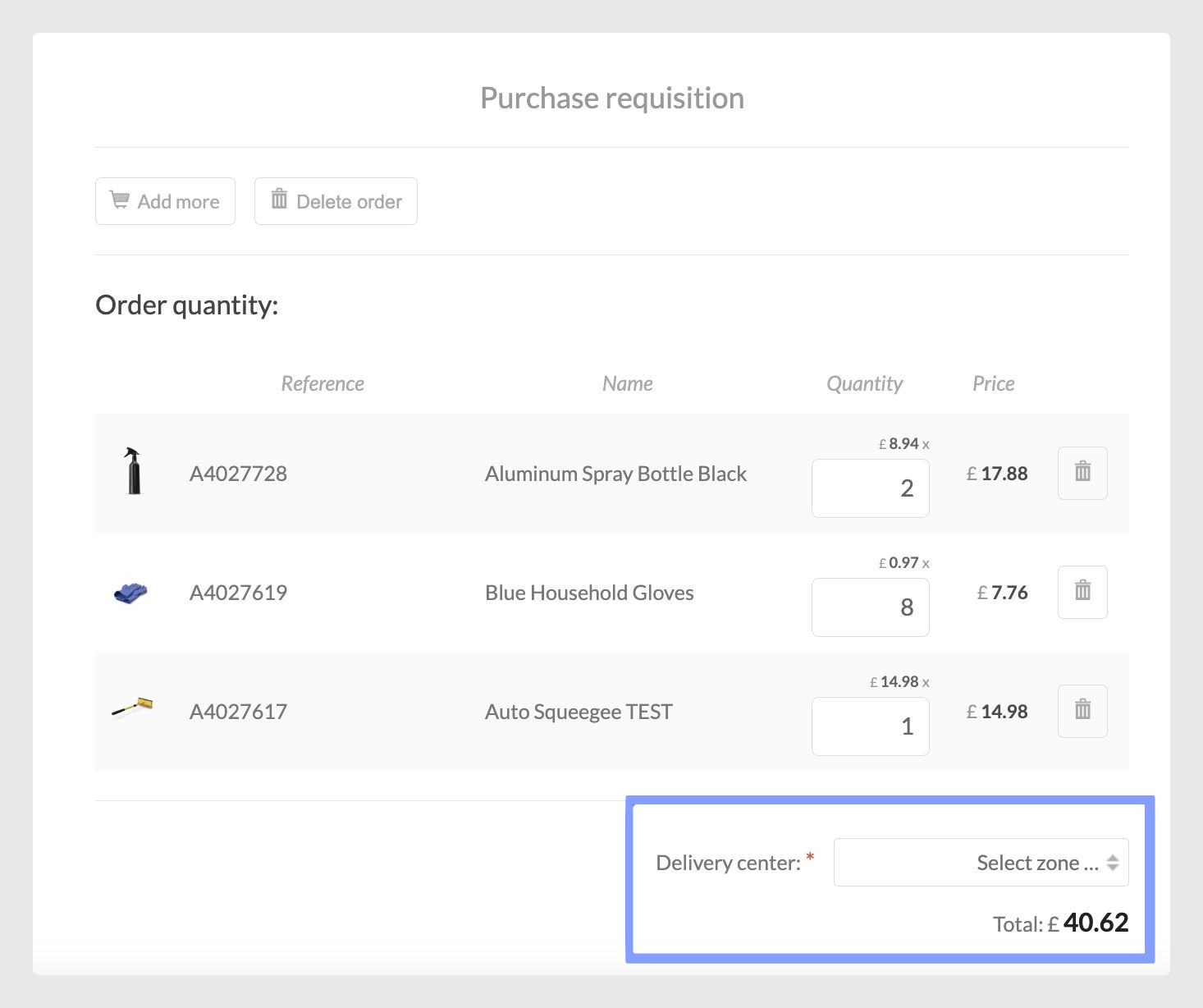
If only one minimum order amount has been configured, users will not be able to select the Delivery Center from this screen. However, when the order is placed, the system will automatically validate that the order meets the configured minimum order amount.
Minimum order validation
If the order does not reach the required minimum amount, the system will display an error message. This message indicates the minimum amount required for the purchase to be accepted.
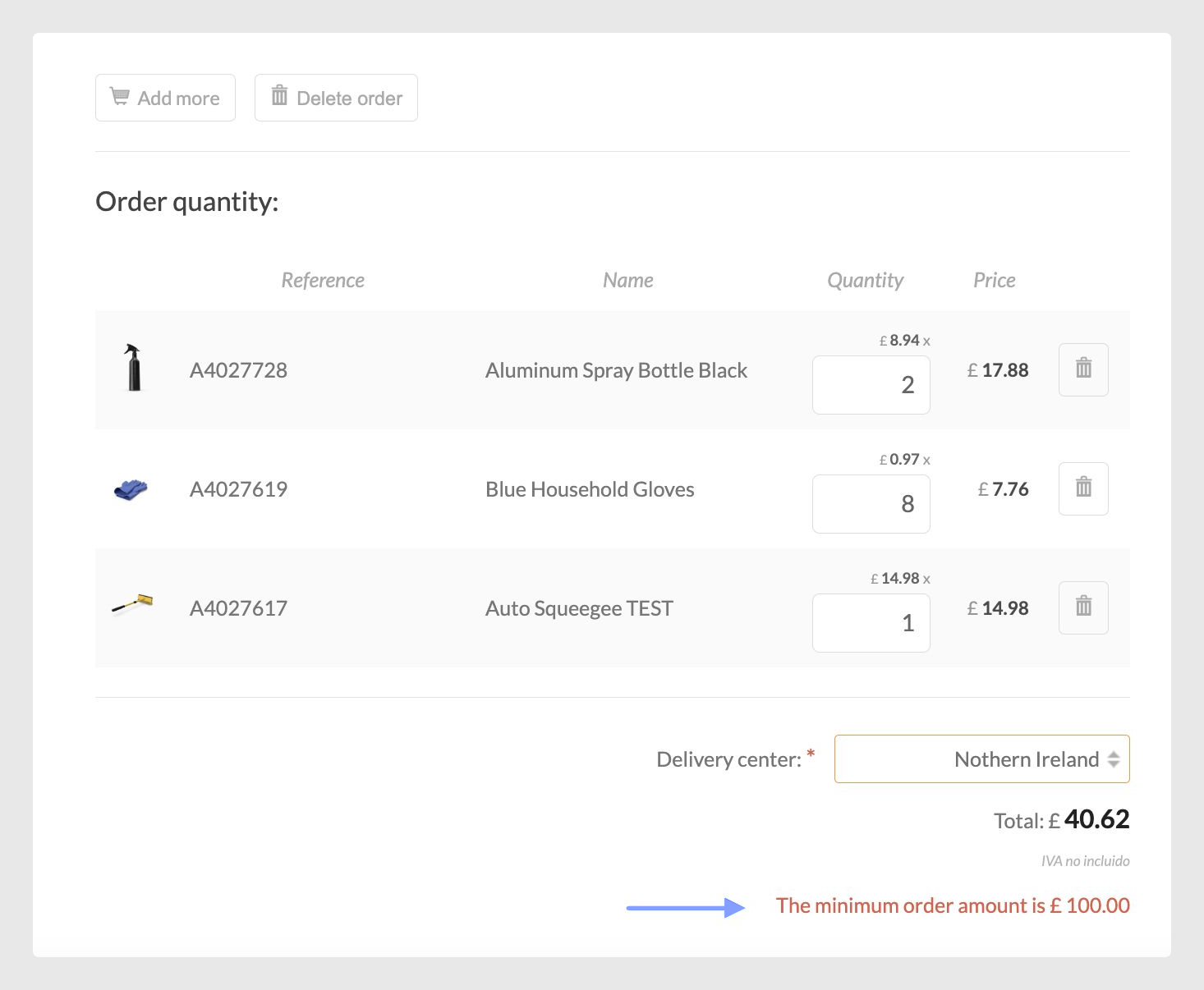
If the supplier has enabled the surcharge option and the minimum order requirement is not met, the buyer can either continue shopping until the minimum amount is reached or accept the corresponding surcharge.
Important Notes:
If an order is modified later in the buyer’s P2P system and no longer meets the minimum requirement, additional charges will not be applied automatically.
If the surcharge cannot be added through the procurement system, we recommend deleting the order and placing a new one with the updated quantity.
This process helps ensure that minimum order policies and any additional costs are correctly applied to each purchase request.
Was this article helpful?
That’s Great!
Thank you for your feedback
Sorry! We couldn't be helpful
Thank you for your feedback
Feedback sent
We appreciate your effort and will try to fix the article