A new FAQ section has been added to the plugin.
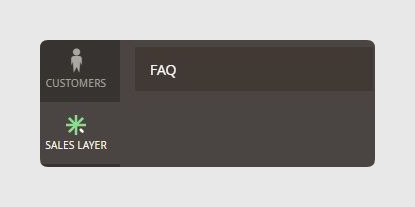
This section contains FAQs about synchronization, logs, and additional information about the plugin tools.
1. When synchronizing an e-commerce store, does it overwrite the existing data, duplicate them, or is it required to delete them first?
The existing data will not be deleted and it is not required to delete them first. To synchronize data, the system looks for a relationship between the ID of the existing item and the Sales Layer one, normally through an intermediate table or generated attributes in the e-commerce store. If that relationship exists, the data is updated.
If there is no relationship, the system searches among existing items that contain the same reference or URL Key and are not assigned to one in Sales Layer. If the system finds it, it establishes the relationship and updates the data.
2. What happens to the product URL once its name is changed?
If the product name is changed, the URL is changed in the e-commerce store.
3. How can we verify the sync process?
There is currently no progress bar. It is possible to synchronize manually and check the message informing you about the items to be synchronized.
4. Is it possible to have products in Magento without categories?
No. It is compulsory to have at least one category. Otherwise, there will be an error message and the product will not be synchronized.
5. What does the error message “The product with SKU 34601 and title: WT90-112-1 couldn't be deleted because it is being used by another connector” mean?
This error means there is an attempt to erase a product from a channel while that product is included in another channel. The product needs to be erased from both channels and updated in both channels as well.
6. When I create attributes in Sales Layer, are they automatically created in the plugin?
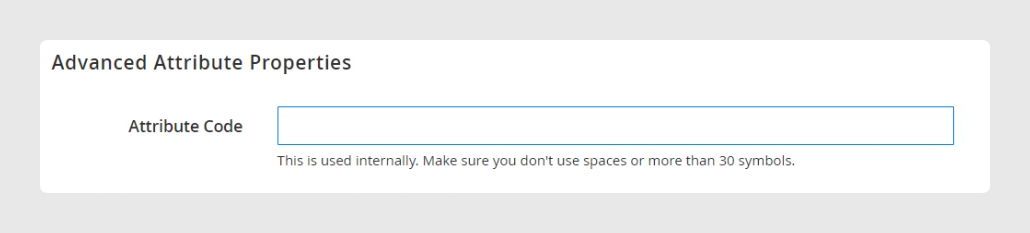
No. All attributes and fields created in Sales Layer need to be created first in Magento, and later mapped in the channel with the names assigned in the Attribute Code.
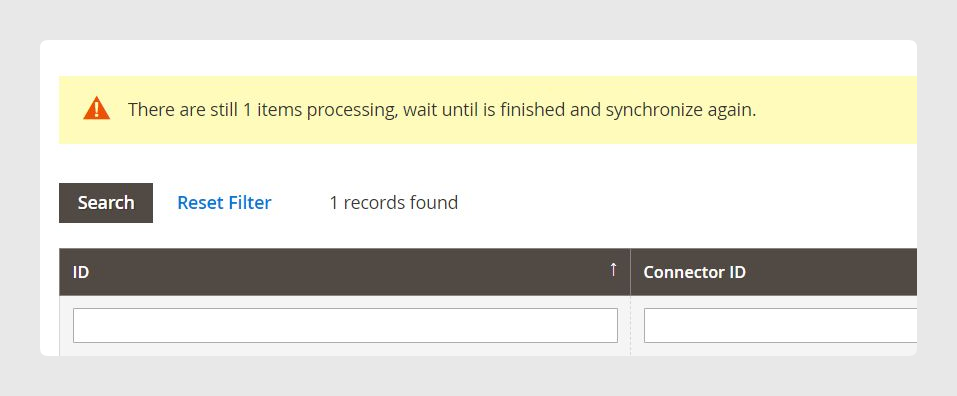
7. Why is Magento showing the message “There are still X items processing”?
This message appears for different reasons, depending on the amount of data to synchronize from Sales Layer. The synchronization time depends on the configuration of the client server.
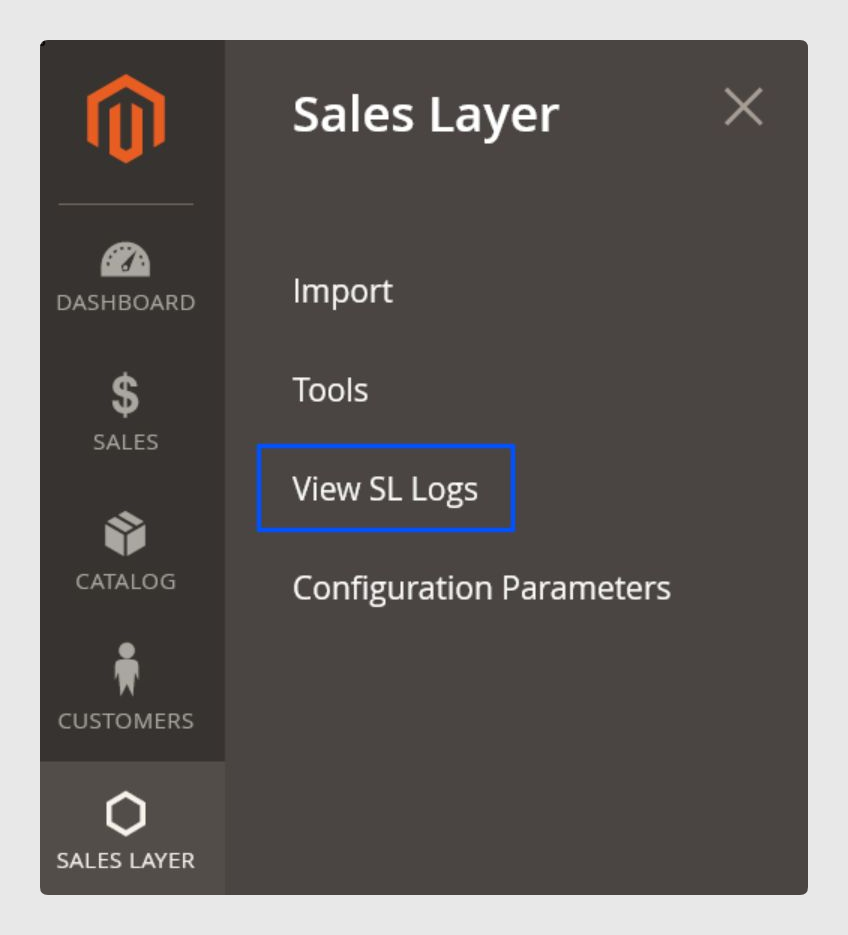
You can check possible errors in the Logs inside the Sales Layer plugin in Magento. Open the logs you need by selecting the date of your synchronization.
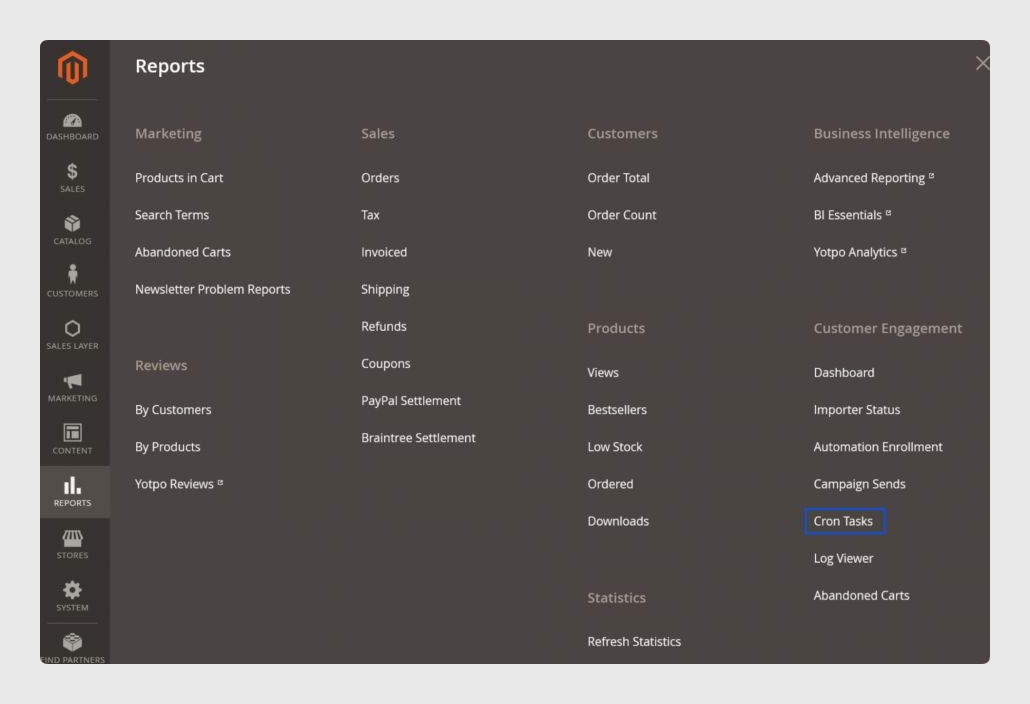
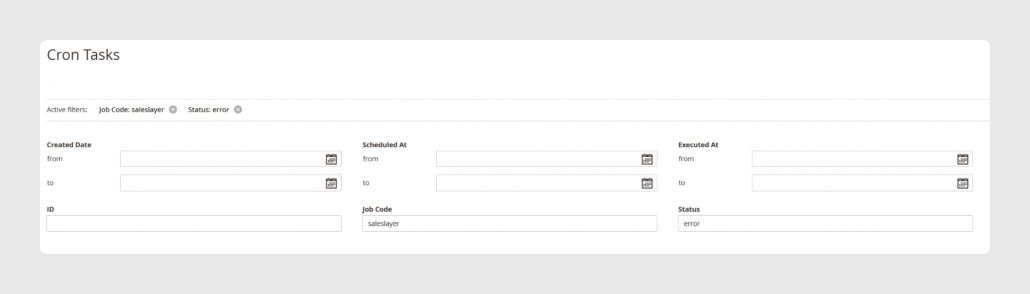
Also check the Cron Logs. Go to Reports > Cron Tasks and filter by job code = Saleslayer and status = error. This helps you detect where the error is.
Was this article helpful?
That’s Great!
Thank you for your feedback
Sorry! We couldn't be helpful
Thank you for your feedback
Feedback sent
We appreciate your effort and will try to fix the article