Edition Teams let you control who can edit specific items and fields in Sales Layer. They are useful when different people work on different parts of the catalog and you want to limit access or add a review step before changes are approved.
Feature Activation
This functionality is an advanced feature, so if you do not see this option, your account or user may not have permission to use it. In some cases, the feature is only available for Enterprise accounts, and you also need more than one user in the account before you can create a team. If you wish to have this feature enabled, contact us through the usual support ways.
How to create an edition team
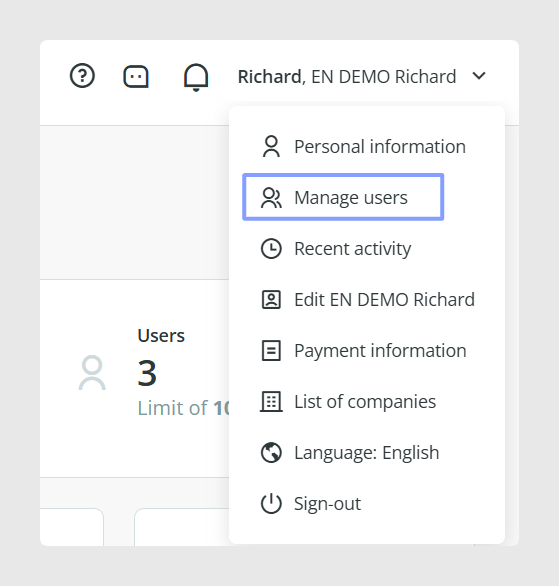
Open the menu under your username and go to Manage Users.
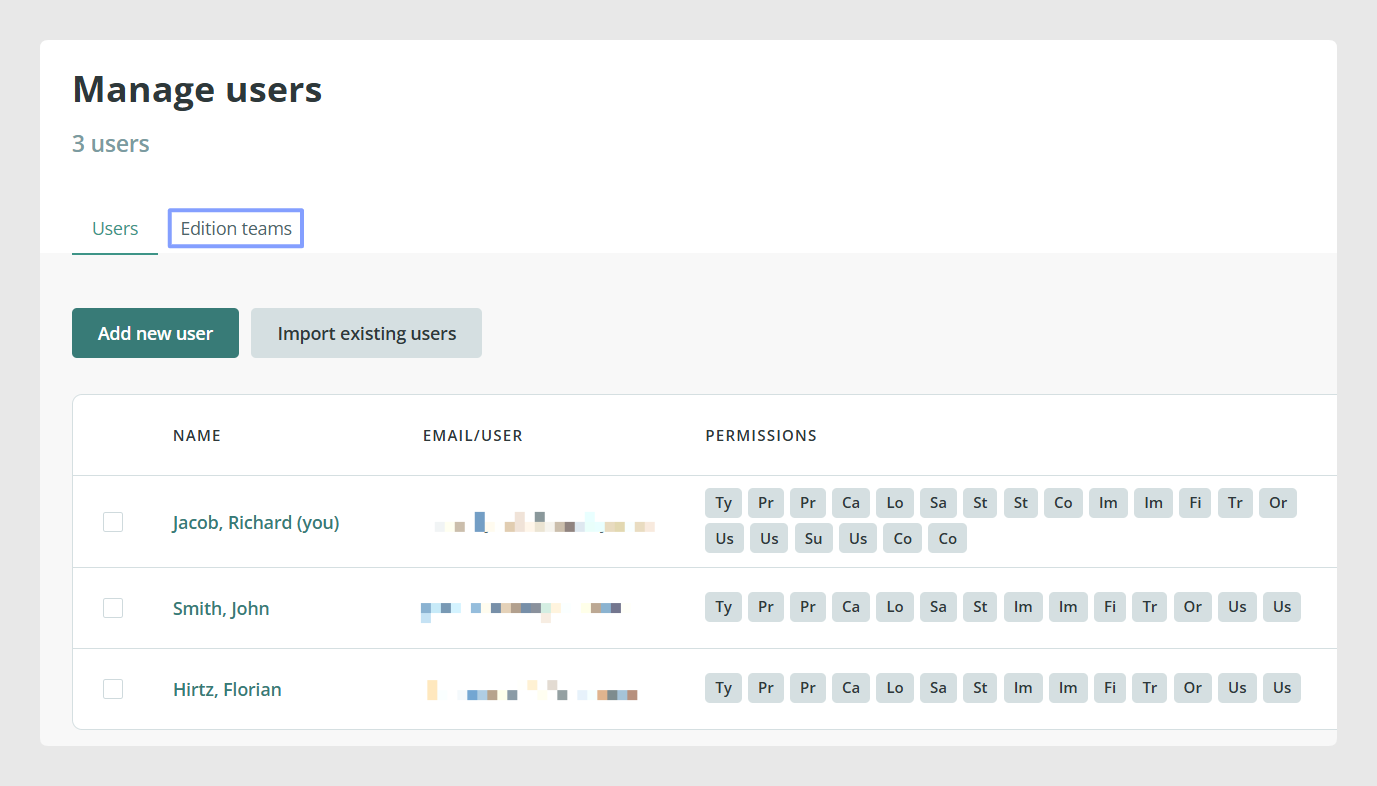
Open Edition Teams.
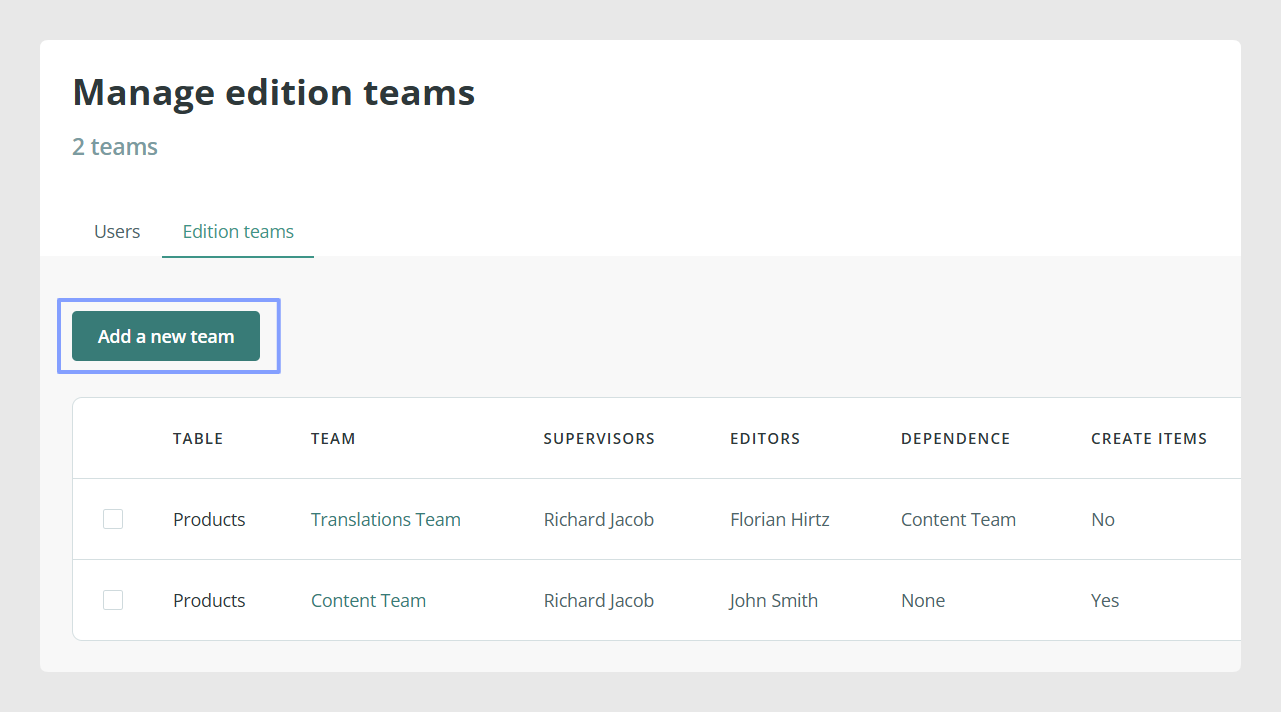
Click Add a New Team.
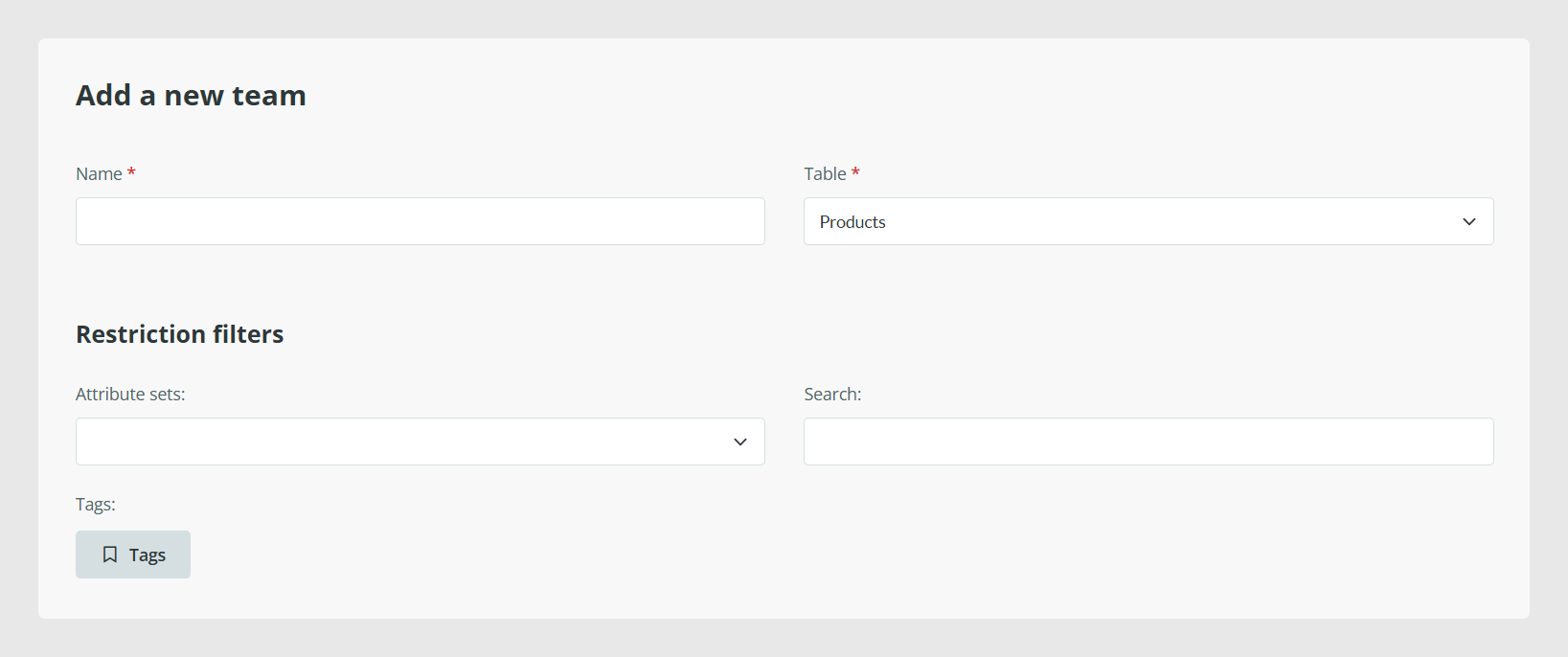
Enter a name for the team.
Choose the table the team will work with.
After choosing the table, define which items the editors in that team can work on. You can restrict access by Attribute Set, by search criteria, or by tags. The search criteria follow the same principles as the Sales Layer search bar, so you can use search-based filters to narrow down which items belong to the team.
Next, choose which fields editors can work with:
Editable fields are visible and can be changed.
Fields that are not included as editable stay visible, but cannot be changed.
Invisible fields are hidden from editors.
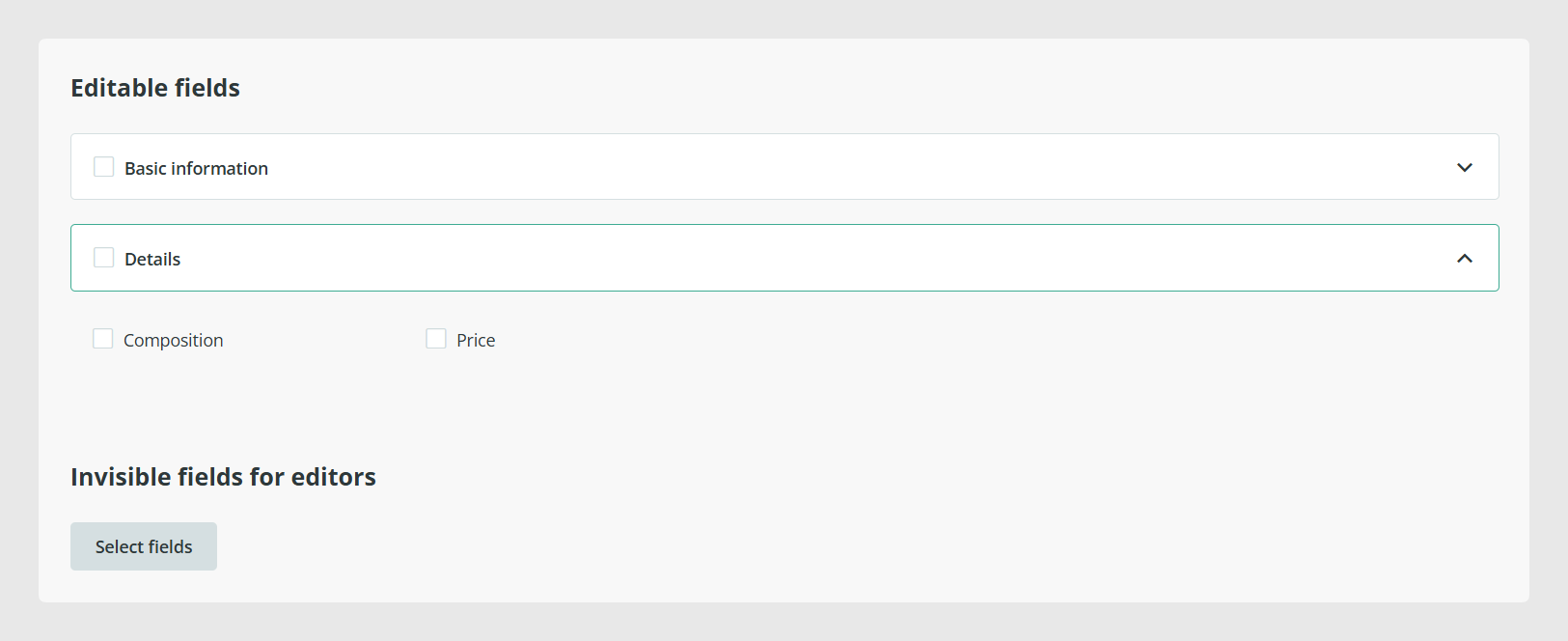
This setup is especially useful for translation workflows. For example, you can leave the source-language fields visible but not editable, and make the target-language fields visible and editable. If needed, you can hide the rest of the fields so the editor only sees what is relevant for their work.
Fields you cannot hide
Some fields are mandatory and cannot be made invisible. Product Reference and Name must remain visible. Also, Product Reference is treated as minimum required information, so it does not appear as an editable field for editors. Name can appear as editable, but it cannot be hidden.
Assign editors and supervisors
Once the item and field restrictions are ready, choose who will be part of the team:
Editors make changes.
Supervisors review and approve those changes.
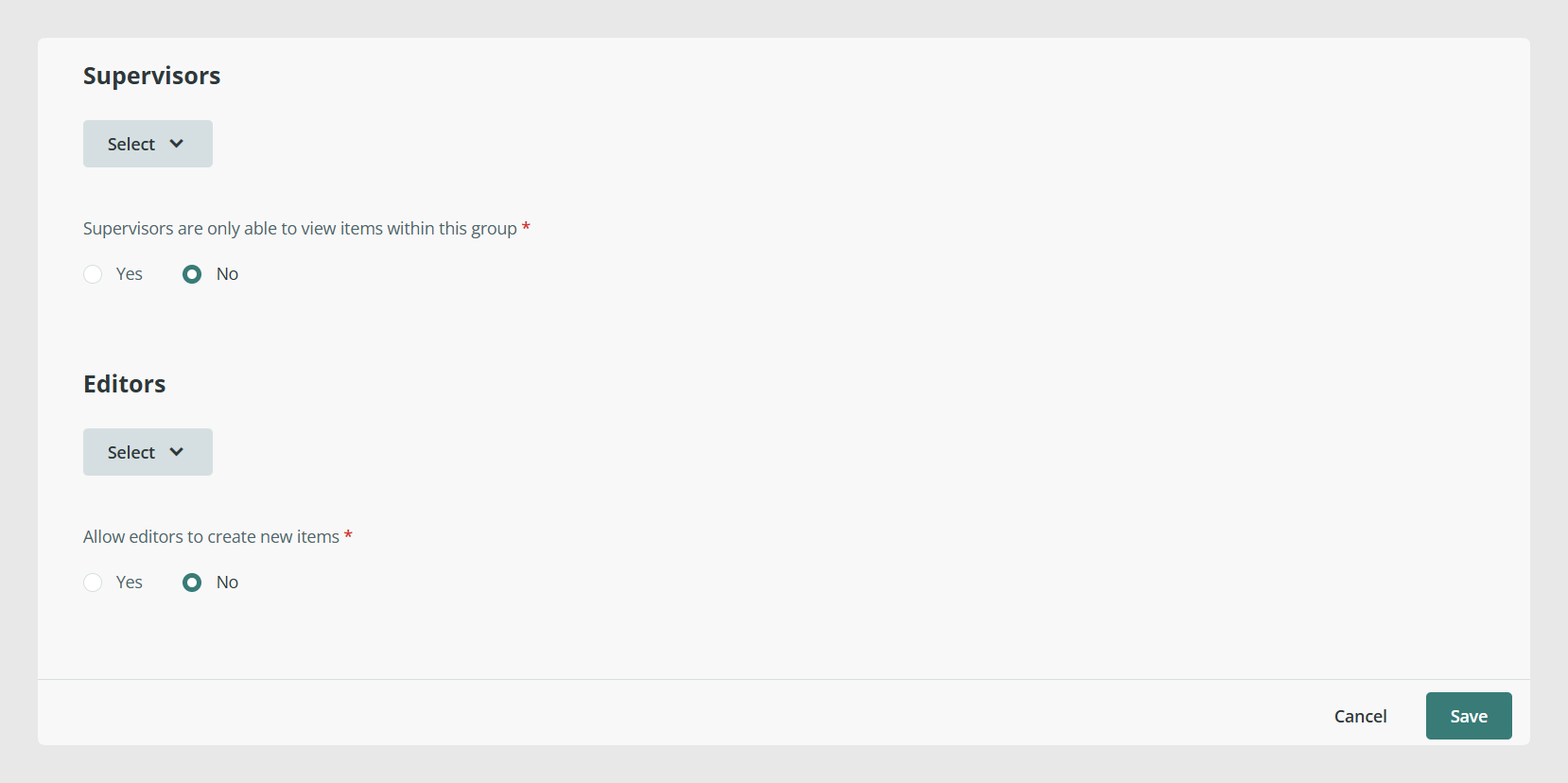
If you add editors but leave the supervisor empty, the team will still restrict what those editors can see and edit, but their changes will be approved automatically, without a review step.
You can also assign an input connector as an editor. This means imported changes can go through the same approval process, so a supervisor can review what the connector adds or updates before it is validated.
Allow editors to create items
When configuring the team, you can also decide whether editors are allowed to create new items or only edit existing ones. This setting is important if the team needs to import data through Excel, because editors need permission to create new items for that import to work.
Keep in mind that some bulk permissions can still be restricted, including actions such as changing statuses, changing categories, changing Attribute Sets, deleting items, making bulk modifications, or adding tags.
Sequential workflows
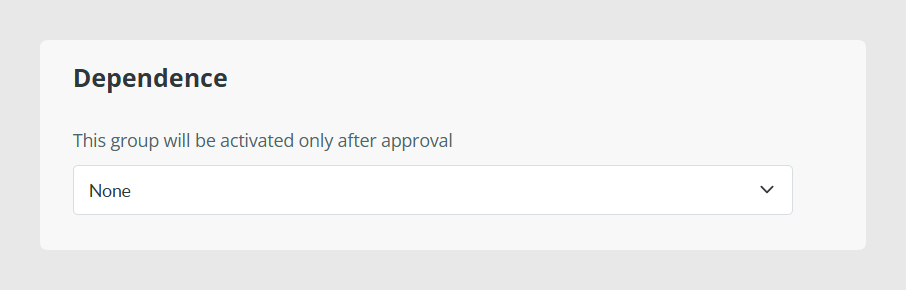
You can also connect several Edition Teams into a sequence. This is useful when one group should only start after another group has finished and the changes have been approved. To do this, use the Dependence field when configuring the team.
The Dependence field only works with teams that belong to the same table. For example, you could create one team that completes the main-language content and a second team that translates multilingual fields. In that setup, the translation team would only start once the first team has finished and its changes have been approved.
There is one important limitation in sequential workflows. Editors in a dependent team cannot import or create items, even if the option is enabled in their configuration. Only users in a team without dependencies can import or create new items.
Common Use Cases
Edition Teams are useful when you want to separate responsibilities inside the catalog. Common examples include:
letting translators work only on language fields
limiting regional teams to the products or fields they manage
sending connector imports through a supervisor for approval
creating multi-step workflows where one team prepares data and another team validates or translates it
Best practices
Keep each Edition Team focused on one clear purpose. For example, create separate teams for translation, enrichment, or review instead of mixing too many responsibilities into one workflow. Before enabling sequential workflows, test the process with a small group of items first, so you can confirm that the filters, editable fields, and approval chain behave the way you expect.
Was this article helpful?
That’s Great!
Thank you for your feedback
Sorry! We couldn't be helpful
Thank you for your feedback
Feedback sent
We appreciate your effort and will try to fix the article