This article helps you understand what you see after logging in, what the dashboard shows, and how the main menu helps you navigate.
The main dashboard
The main dashboard is the first view you will see after entering your account. The information shown can change as your account starts to have activity, so a new account may display fewer data points at first.
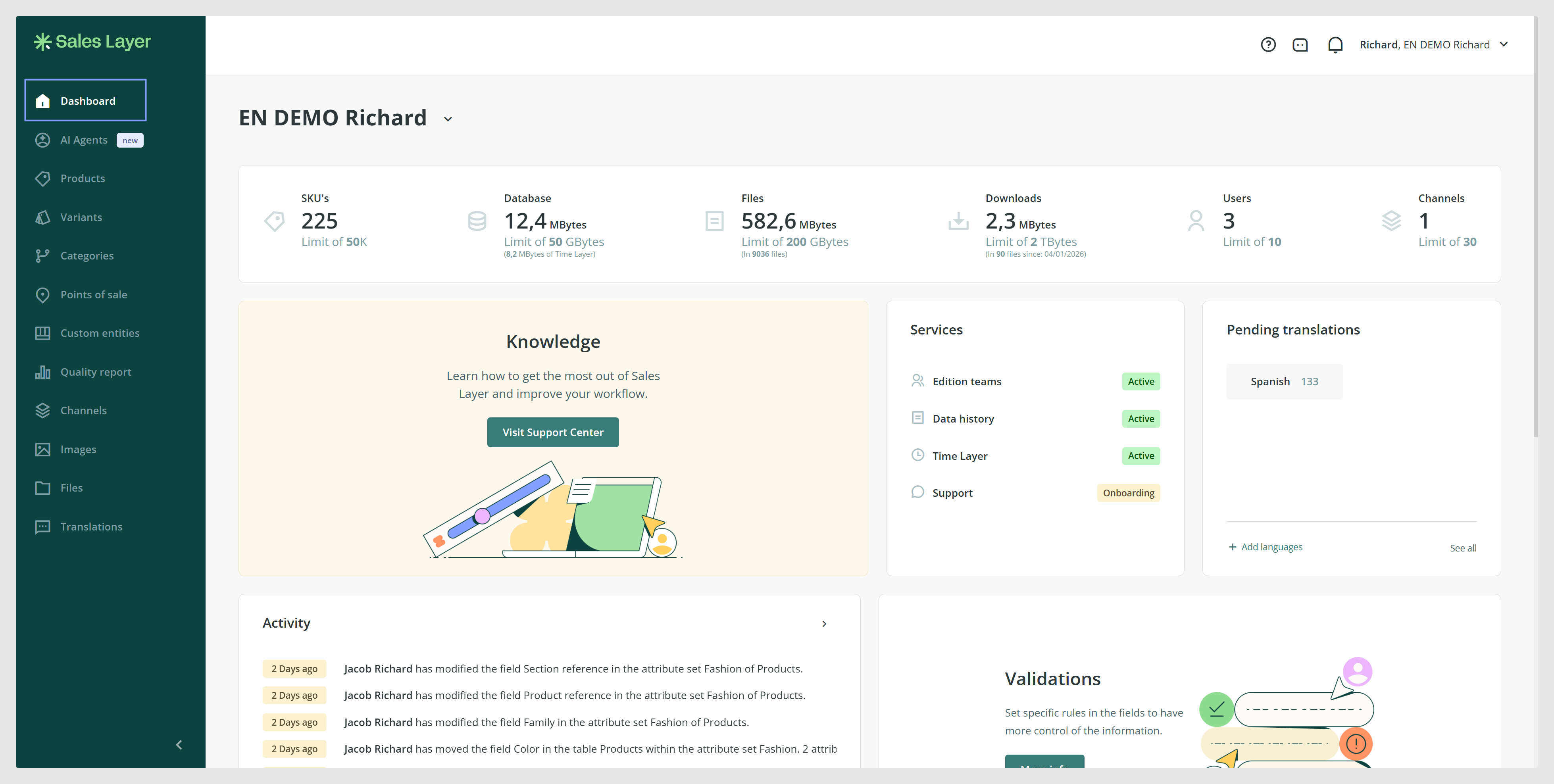
On the dashboard you can see a general summary of contracted parameters such as:
- Number of references
- Database information
- File library capacity and downloads
- Users
- Number of channels

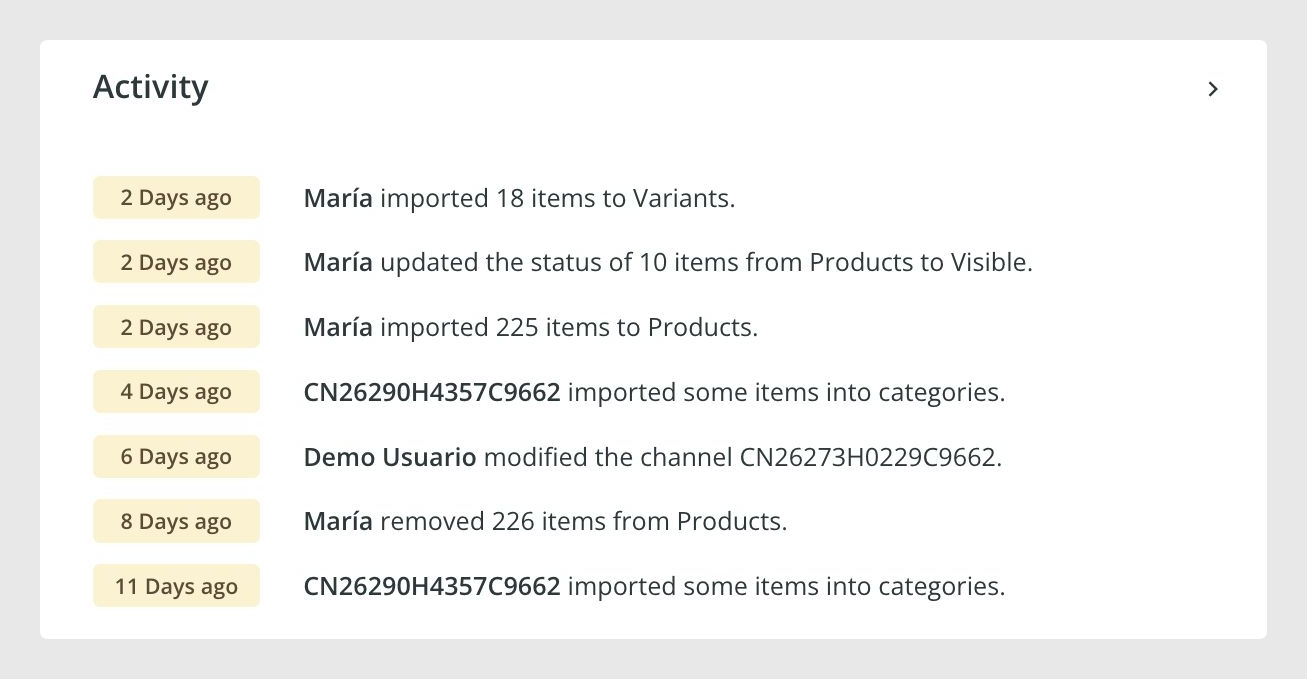
You can also see user activity and featured items with Sales Layer updates.
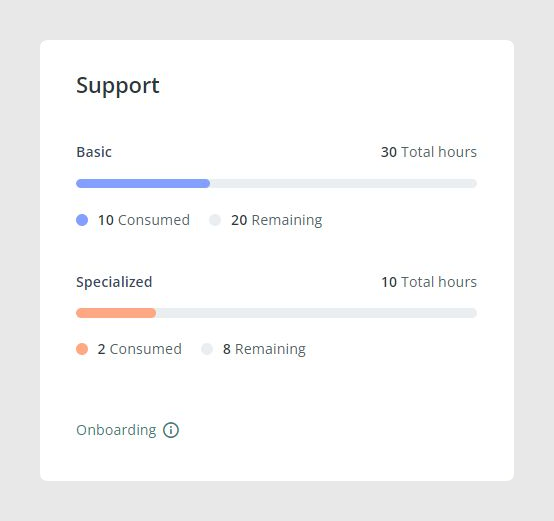
Support panel
Next to user activity, there is a support panel with two areas: Basic support and Specialized support, showing contracted hours and consumption.
Channels section
Scrolling down, you can find the Channels area. If you have channels created, they will appear here. You may also see an option to Add channel from the dashboard, which takes you to the channel store so you can choose and create a channel.

Items overview and libraries
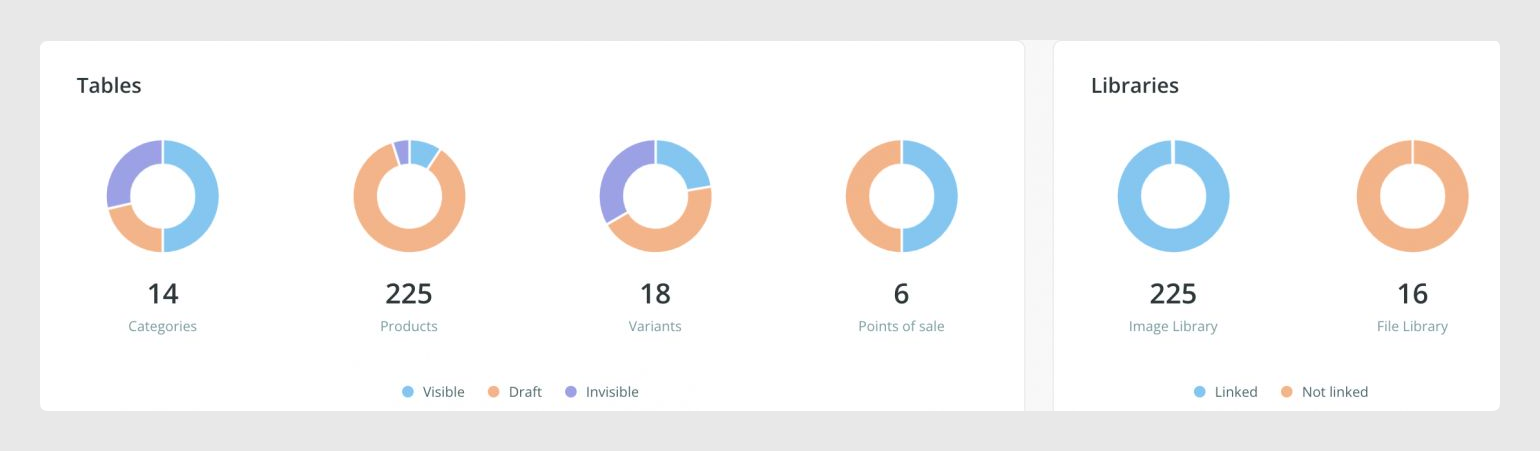
Further down, you can see a visual summary of how many items you have in your tables and the status they are in for areas like Products, Variants, Categories, or Custom Entity tables, if used. On the right side, you can also find the image and file libraries, including counts and whether assets are linked to items.
Using the main menu to navigate
The main menu is your route to the different areas of Sales Layer. What you see in the menu can depend on your account setup and permissions.
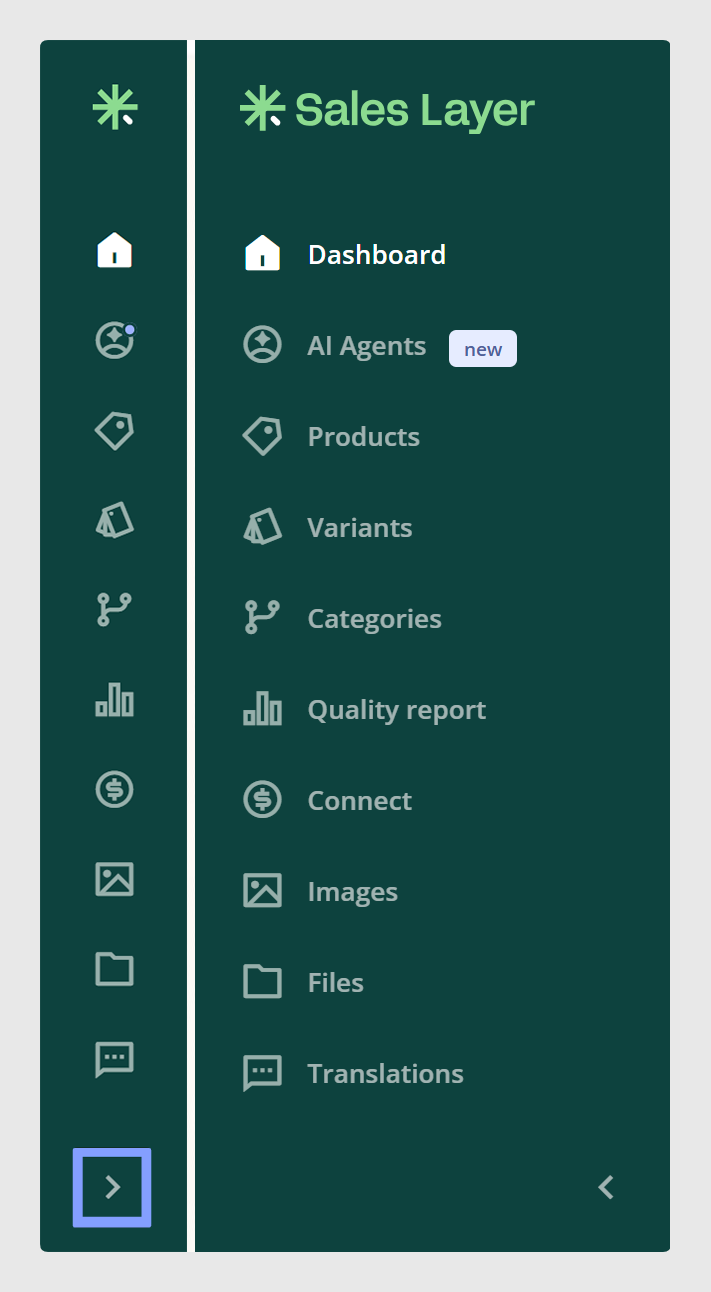
Quick navigation tips:
1. Use the dashboard as a home base to understand your account.
2. If you are not sure where something is, check the main menu first, and remember that some areas may appear only when enabled or permitted.
3. If you work across multiple companies, use the company name in the main menu to switch context.
Was this article helpful?
That’s Great!
Thank you for your feedback
Sorry! We couldn't be helpful
Thank you for your feedback
Feedback sent
We appreciate your effort and will try to fix the article