This article explains how to configure:
- Your active languages, which are the languages available in your account.
- Your primary language, which is the default language shown when editing.
Key terms
Active languages
Active languages are the languages enabled in your account. They determine which language options are available when you work with multilingual fields.
Primary language
The primary language is the catalog’s default language. It is the language shown by default when you add or edit information in the form.
Where to manage languages
You can configure languages during account creation or later from the Translations tab.
Path: Translations → Actions → Update languages
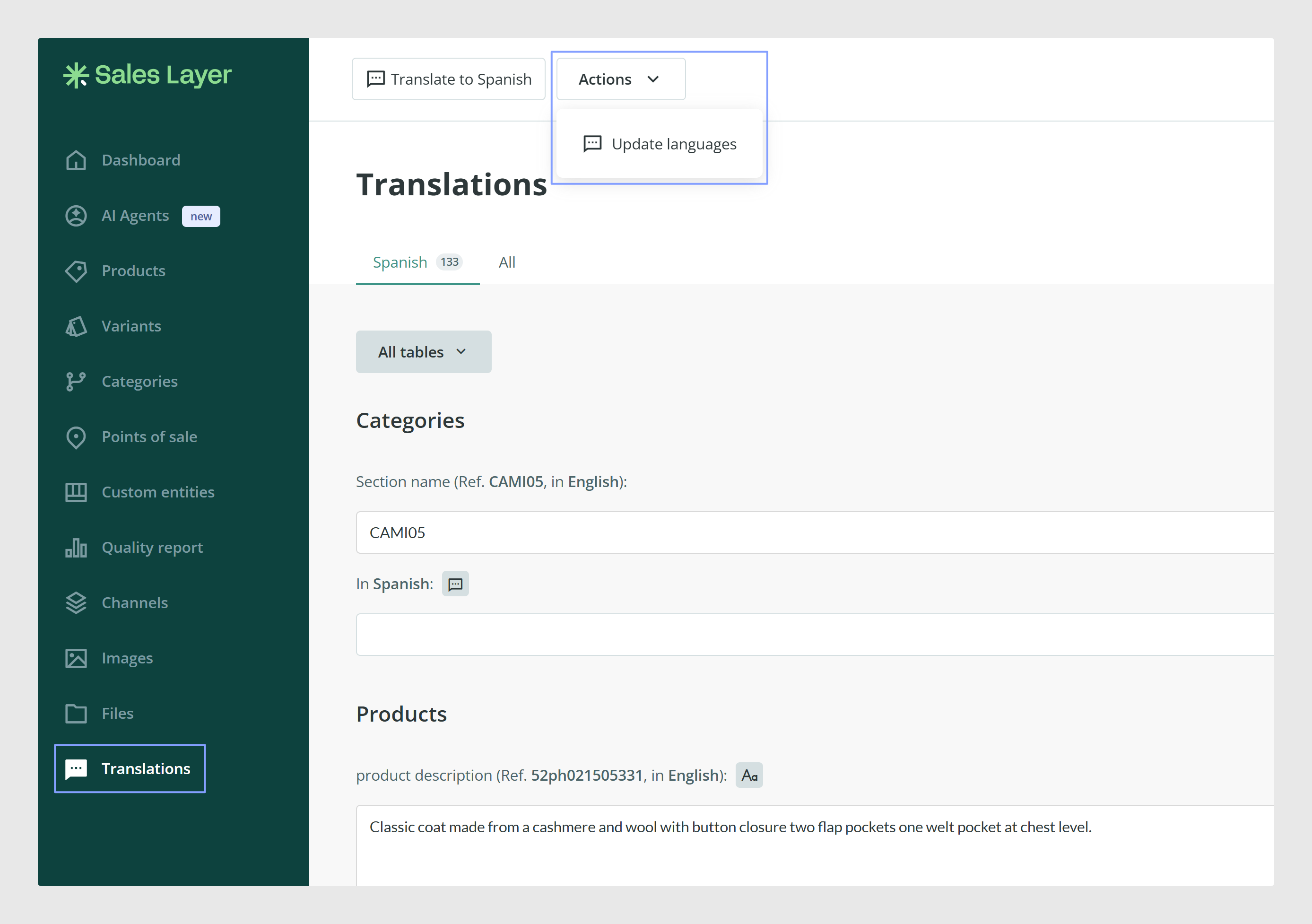
Add or remove active languages
- Go to Translations → Actions → Update languages.
- Add the languages you want to use, or remove the ones you no longer need.
- Save the changes by clicking Modify.
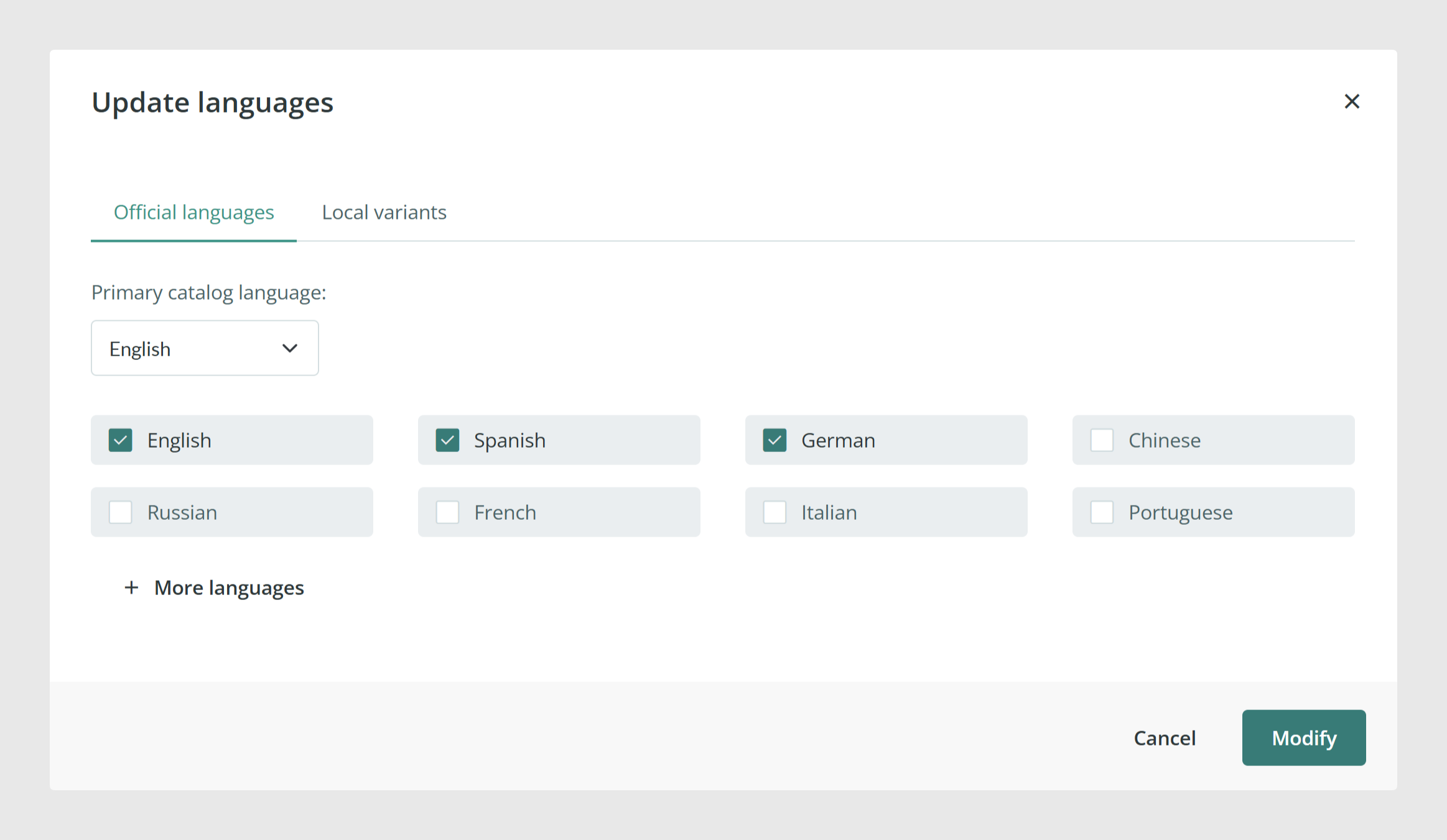
Add local variants
If you need regional variants, for example Spanish for Argentina or English for the US, you can add them from the Local variants area in the same language setup screen.
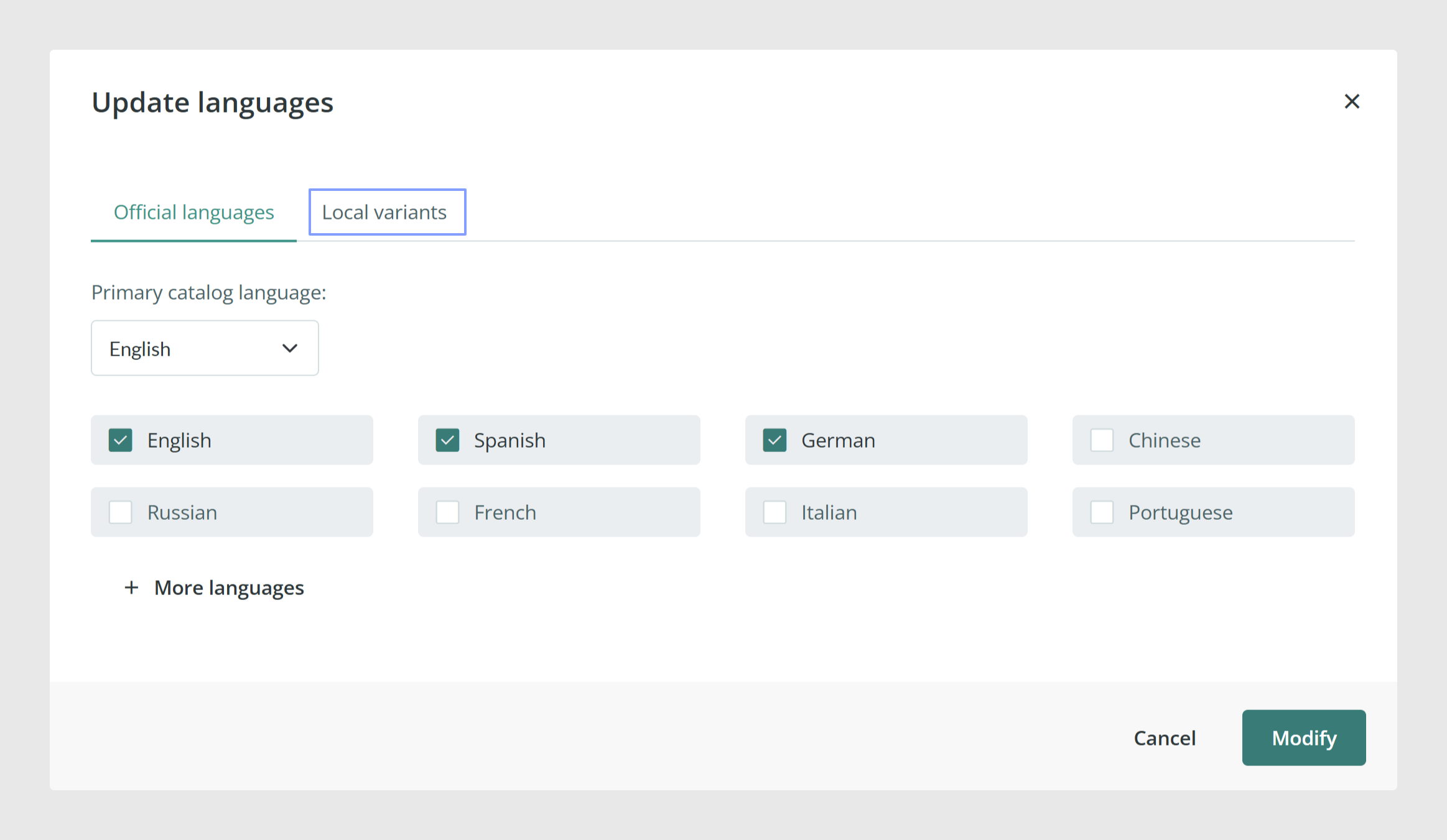
Set the primary language
- Go to Translations → Actions → Update languages.
- Select the primary language for the catalog.
- Save the changes by clicking Modify.
This primary language will be the default when introducing or modifying data in the form.
Best practices
- Enable only the languages you actively plan to maintain.
- Set the primary language to the language your team uses most for day-to-day editing.
- If multiple countries share one account, consider multilingual field names so each team can view form labels in their own language. Please check How to Manage Multilanguage Content to learn more.
Was this article helpful?
That’s Great!
Thank you for your feedback
Sorry! We couldn't be helpful
Thank you for your feedback
Feedback sent
We appreciate your effort and will try to fix the article