Starting with version 1.5.0, the Sales Layer plugin for PrestaShop provides a cache that quickly detects whether a product has changes.
The plugin keeps a record in PrestaShop of changed items to synchronize. This record is a list of data hashes created from all the item content.
This cache can be cleared individually or collectively.
Individually
- Making changes from Sales Layer: To update the cache for specific items, edit the item in Sales Layer. You can edit any field, but this will not work if you only change the item status.
- Making a change in PrestaShop: The client can cause a change in the last modification date by modifying any data of the item. As a result, the plugin detects the change, and after the next Sales Layer synchronization, the received content is accepted even if it does not include changes.
Collectively
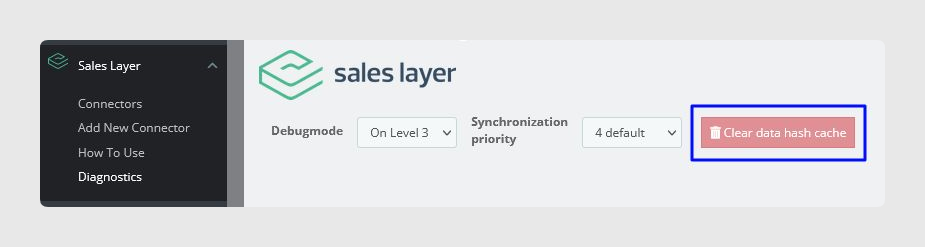
In the Diagnostics tab, the plugin offers the Clear data hash cache functionality, which clears the cache of all items. This operation overwrites the items in the next synchronization even if they have not been edited. For this reason, synchronization may take longer than usual.
Was this article helpful?
That’s Great!
Thank you for your feedback
Sorry! We couldn't be helpful
Thank you for your feedback
Feedback sent
We appreciate your effort and will try to fix the article