A Custom Entity is an additional data table you can create in Sales Layer to store information that is not a Product, Variant, or Category, but still needs to be managed and reused across your catalog.
Where you see it in Sales Layer
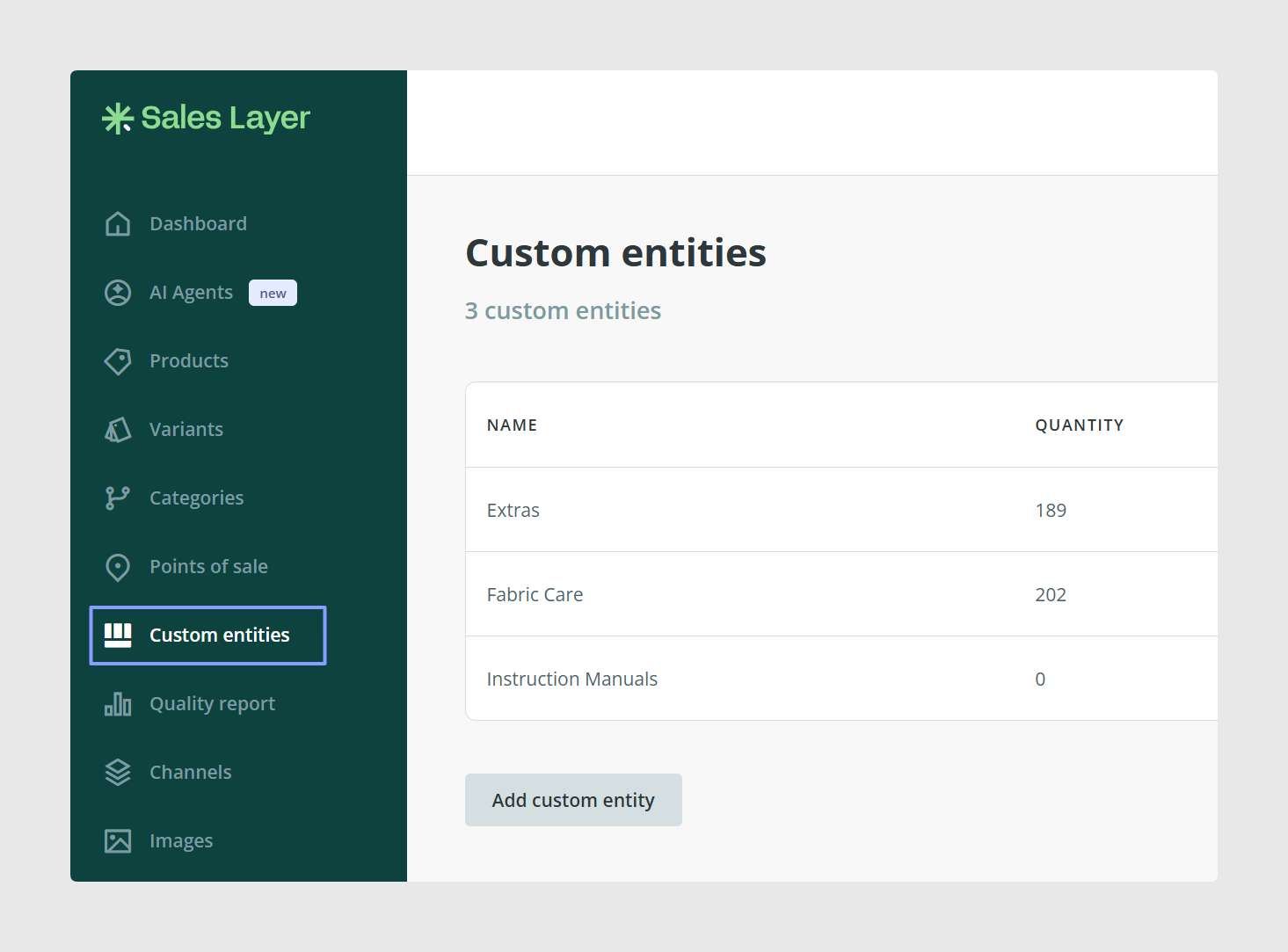
Custom Entities appear as their own tables, similar to Products or Categories. You can typically link a product to a Custom Entity using a relationship field, for example, a “Related Items” type field, depending on your setup.
It helps you avoid repeating the same information across many products.
It lets you manage shared data as a single source of truth.
It makes your catalog more consistent, because products can reference the same approved values.
It supports richer data models when your product information goes beyond simple fields.
For example, instead of typing the same brand details on every product, you could have a Brand Custom Entity that contains:
Brand name
Brand description
Brand logo
Brand website
Then products can link to the relevant Brand entry.
Other common examples are: Suppliers, Collections, Instruction Manuals, Certificates, or Compatibility lists, depending on your catalog needs.
Related articles
Also see:
How to Link Products using Related Items Field: also explains linking products to custom entities.
Was this article helpful?
That’s Great!
Thank you for your feedback
Sorry! We couldn't be helpful
Thank you for your feedback
Feedback sent
We appreciate your effort and will try to fix the article