File downloads
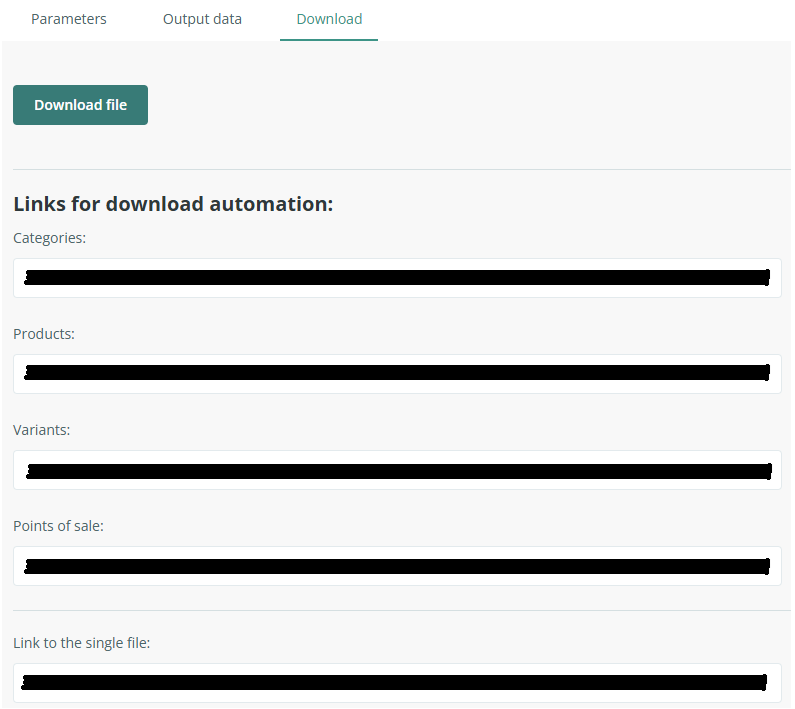
Once all parameters and field mappings have been configured, the Download tab provides access to all exported files generated by the Connector.
Depending on the Connector’s configuration, you may see:
- One CSV file per table (Categories, Products, Variants, POS, custom entities…)
- A merged CSV if table-merge options are enabled
- A ZIP file containing all exported files
- A direct link for automated access via API
This section explains how each download format works.
1. Downloading individual tables
By default, the CSV Export Connector generates one independent CSV file per table, reflecting the structure of your PIM.
Typical downloadable files include:
- categories.csv
- products.csv
- variants.csv
- points_of_sale.csv (optional)
- custom_entity_x.csv (if added via “Add Table”)
Each file contains only the fields enabled and mapped for that table.
If the Connector is configured without any merging options, this is the default behavior.
2. Downloading merged tables
If any of the merge options are enabled:
- Merge categories with products
- Merge product information with variants information
…the Connector may produce a single unified CSV file.

3. ZIP download link (Download all)
At the bottom of the Download tab, you will always find a Link to a single file.
This creates a ZIP archive containing:
- All exported CSV files
- All required image/files inside the ZIP if the “Pack files in ZIP” option is enabled
- Any optional tables included in the Connector configuration

