PruebaJavier
as well as creating new fields, renaming, removing, or changing the type of current fields.
When we add fields to a family, we can either create brand new ones from scratch, incorporate ones that already exist in other families, or reactive ones that are not currently being used.
It is important to realise that when you remove a field from a family, that field is not deleted, but simply disconnected from the family. If, in the future, you find that you need that field again, you can simply reactivate it.
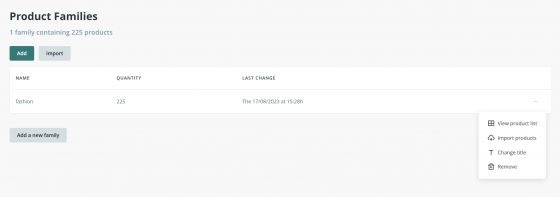
Creating and editing Families
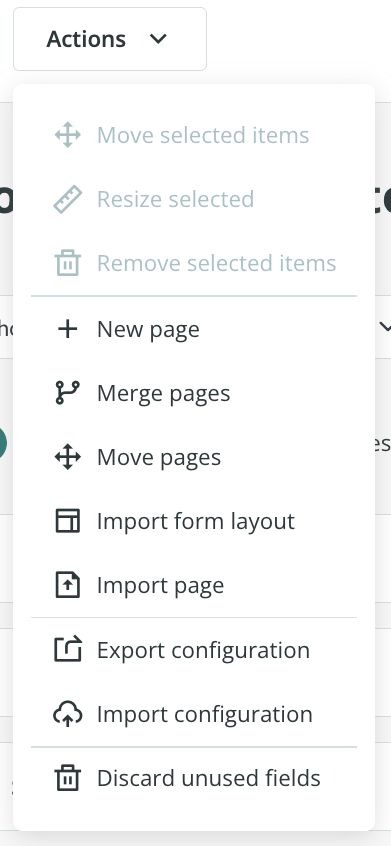
Editing a form’s fields using the Form Editor in Families”
It’s important to emphasize the green checkbox whenever you make any changes to a Family; this controls whether you want the change to apply just to that family, or to be replicated across all of your families. If you set this option to true by mistake it could lead to undesired results which could then involve a lot of work to rectify.